Slide 1 of 4 from Simple Brand Strategy Canvas PowerPoint Template
White Background Slide – Simple Brand Strategy Canvas Presentation Template
Brand Strategy Canvas Overview Slide
- Text Layout
- Other
- Context Slide
- 16:9
- 100% Editable
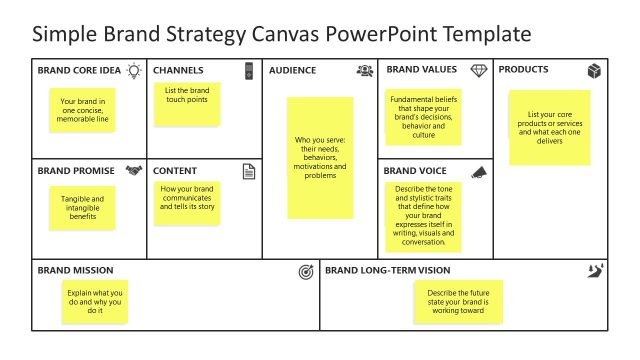
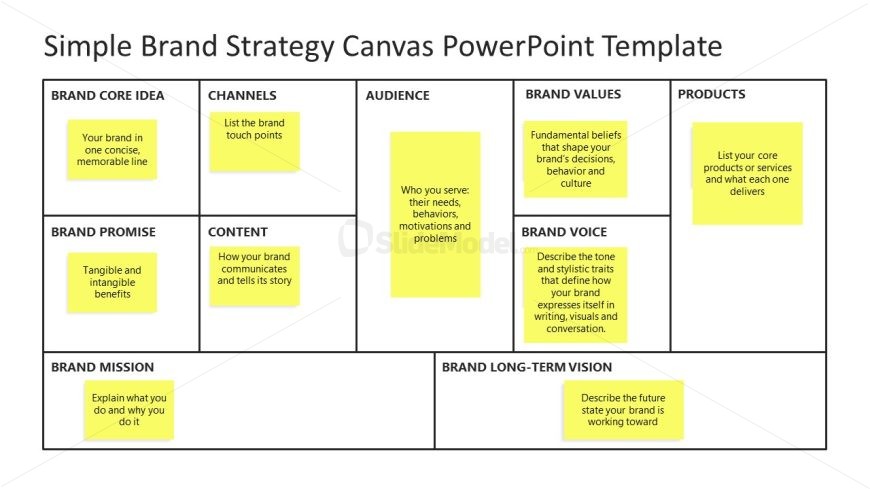
The Brand Strategy Canvas Overview slide from the Simple Brand Strategy Canvas PowerPoint Template offers a structured layout ideal for strategic planning sessions and marketing workshops. This slide uses a clear grid format with editable shapes to highlight essential brand elements, making it a practical choice for corporate presentations and business presentation slide decks focused on brand alignment.
What’s on This Slide
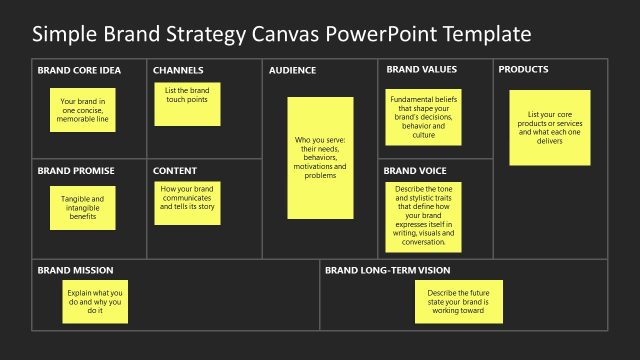
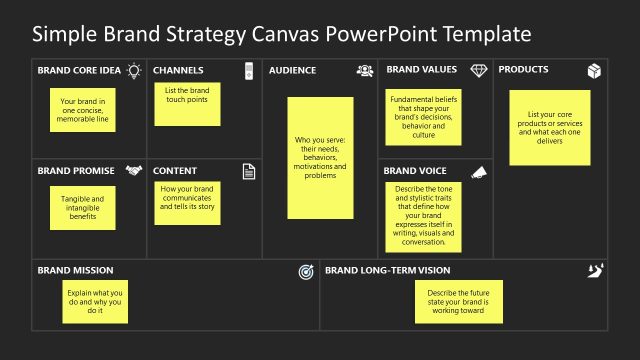
The layout features a grid structure with six labeled sections arranged in two rows and three columns. Each section contains a yellow text placeholder aligned centrally, with titles such as 'BRAND CORE IDEA' and 'CHANNELS' at the top of each column. The sections are visually separated by thin lines, creating clear boundaries. The background is white, providing contrast to the yellow placeholders. The overall composition emphasizes clarity and organization, allowing for easy identification of key brand strategy elements.
How to Use It
This layout serves as a comprehensive overview of a brand strategy canvas, suitable for introductory discussions in a presentation. It is effective for summarizing brand elements like core ideas, audience, and values. This slide fits well at the beginning of a presentation, providing context before diving into detailed discussions. It is useful in scenarios such as brand strategy workshops or marketing strategy meetings, where a visual representation of brand components is essential for alignment and understanding.
Text Placeholders & Capacity
Keep your copy within these limits so it fits without resizing. Node labels can hold about 5-7 words each, while body text can accommodate 10-12 words.
| Placeholder | Count | Max characters (approx.) |
|---|---|---|
| Slide title | 1 | 30 |
| Item heading | 6 | 40 |
| Item body | 6 | 60 |
Slide Keywords
Download unlimited PowerPoint templates, charts and graphics for your presentations with our annual plan.
DOWNLOAD