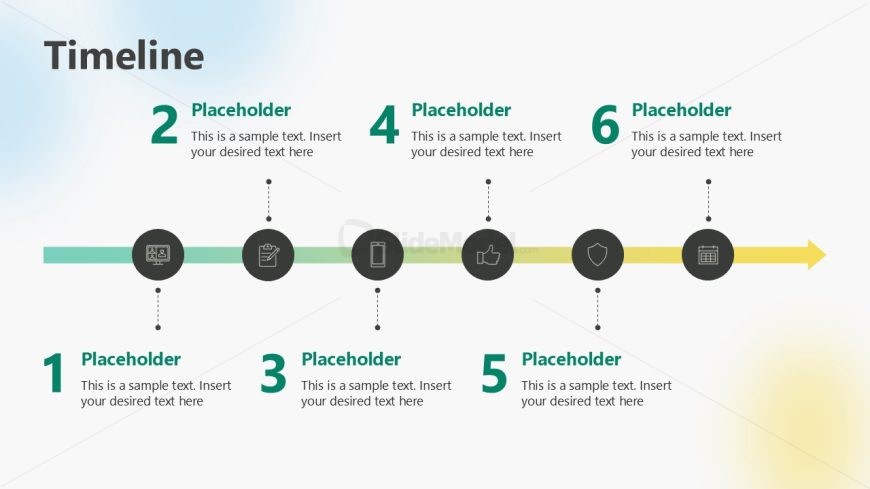
Slide 9 of 13 from Service Brief PowerPoint Template
Six Steps Horizontal Timeline Diagram – Service Brief Layout
Timeline Slide for Service Brief Presentation
- Diagram
- Timeline Horizontal
- Process Slide
- 16:9
- 100% Editable
The Timeline slide from the Service Brief PowerPoint Template offers a clear horizontal layout to visualize project timelines and service milestones. This slide uses editable shapes and vector icons to highlight sequential phases, making it suitable for business presentations and strategic planning. Its design supports effective communication of process overviews within a corporate presentation or pitch deck template.
What’s on This Slide
The layout features a horizontal timeline with six circular nodes evenly spaced along a line. Each node contains an icon and a number, with corresponding text placeholders below. The first node is positioned at the far left, while the last node is at the far right. The background is a light gradient, transitioning from blue to white. The nodes are visually distinct, with icons representing different stages. Text placeholders are aligned centrally beneath each node, maintaining a consistent visual hierarchy throughout the design.
How to Use It
This layout serves as a chronological timeline, ideal for illustrating project phases or service milestones. It fits within a presentation sequence after introducing objectives and before detailing specific services. This structure is useful for business contexts like project management updates, service development timelines, or strategic planning presentations, allowing for clear visual communication of sequential steps.
Text Placeholders & Capacity
Keep your copy within these limits so it fits without resizing. Node labels can hold around 30 characters each, while body text can accommodate about 50 characters.
| Placeholder | Count | Max characters (approx.) |
|---|---|---|
| Item heading | 6 | 30 |
| Item body | 6 | 50 |
Slide Keywords
Download unlimited PowerPoint templates, charts and graphics for your presentations with our annual plan.
DOWNLOADReturn to Service Brief PowerPoint Template.