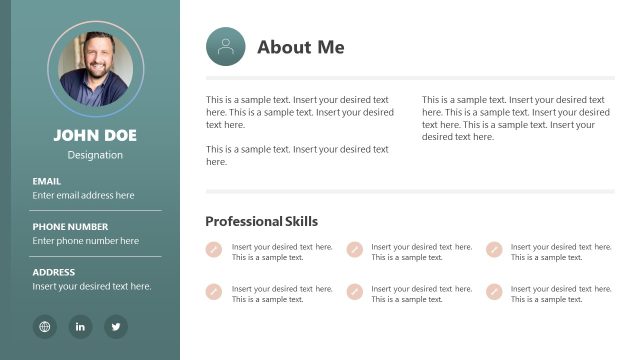
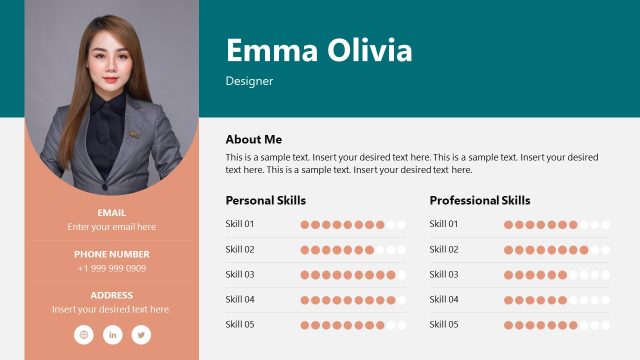
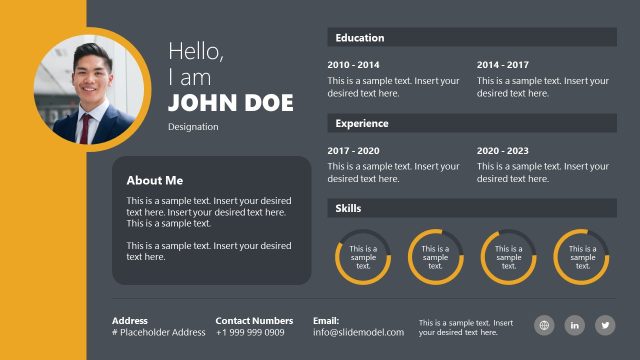
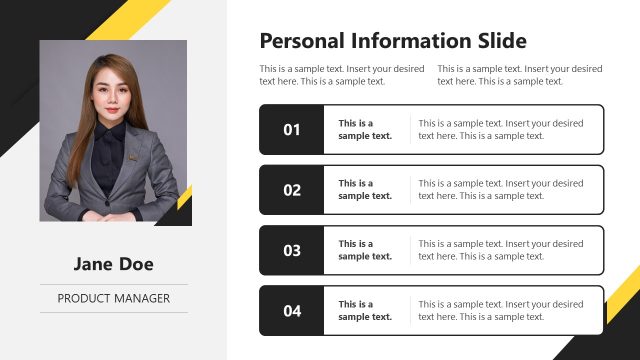
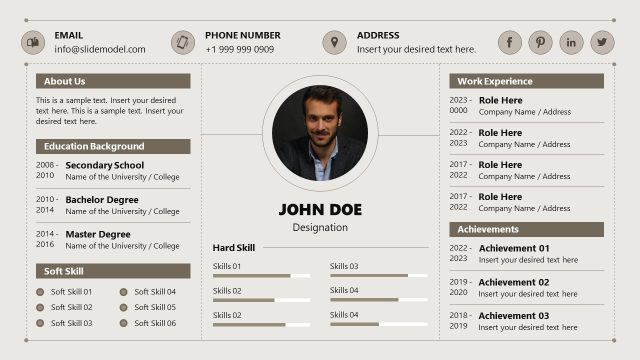
Resume Template for PowerPoint is a comprehensive template that you can easily download to make awesome resume presentations in PowerPoint. You can create your updated Resume in a PowerPoint presentation and share the PowerPoint with your potential employers. You can easily fill the editable resume templates using PowerPoint and submit it with Human Resources department or send it to multiple companies. This PowerPoint template is made for easy download for your awesome digital resume.
Clean and simple resume PowerPoint presentation templates. Use this resume PowerPoint templates to leverage your persona above other applicants. The resume template PowerPoint comes with editable slides and sections. You can list your work experience and education in this resume template.
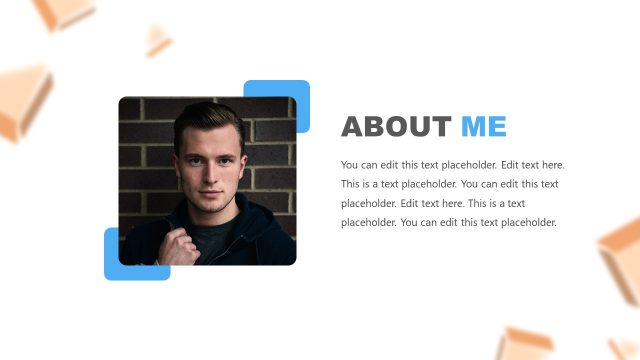
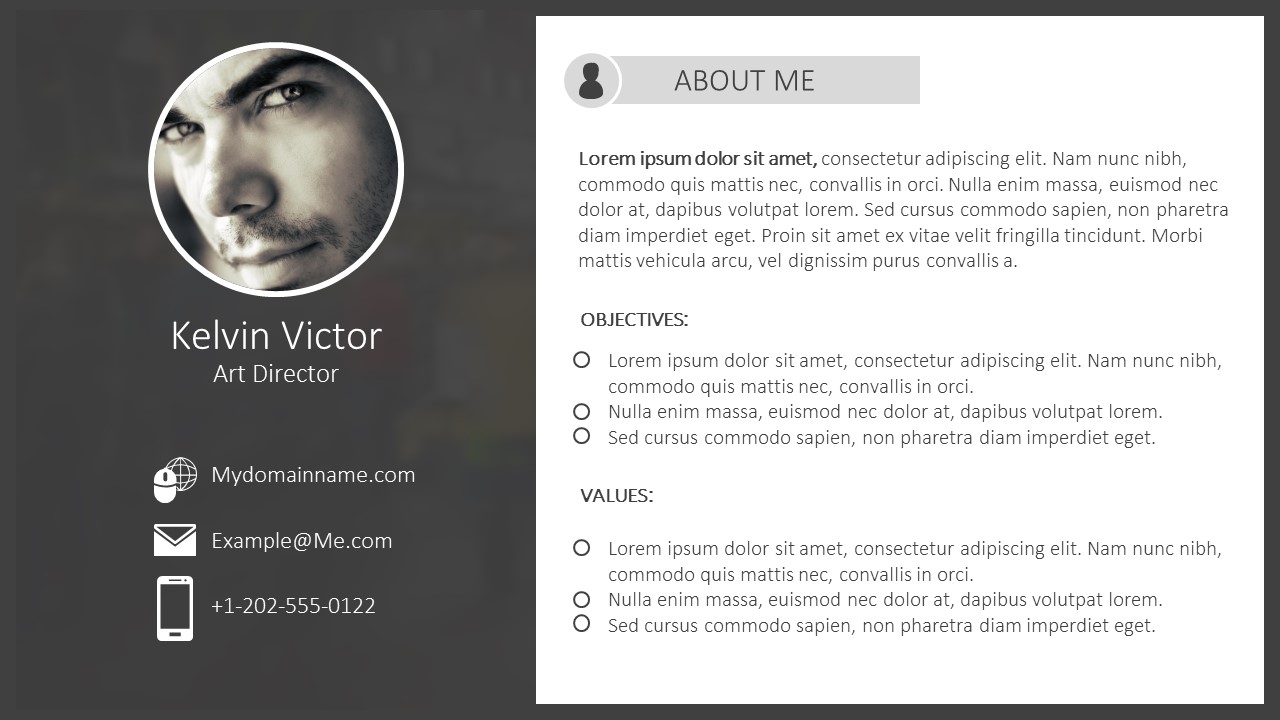
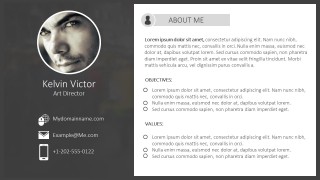
Alternatively, you can add your own photo to the placeholder on the slides and relevant details like the personal background, education, skill, experience, interests and other important information. This slide resume PowerPoint templates is filled with a Kelvin Victor name but easily you can edit it and fill the template with your own name and information. Alternatively, job seekers and candidates can download other resume slides for PowerPoint and Google Slides to prepare their resumes and fill their applications for their dream jobs.
Resume Template for PowerPoint is the best way to present yourself and your works in a clean and professional way. Easy to modify shapes, texts and illustrations. All shapes and text files are 100% editable using PowerPoint.
What’s inside this template
Example presentation scenarios
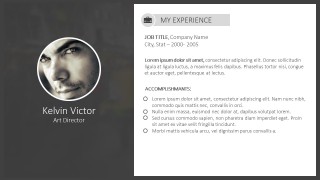
- A job seeker can use the about me profile and experience page to introduce qualifications before a formal interview discussion.
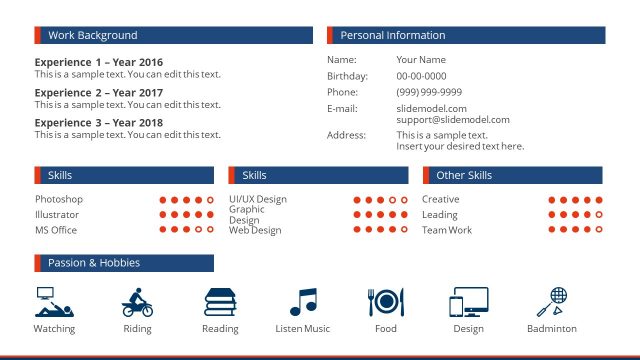
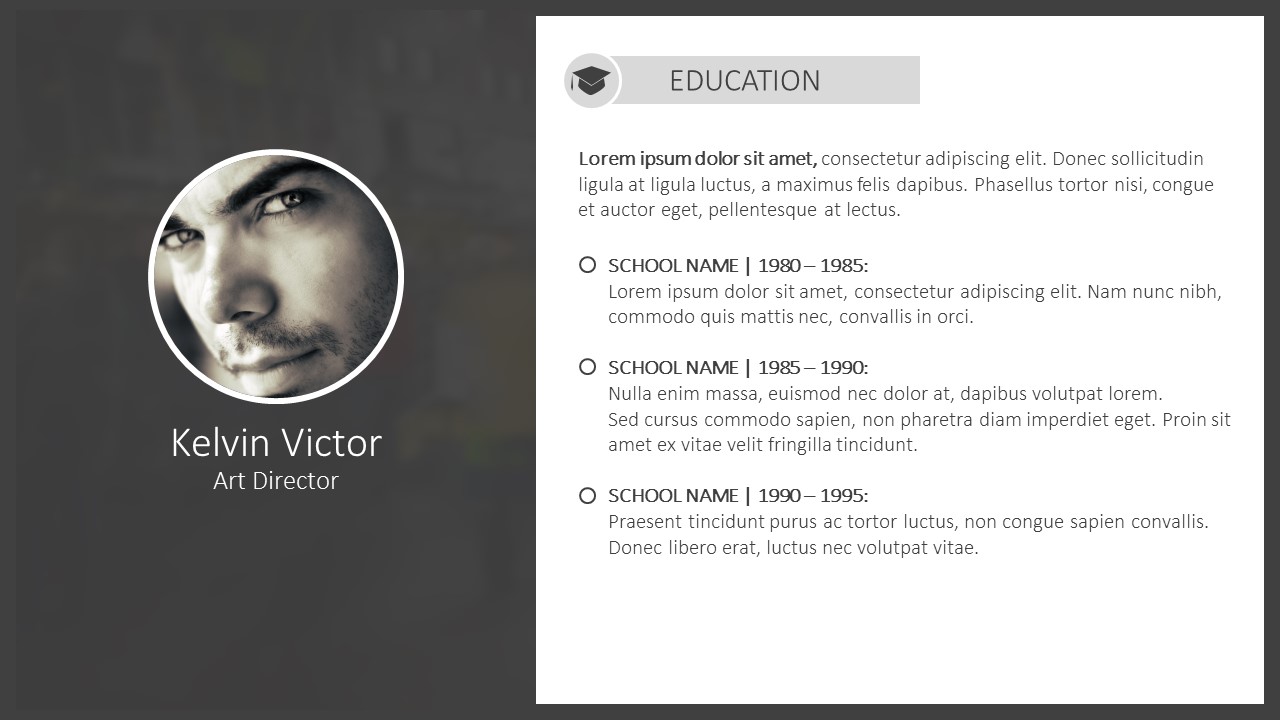
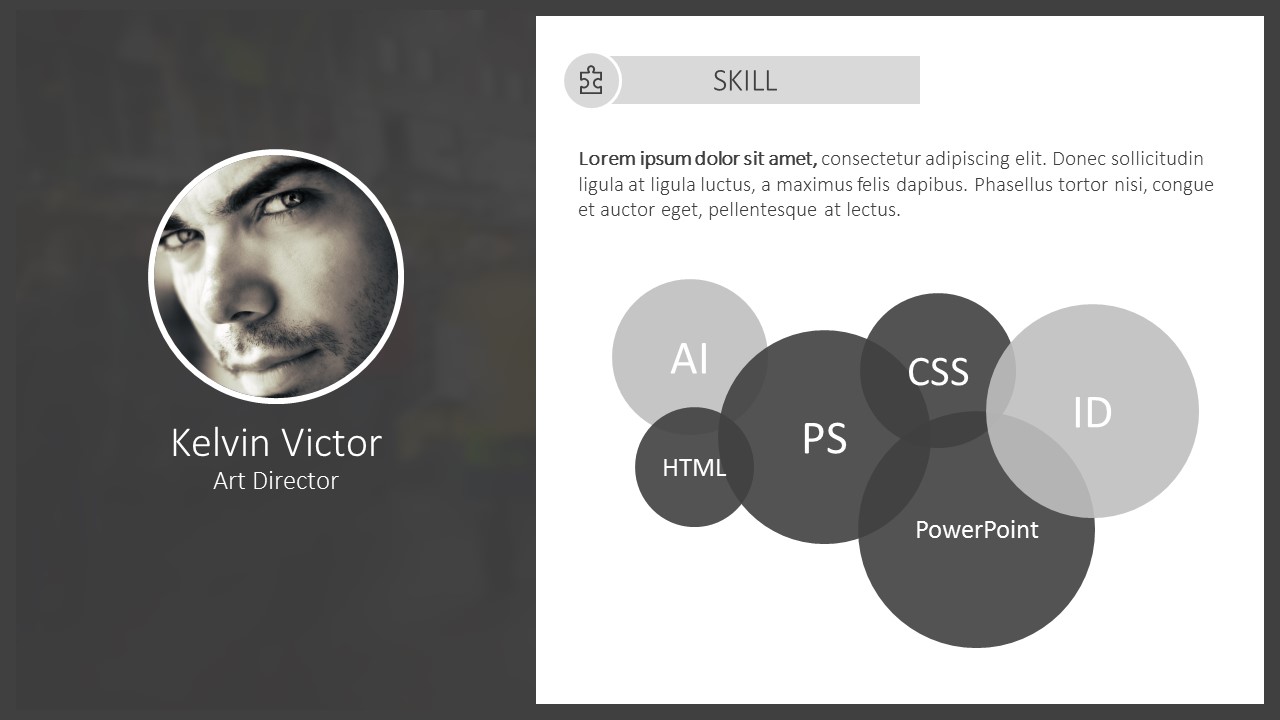
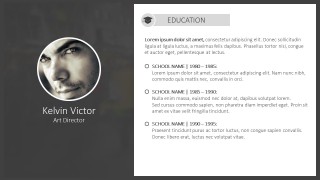
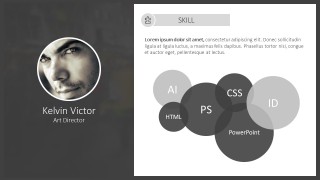
- A student or recent graduate can present the education list and skills bubble diagram to explain academic background and software knowledge to a hiring panel.
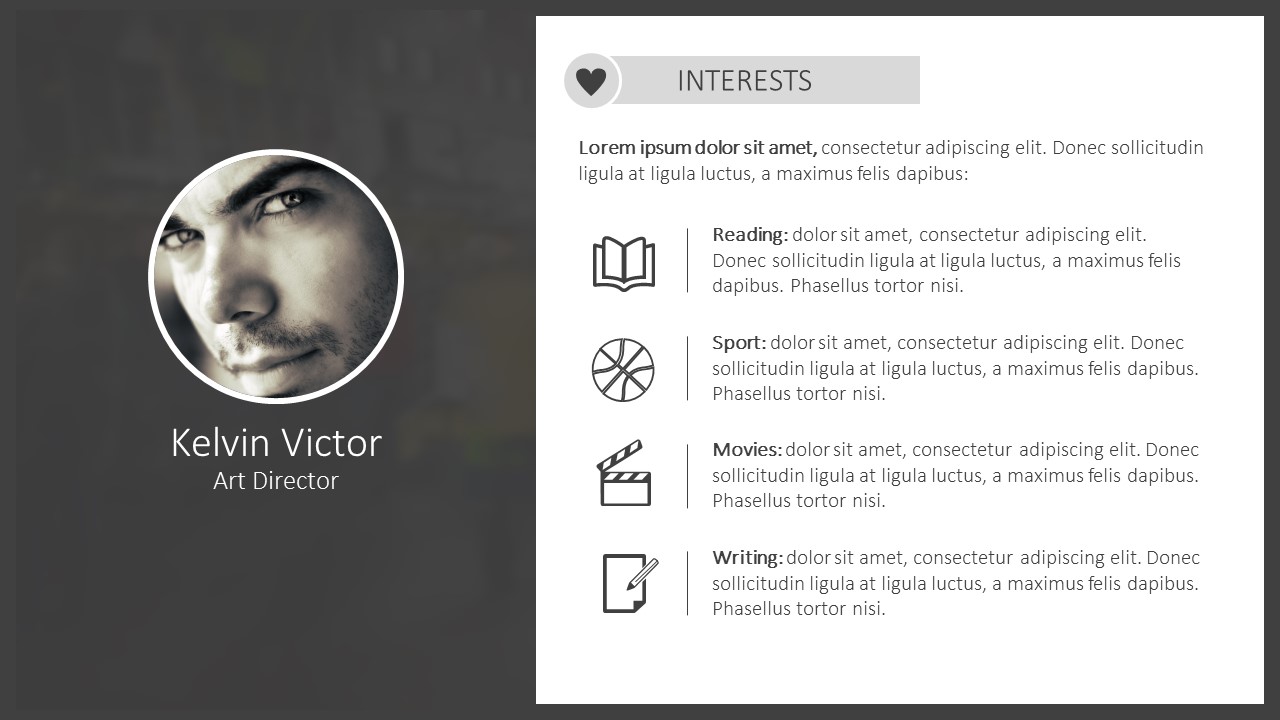
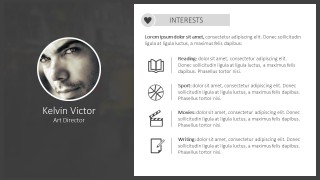
- A career coach can ask a client to fill the agenda, objectives, values, and interests sections to prepare a structured personal pitch.
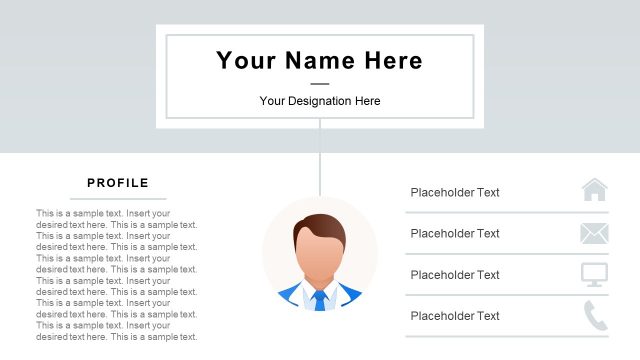
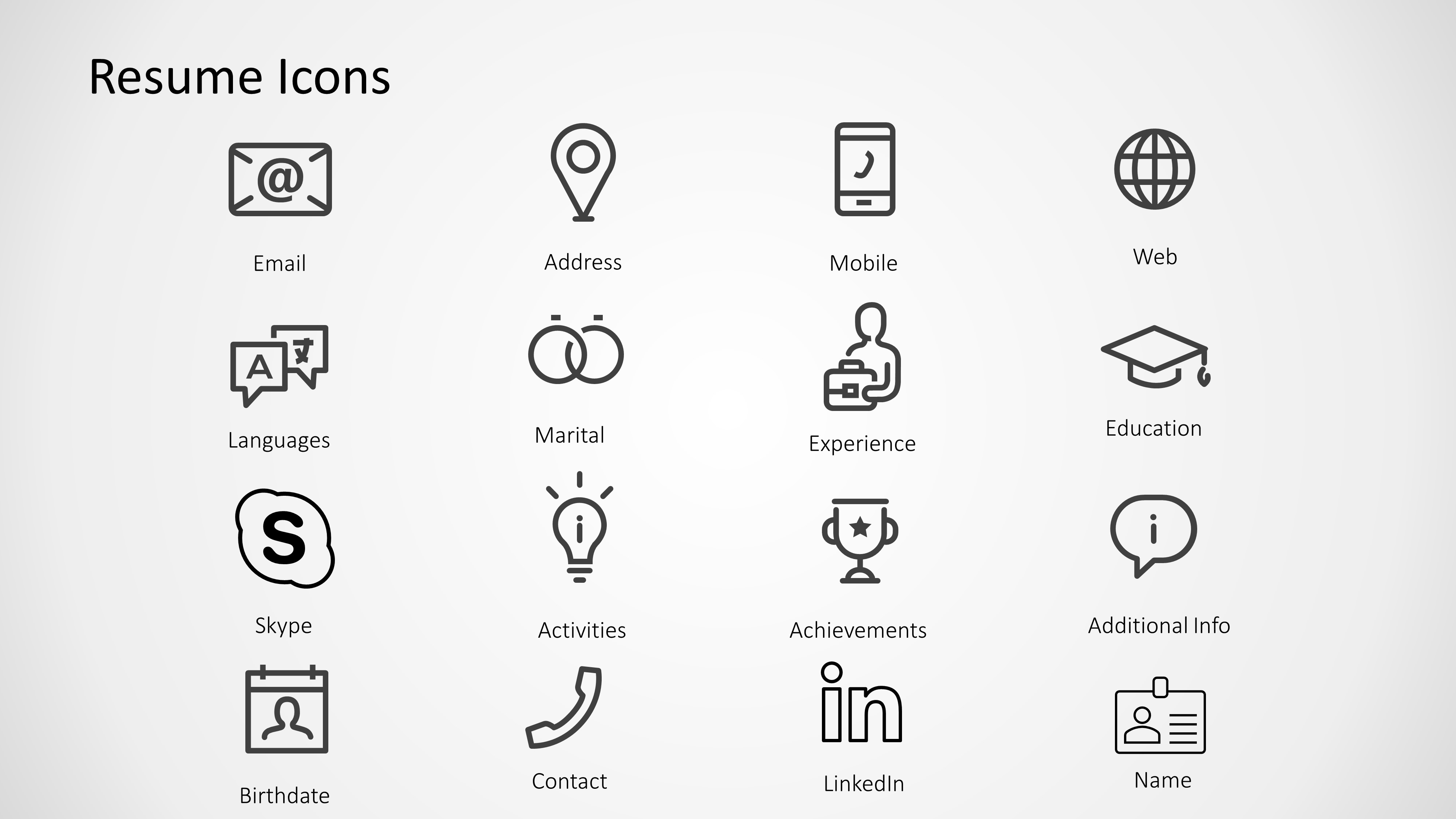
- A recruiter can adapt the profile sidebar and resume icon sheet to summarize a candidate for an internal hiring manager review.
Features
- 100% editable presentation template
- Compatible with Microsoft PowerPoint and Google Slides
- 16:9 aspect ratio slides
- Scalable vector shapes, icons and illustrations
- AI-Ready for Microsoft Copilot and Claude
- Instant access and download
Frequently asked questions
Q: How should a presenter organize the resume story with this template?
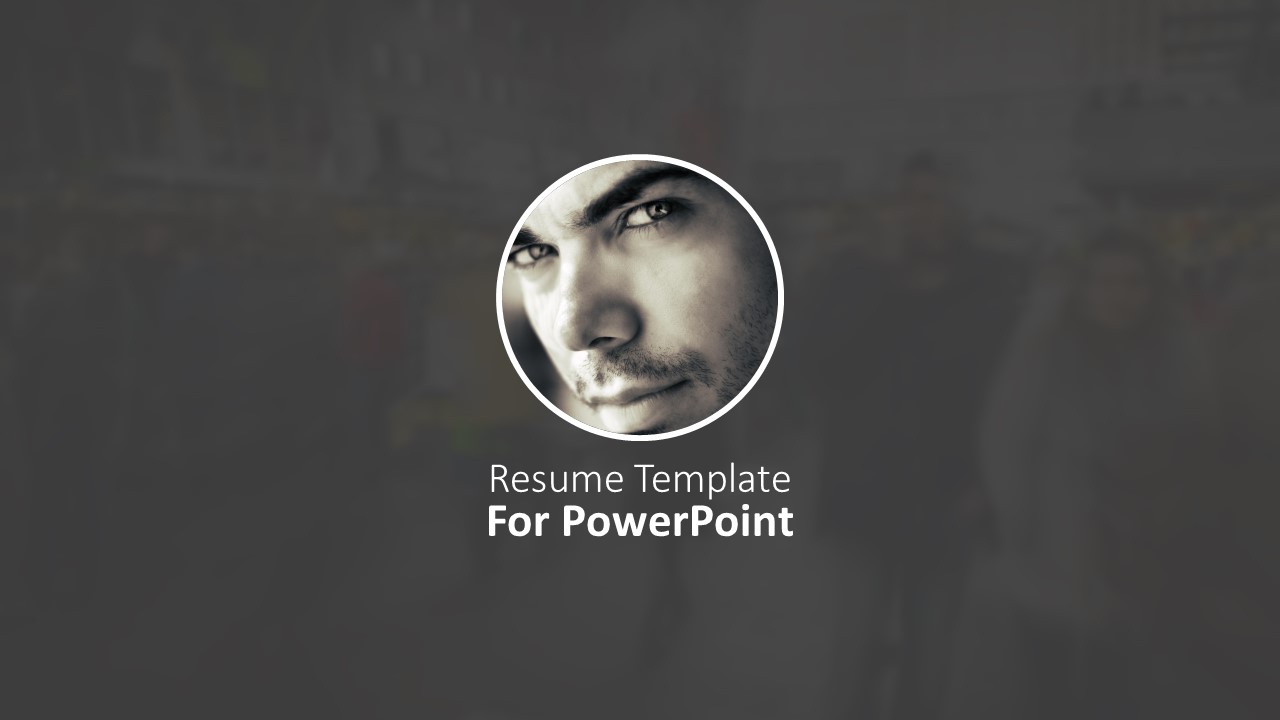
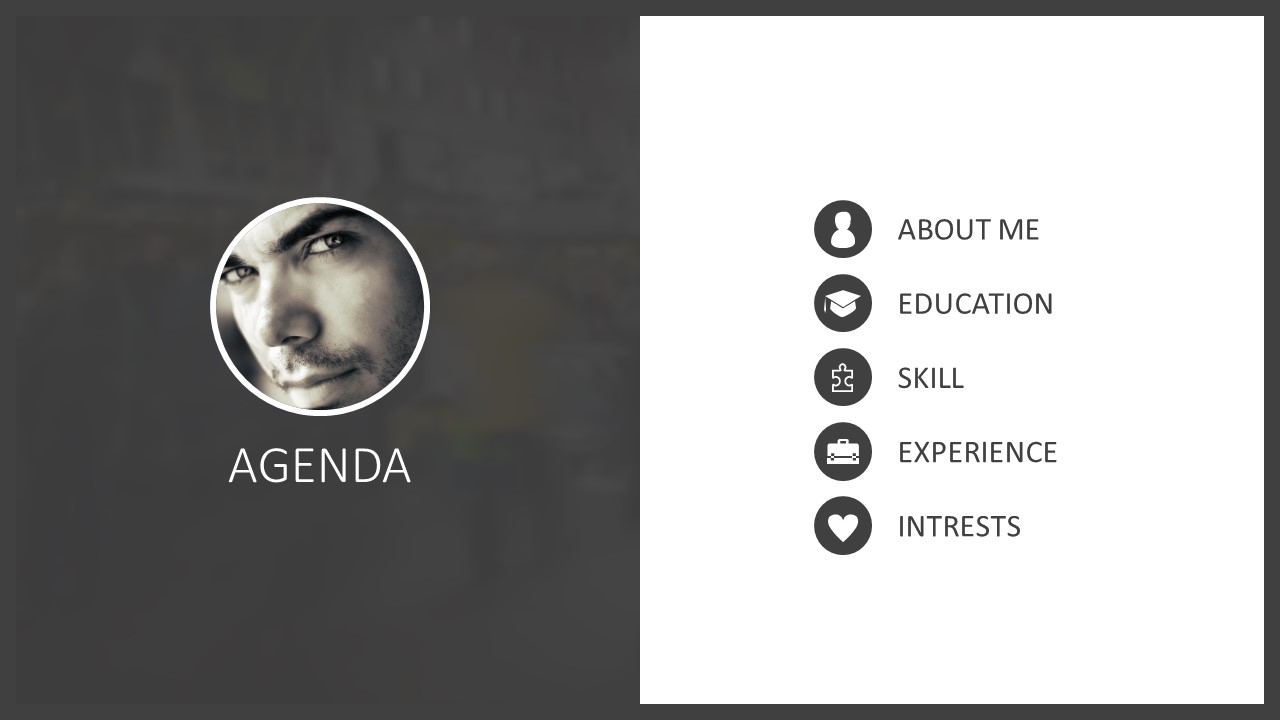
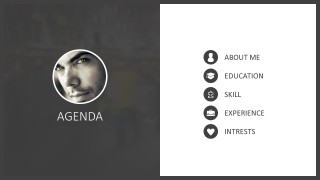
A: Start with the cover and agenda to set expectations, then keep the about me slide focused on the candidate's positioning rather than a full biography. Use education, skills, and experience as evidence sections. Close verbally after the interests slide by connecting personal traits to the role being discussed.
Q: Who is this resume presentation best suited for?
A: This template fits candidates who benefit from a spoken introduction, such as students, creative professionals, freelancers, and applicants preparing for interview panels. The photo sidebar, contact block, skills bubble diagram, and experience page help turn a static resume into a short personal briefing for hiring conversations.
Q: Why does the repeated sidebar design work for a resume deck?
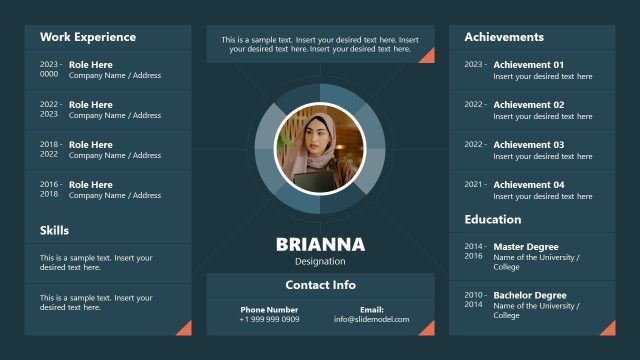
A: The repeated dark sidebar keeps the candidate's photo, name, and role visible while the white panel changes from profile to education, skills, experience, and interests. That structure reinforces identity without crowding the content. The resume icons also create quick recognition for contact and background information.

Resume Template for PowerPoint
7-slide resume presentation template with agenda, profile sections, skills bubbles, and resume icons
Resume Template for PowerPoint is a 7-slide resume presentation template for job seekers and candidates. It includes a cover, agenda, about me profile, education timeline-style list, skills bubble diagram, experience page, interests list, and a resume icon sheet. It is built for Microsoft PowerPoint and Google Slides.
- Category
- Business PowerPoint Templates
- Rating


 Loading...
- Aspect ratio
- 16:9, 4:3
- Item ID
- 0037
- Colors
 Microsoft PowerPoint
  Microsoft Copilot
  Claude for PowerPoint
 Other formats supported
Subscribe today and get immediate
access to download our PowerPoint templates.