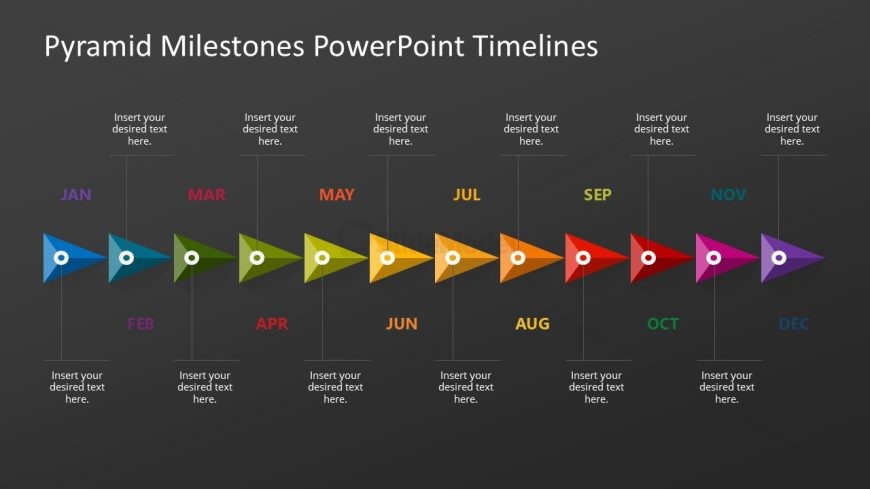
Slide 2 of 2 from Pyramid Milestones PowerPoint Timelines
Editable Pyramid Milestones Timelines Presentation Template
Pyramid Milestones Timeline Overview
- Diagram
- Timeline Horizontal
- Timeline Slide
- 16:9
- 100% Editable
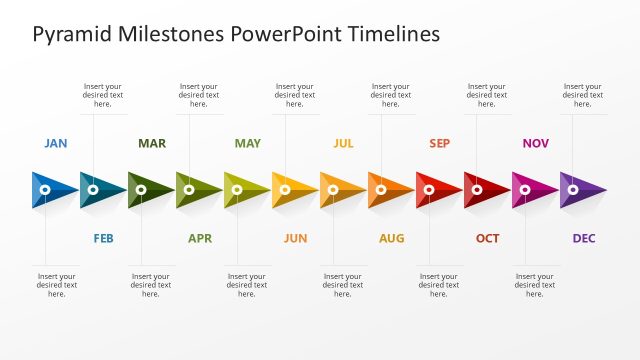
The Pyramid Milestones Timeline slide from the Pyramid Milestones PowerPoint Timelines template offers a horizontal timeline with colored triangular milestones ideal for illustrating monthly project milestones or annual planning. This slide layout integrates well into business presentations and pitch deck templates, providing editable shapes and a clear chronological flow to track progress and future goals effectively within a corporate presentation or slide deck.
What’s on This Slide
The slide features a horizontal timeline with colored triangular milestones representing each month from January to December. Each month has a corresponding text placeholder positioned directly above it, aligned centrally. The milestones are arranged in a sequential flow from left to right, with a consistent visual hierarchy. The background is a dark color, enhancing the visibility of the colored shapes. The triangular shapes are filled with various colors, creating a gradient effect across the timeline. Each placeholder is labeled 'Insert your desired text here,' indicating where specific content can be added.
How to Use It
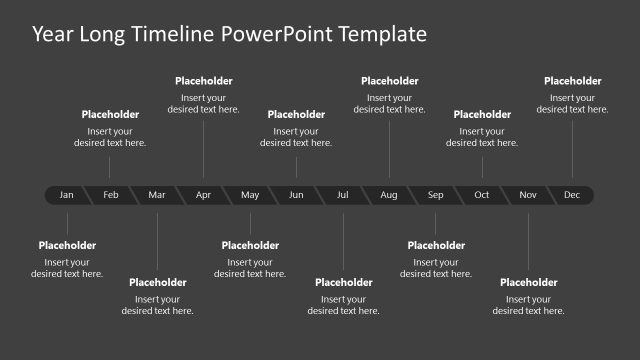
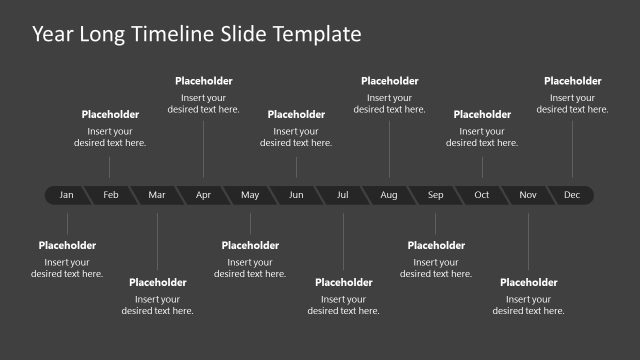
This layout serves as a monthly timeline to illustrate project milestones or annual planning activities. It is ideal for presentations that require a clear chronological representation of events or goals over a year. This structure fits well in a sequence following a problem statement or project overview, allowing for a visual depiction of progress and future objectives. It is particularly useful in business contexts such as strategic planning, project management, or performance tracking.
Text Placeholders & Capacity
Keep your copy within these limits so it fits without resizing. Node body slots can hold roughly 30 characters each.
| Placeholder | Count | Max characters (approx.) |
|---|---|---|
| Item heading | 12 | 3 |
| Item body | 12 | 30 |
| Slide title | 1 | 40 |
Slide Keywords
Download unlimited PowerPoint templates, charts and graphics for your presentations with our annual plan.
DOWNLOADReturn to Pyramid Milestones PowerPoint Timelines.