Slide 9 of 10 from Professional Report PowerPoint Template
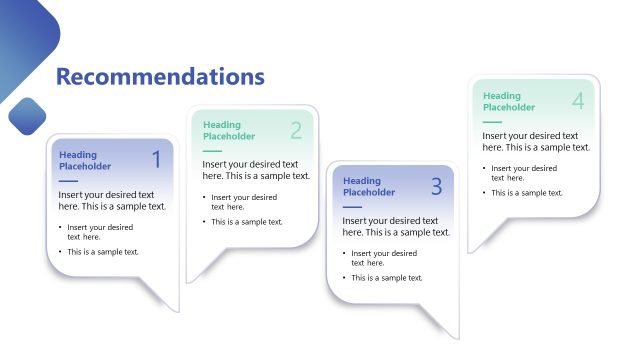
Outcomes & Recommendations Arrow Diagram Slide
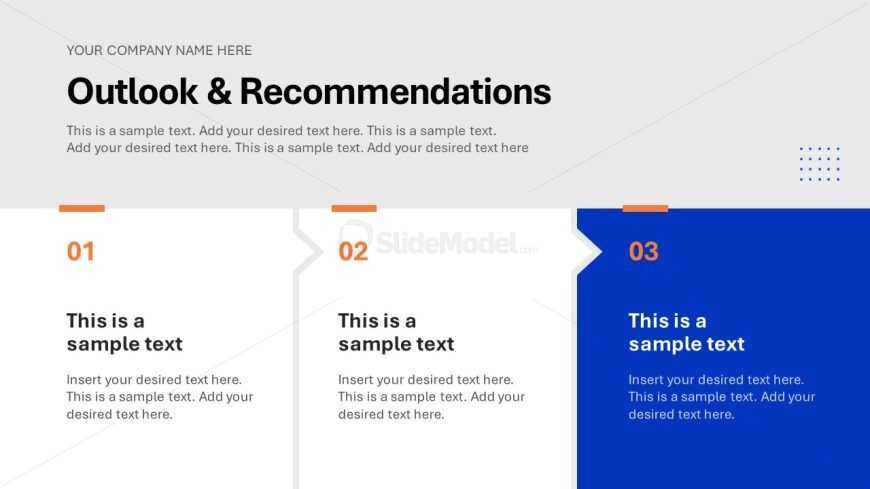
Outlook & Recommendations Slide
- Text Layout
- Other
- Strategy Slide
- 16:9
- 100% Editable
The Outlook & Recommendations slide from the Professional Report PowerPoint Template offers a structured layout ideal for strategic planning and project updates. Designed with editable shapes and clear sections, this slide supports concise presentation of future directions and key insights, making it a practical choice for business presentations and annual reviews within a corporate slide deck.
What’s on This Slide
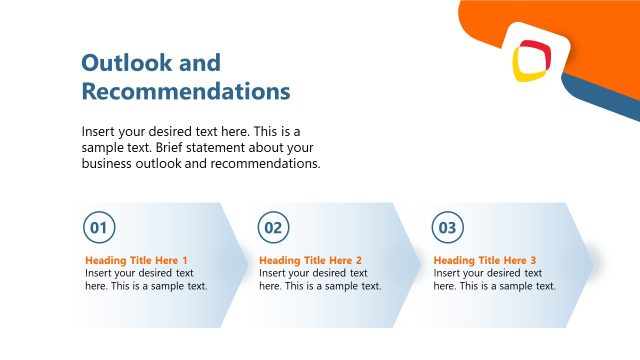
The layout features a top section with a large title stating 'Outlook & Recommendations' in bold. Below, three numbered sections are arranged horizontally, each with a distinct background color. The first two sections have a light background with a colored top border, while the third section has a blue background. Each section contains a number, a title, and a placeholder for text, aligned left. The text placeholders are designed to hold multiple lines of text, with the first two sections being slightly smaller than the third. The overall composition is clean, with ample white space separating elements.
How to Use It
This layout serves as a summary section for presenting key insights and recommendations. It is ideal for concluding a report or presentation, providing a clear outline of future directions. This format fits well after a problem-framing slide, guiding the audience towards actionable steps. It is suitable for business contexts such as strategic planning sessions, project updates, or annual reviews, where concise recommendations are necessary for decision-making.
Text Placeholders & Capacity
Keep your copy within these limits so it fits without resizing. Node body slots can accommodate about 3-4 sentences each.
| Placeholder | Count | Max characters (approx.) |
|---|---|---|
| Slide title | 1 | 50 |
| Item heading | 3 | 30 |
| Item body | 3 | 150 |
Slide Keywords
Download unlimited PowerPoint templates, charts and graphics for your presentations with our annual plan.
DOWNLOADReturn to Professional Report PowerPoint Template.