Slide 13 of 14 from Professional Business Presentation Template
End of the Timeline Presentation Slide – Professional Business Profile Slide
Timeline Overview for Business Presentation
- Diagram
- Timeline Horizontal
- Timeline Slide
- 16:9
- 100% Editable
What’s on This Slide
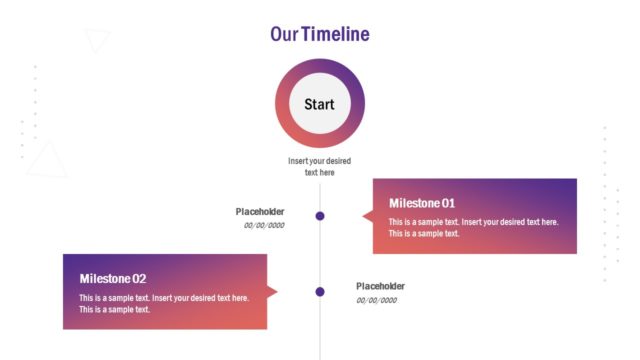
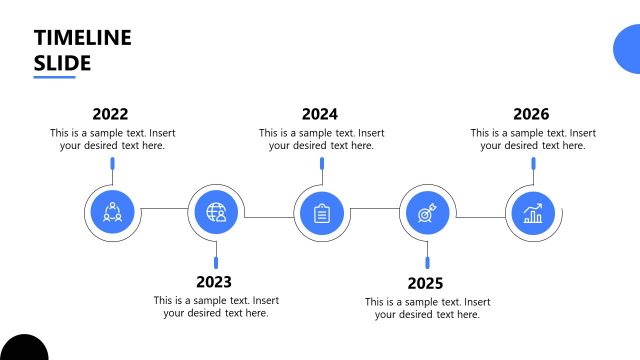
The layout features a horizontal timeline with four key points. The first three points are circular nodes labeled with years 2029, 2030, and 2031, each accompanied by an icon representing a chair, a computer, and a graph, respectively. Below each node, there are text placeholders aligned centrally for descriptions. The final node is a diamond shape labeled 'End.' The background has a gradient transitioning from light to dark blue, enhancing the visual hierarchy. The overall composition is balanced, with elements evenly spaced across the slide.
How to Use It
This layout serves as a chronological timeline to illustrate key milestones or events. It fits well in a presentation sequence after problem framing or project overview slides. This structure is useful for project managers or executives to showcase progress over time, making it suitable for project updates, strategic planning, or company growth presentations. It can also highlight future goals and achievements, providing a clear visual representation of timelines.
Text Placeholders & Capacity
Keep your copy within these limits so it fits without resizing. Node body slots can accommodate roughly 15-20 words each.
| Placeholder | Count | Max characters (approx.) |
|---|---|---|
| Item heading | 3 | 20 |
| Item body | 3 | 100 |
| Chart title | 1 | 30 |
Slide Keywords
Download unlimited PowerPoint templates, charts and graphics for your presentations with our annual plan.
DOWNLOADReturn to Professional Business Presentation Template.