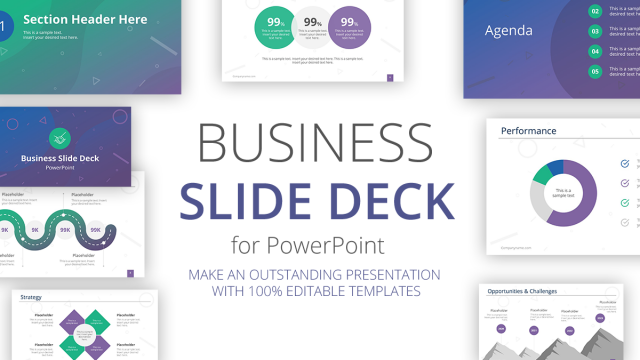
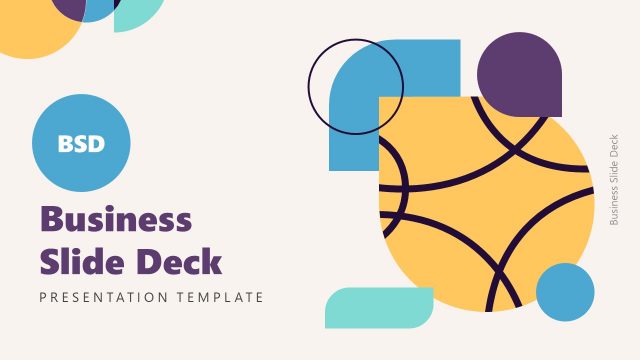
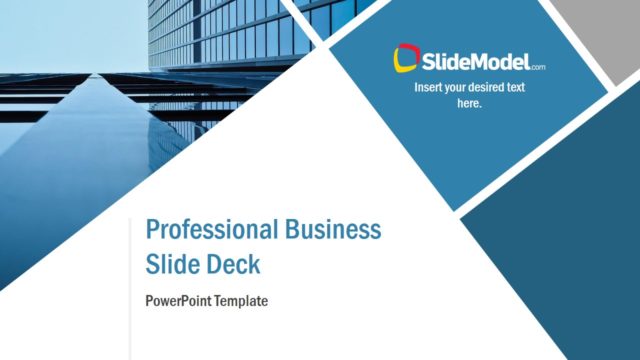
Presentation Template for Business Deck – Create professional business decks with this presentation template designed to cover a predefined agenda and describe several text aspects. The main objective of this presentation template is to compile information in a professional publishing layout, in order not only to assist a business presentation, but also to handle as a document and share with the stakeholders.
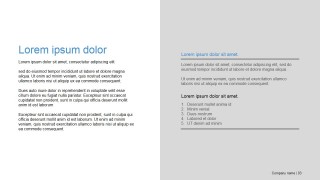
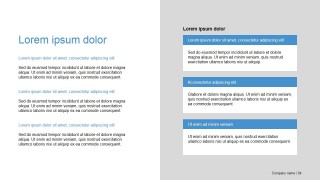
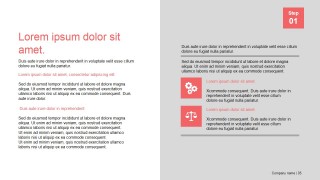
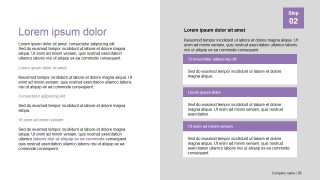
The publishing style is based on two columns, three rows tiles, along with branding items as logo placeholders and paging markers. Professional PowerPoint Icons are provided as business metaphors. The user can replace the visual metaphors with any of our PowerPoint Shapes.
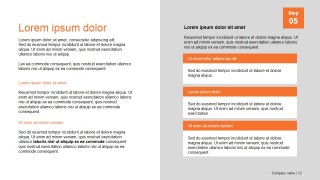
The Presentation Template provides a vectorial dark background to introduce the cover and to finish the deck. The first slide provides an agenda design with 5 items. Each section is displayed as a two column tile design. Titles placeholders are provided in each column section. Below, text placeholders are presented in different designs flavours, allowing the user to select the most suitable to the topic being described.
Business Decks have become a very popular assets in the modern content sharing marketing practices. For sales executives, presenting a projects or business deal, with the appropriate collateral is an advantage. Marketing teams are increasingly creating brochures in the format of Presentations, due to the ease of design and the ability to export it to different formats, that make it easy to share it online.
This Presentation Template is ideal for creating Slideshare decks and promote your business or idea. Users can adapt their message and include the descriptions in å professional publishing layout.
Each of the shapes, placeholders and backgrounds are created as PowerPoint objects, allowing the user to fully customize their appearance. The vectorial nature of the PowerPoint shapes, allows the user to edit the Presentation template with their prefered Presentation Tools as Google Slides, Keynote and every major PowerPoint version.
What’s inside this template
Example presentation scenarios
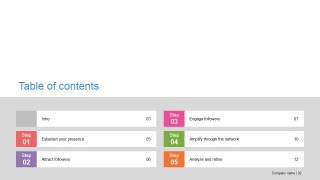
- A marketing lead can use the table of contents and step-labeled section slides to present a campaign framework to stakeholders before sharing the deck as a PDF handout.
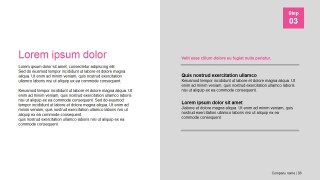
- A sales executive can use the two-column editorial layouts and orange callout cards to explain a business proposal, highlight key messages, and keep supporting text organized.
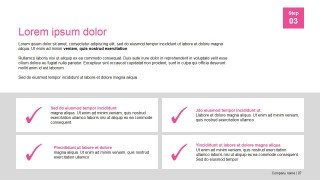
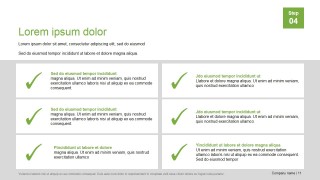
- A consultant can use the checklist grids with colored check marks to show recommendations, implementation criteria, or decision points during a client briefing.
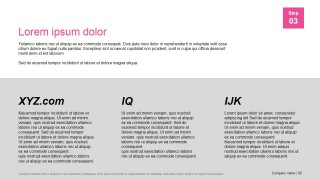
- A startup founder can use the cover, agenda, three-column summary, and closing slide to package a company overview for partners or early customer conversations.
Features
- 100% editable presentation template
- Compatible with Microsoft PowerPoint and Google Slides
- 16:9 aspect ratio slides
- Scalable vector shapes, icons and illustrations
- AI-Ready for Microsoft Copilot and Claude
- Instant access and download
Frequently asked questions
Q: How should a presenter organize the message with this business deck?
A: Start with the table of contents as the contract for the audience, then keep each step focused on one point. Use the two-column editorial slides for context and explanation, the icon callouts for key ideas, and the checklist grids for decisions or takeaways. The closing slide should restate the final message, not introduce new material.
Q: Who is this template best suited for in a business setting?
A: This template fits presenters who need a polished deck that also works as a readable document. Marketing teams, sales leaders, consultants, and project owners can use the agenda, section markers, callout cards, and three-column summary to explain a plan or proposal to stakeholders who may review the file after the meeting.
Q: Why does the tile-based design help communicate a business plan?
A: The repeated tiles make dense text easier to scan because each block has a clear boundary and visual role. Colored step badges act as navigation cues, while check marks, icons, and accent lines work as simple business metaphors for progress, validation, and emphasis. This structure helps viewers follow the deck without relying only on slide titles.






Presentation Template for Business Deck
13-slide business deck presentation template with table of contents, checklist grids, and editorial tiles
Presentation Template for Business Deck is a 13-slide presentation template for business collateral and stakeholder updates. It includes a title cover, table of contents, two-column editorial pages, icon callouts, checklist grids, and a closing slide. The deck is built for Microsoft PowerPoint and Google Slides.
- Category
- Template Backgrounds
- Rating


 Loading...
- Aspect ratio
- 16:9, 4:3
- Item ID
- 7069-01
- Colors
 Microsoft PowerPoint
  Microsoft Copilot
  Claude for PowerPoint
 Other formats supported
Subscribe today and get immediate
access to download our PowerPoint templates.