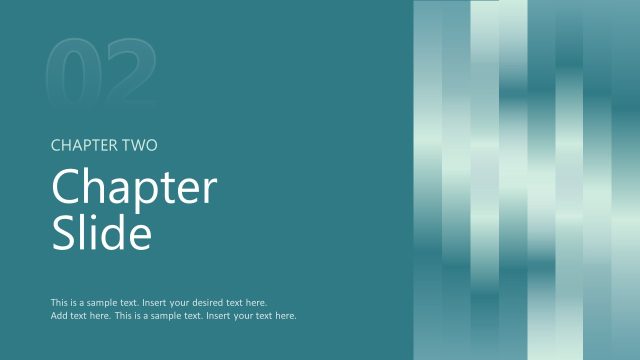
Slide 4 of 11 from Pixel Perspective PowerPoint Template
Chapter Divider Slide for Pixel Perspective
Chapter Title Layout for Presentations
- Text Layout
- Single Statement
- Section Divider Slide
- 16:9
- 100% Editable
The Chapter Title Layout from the Pixel Perspective PowerPoint Template offers a clear section divider with a modern pixelated design, ideal for business presentations and educational content. This slide template features editable shapes and a bold text arrangement to emphasize new chapters or key themes, making it a useful addition to any slide deck requiring structured transitions.
What’s on This Slide
The layout features a dark background with a pixelated design in the top right corner. On the left, a vertical text box displays the word 'Chapter' above a bold number '01'. To the right, a large text placeholder is centered, labeled 'Chapter Title Goes Here.' The pixelated design consists of various colored squares, creating a visually engaging contrast against the dark background. The overall composition balances the text and design elements, ensuring clarity and focus on the chapter title while maintaining visual interest.
How to Use It
This layout serves as a chapter title slide, effectively introducing new sections within a presentation. It is suitable for various contexts, such as business reports, project overviews, or educational content. Positioned early in a presentation, it helps to segment information and guide the audience through the narrative. This layout can be used to highlight key themes or topics, making it ideal for presentations that require clear transitions between sections or chapters.
Text Placeholders & Capacity
Keep your copy within these limits so it fits without resizing. Title slot can hold about 30 characters comfortably.
| Placeholder | Count | Max characters (approx.) |
|---|---|---|
| Slide title | 1 | 30 |
| Section number | 1 | 10 |
| Footer | 1 | 30 |
Slide Keywords
Download unlimited PowerPoint templates, charts and graphics for your presentations with our annual plan.
DOWNLOADReturn to Pixel Perspective PowerPoint Template.