Slide 10 of 11 from Pixel Perspective PowerPoint Template
Four Year Timeline for Pixel Perspective
4-Year Timeline Slide for Presentations
- Diagram
- Timeline Horizontal
- Timeline Slide
- 16:9
- 100% Editable
The 4-Year Timeline Slide from the Pixel Perspective PowerPoint Template offers a clear, curved timeline layout ideal for strategic planning and milestone tracking in business presentations. This slide template features editable shapes and vector icons that support detailed project timelines over four years, making it a practical addition to any corporate presentation or pitch deck template.
What’s on This Slide
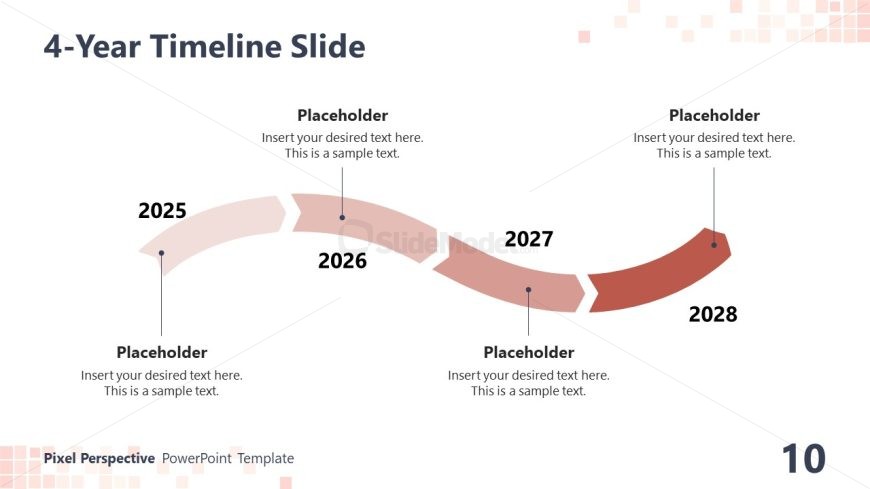
The layout features a curved timeline spanning four years, labeled 2025, 2026, 2027, and 2028. Each year is represented by a distinct segment with a rounded shape, positioned along the curve. There are placeholder text areas beneath each year for additional details. The timeline flows from left to right, with connecting dots indicating progression. The background is light, while the timeline segments alternate in color, creating a visual contrast. The title is prominently placed at the top, establishing the slide's focus.
How to Use It
This layout serves as a chronological timeline, ideal for presenting project milestones or strategic plans over four years. It fits well in a presentation sequence after problem identification slides and before detailed project plans. This structure is useful for business updates, project overviews, or strategic planning sessions, allowing for clear communication of timelines and key events. It can also be adapted for educational purposes to illustrate historical timelines or project phases.
Text Placeholders & Capacity
Keep your copy within these limits so it fits without resizing. Node body slots can accommodate roughly 10-12 words each.
| Placeholder | Count | Max characters (approx.) |
|---|---|---|
| Slide title | 1 | 30 |
| Item heading | 4 | 10 |
| Item body | 4 | 50 |
Slide Keywords
Download unlimited PowerPoint templates, charts and graphics for your presentations with our annual plan.
DOWNLOADReturn to Pixel Perspective PowerPoint Template.