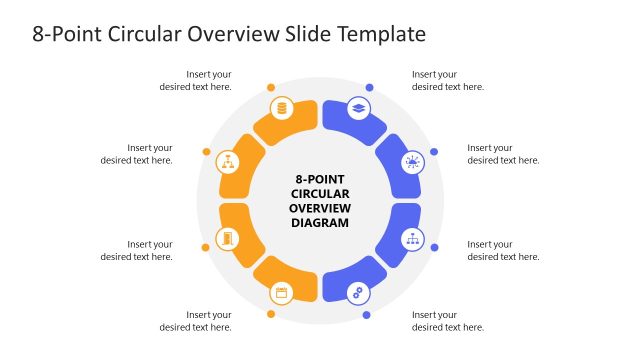
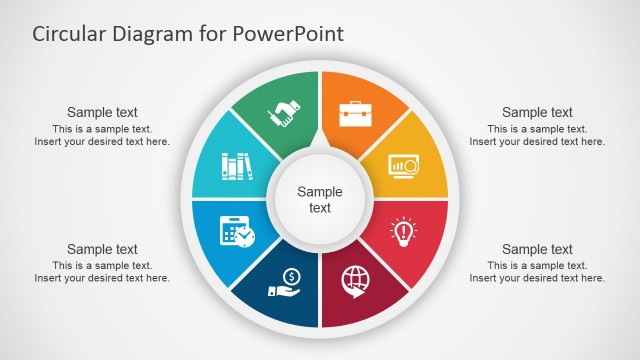
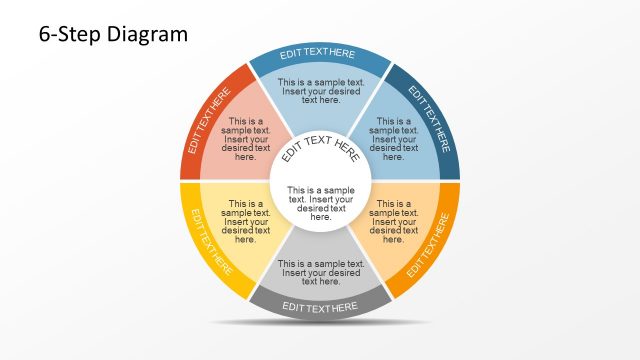
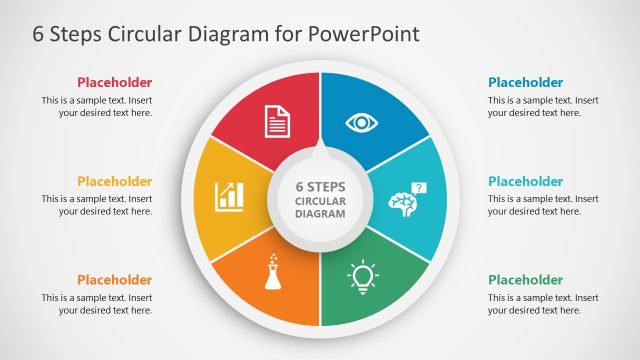
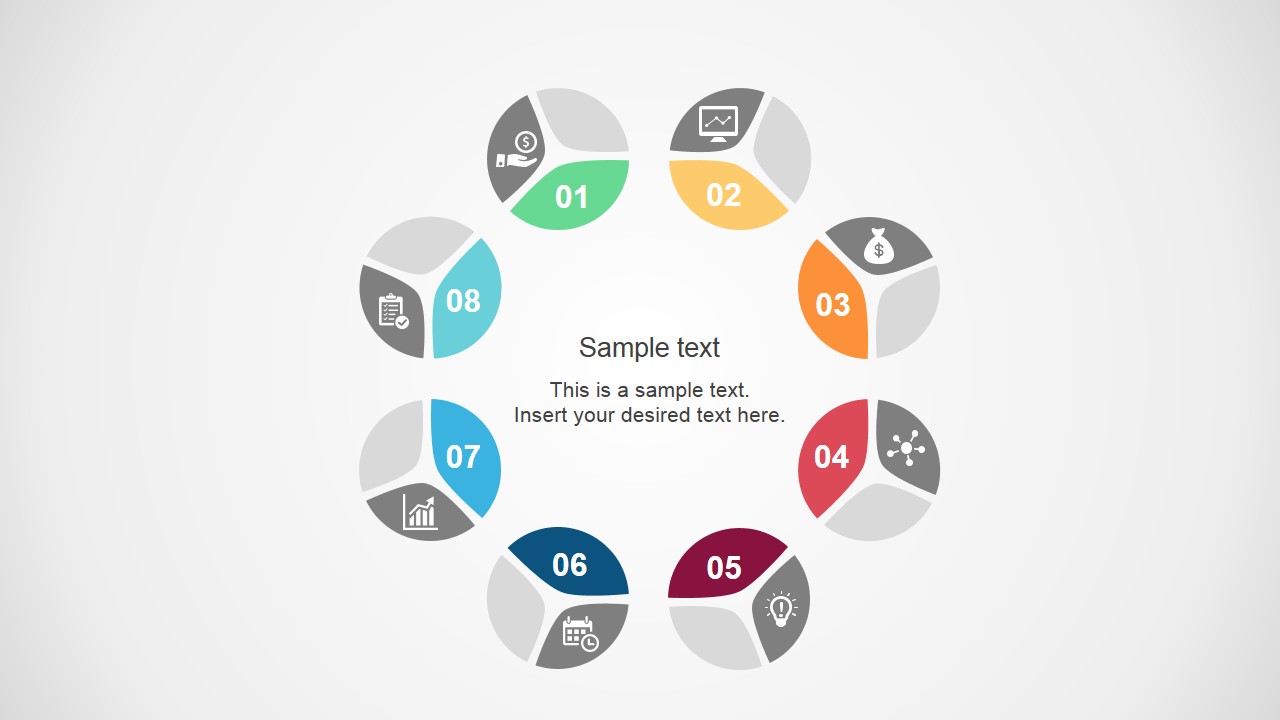
The Multistep Circular Diagram Concept for PowerPoint is a process diagram in a circular shape. It is designed to present concepts with eight components. This core diagram is ideal for demonstrating the steps of a cyclic process.
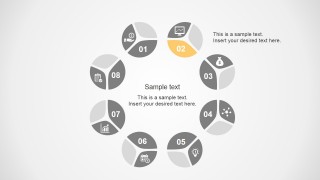
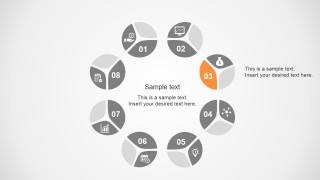
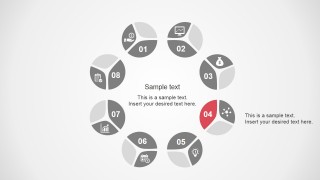
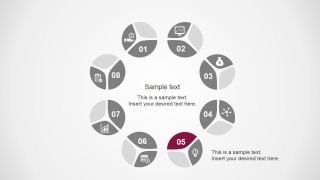
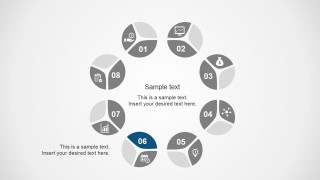
The first slide of this template diagram displays eight small circular shapes arranged in a ring format. Each small circle is divided into three parts. One part contains the metaphor icon, which graphically expresses the mentioned point. The second part of this presentation template carries a unique color and a step number. And the third part is empty, where you can add text or graphics of your choice. There is a text box for the main heading in the center of this ring diagram.
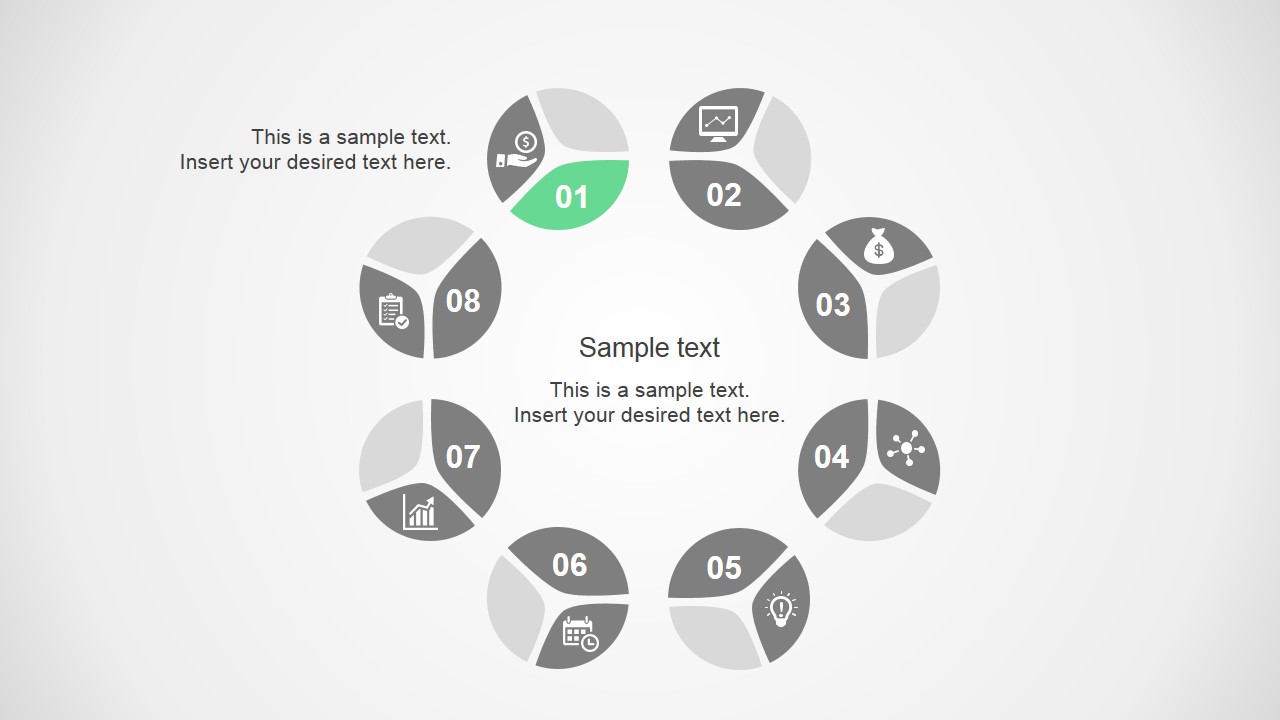
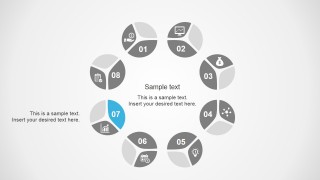
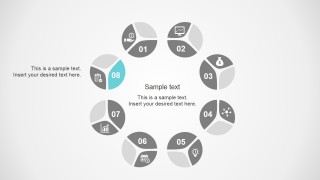
The Multistep Circular Diagram Concept for PowerPoint consists of nine slides. The first slide gives an overview of the process, and the rest of the slides focus on each step one by one. This illustration helps the presenters to gain the audience’s attention.
The unique style of this template adds value to the presented idea. The multi-color scheme and layout’s graphical icons and shapes make it exceptionally fit for presenting an idea or a process.
The multistep slide template with eight steps is engaging, and it is best suited for those who want to introduce or present a new concept. This layout allows professionals to present project outlines, business plans, and business improvement strategies. Educators can also get this template for explaining some scientific processes.
Download this template and just put in your details, and the presentation will be ready in no time. The Multistep template design is 100% editable and compatible with PowerPoint and Google Slides. The shapes, colors, fonts, and graphic icons are all changeable. So, you can modify and customize every object in this template, as per your choice!
What’s inside this template
Example presentation scenarios
- A project manager can use the circular process overview to introduce the full workflow, then present each numbered focus slide to explain responsibilities and timing for every stage.
- A consultant can use the icon segments and side callouts to explain an eight-part business improvement method to executives without crowding the main cycle diagram.
- An educator can use the step-by-step focus slides to teach a scientific, operational, or learning cycle, keeping the current step visually separated from the other seven steps.
- An operations leader can use the overview and individual step slides to map a recurring procedure, clarify handoffs, and give each process owner a distinct discussion point.
Features
- 100% editable presentation template
- Compatible with Microsoft PowerPoint and Google Slides
- 16:9 aspect ratio slides
- Scalable vector shapes, icons and illustrations
- AI-Ready for Microsoft Copilot and Claude
- Instant access and download
Frequently asked questions
Q: How should a presenter use the overview slide and the eight focus slides together?
A: Start with the complete circular diagram to establish the full process, then move through the matching focus slides one step at a time. Keep the center text for the overall concept and use each side callout for the key action, owner, or decision tied to that numbered segment.
Q: Who is this circular process template best suited for?
A: This template fits presenters who need to explain a repeatable eight-part framework rather than a linear project schedule. Project managers, consultants, trainers, and educators can use it when the audience must see both the whole cycle and the specific role of each numbered step.
Q: Why does the circular layout work for this kind of message?
A: The ring structure signals that the process can repeat, loop, or feed back into itself. The highlighted segment on each detail slide creates a clear focal point while the remaining gray segments preserve context, so the audience understands where the current step sits in the full system.



Multistep Circular Diagram Concept for PowerPoint
9-slide presentation template for eight-step circular process diagrams with icons and step-by-step focus slides
The Multistep Circular Diagram Concept for PowerPoint is a 9-slide diagram template for presenting an eight-step circular process. It includes a full cycle overview plus one focus slide for each numbered segment, with icon circles, center text, and side callouts. It is intended for business, project, and education presenters using PowerPoint or Google Slides.
- Category
- Diagrams
- Rating


 Loading...
- Aspect ratio
- 16:9
- Item ID
- 7034-01
- Colors
 Microsoft PowerPoint
  Microsoft Copilot
  Claude for PowerPoint
 Other formats supported
Subscribe today and get immediate
access to download our PowerPoint templates.