Slide 1 of 1 from Multiple LLM Prompt Comparison PowerPoint Template
Multiple LLM Prompt Comparison Presentation Template
Multiple LLM Prompt Comparison Slide
- Diagram
- Comparison Split
- Comparison Slide
- 16:9
- 100% Editable
The Multiple LLM Prompt Comparison slide from the Multiple LLM Prompt Comparison PowerPoint Template offers a clear layout for analyzing AI models side by side. Designed for technology presentations, this slide template features editable shapes and vector icons to visually distinguish each model, supporting detailed product feature analysis within a business presentation or pitch deck template.
What’s on This Slide
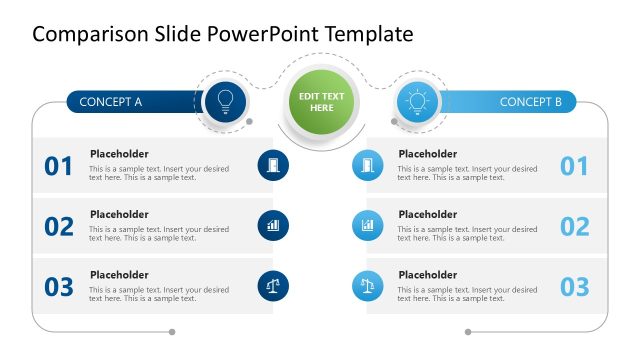
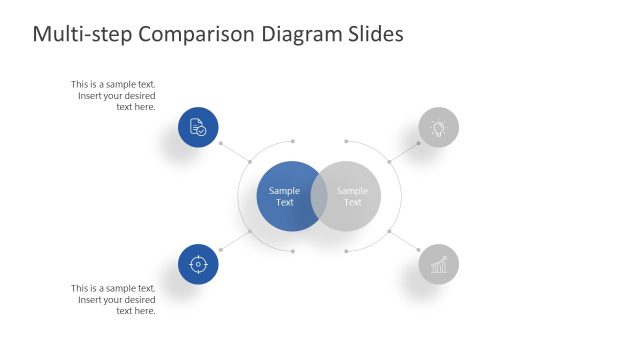
The slide features a structured layout with five distinct sections arranged vertically. Each section contains a circular icon on the left, representing different AI models, and a rectangular area for text on the right. The icons are visually consistent, while the text areas include placeholders for prompts and descriptions. A prominent header at the top indicates the slide's purpose. The background is a light color, enhancing readability. The overall composition is clean, with clear separation between sections, allowing for easy comparison of the AI models.
How to Use It
This layout serves as a comparison tool for multiple AI models, ideal for presentations on technology or product features. It fits well after an introduction slide, allowing for detailed analysis of each model's capabilities. This structure is useful in business contexts where comparisons of software or services are necessary, such as in IT security or product evaluations. It can help stakeholders make informed decisions based on the presented data.
Text Placeholders & Capacity
Keep your copy within these limits so it fits without resizing. Node body slots can hold roughly 100 characters each, allowing for detailed descriptions.
| Placeholder | Count | Max characters (approx.) |
|---|---|---|
| Slide title | 1 | 40 |
| Item heading | 5 | 30 |
| Item body | 5 | 100 |
| Body paragraph | 1 | 150 |
Slide Keywords
Download unlimited PowerPoint templates, charts and graphics for your presentations with our annual plan.
DOWNLOADReturn to Multiple LLM Prompt Comparison PowerPoint Template.