Slide 1 of 4 from Mission and Vision PowerPoint Template
Mission and Vision PowerPoint Presentation
Vision and Mission Two-Column Comparison
- Diagram
- Comparison Split
- Comparison Slide
- 16:9
- 100% Editable
The Vision and Mission Comparison slide from the Mission and Vision PowerPoint Template offers a clear, two-column layout ideal for executive summaries and leadership alignment. Featuring editable shapes and vector icons, this slide template supports a concise presentation of organizational purpose statements within a corporate presentation or business presentation slide deck.
About This Slide
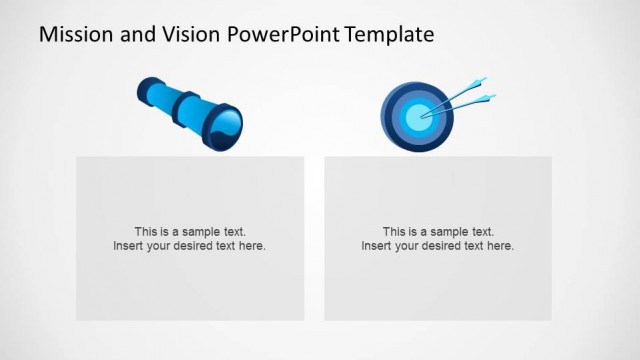
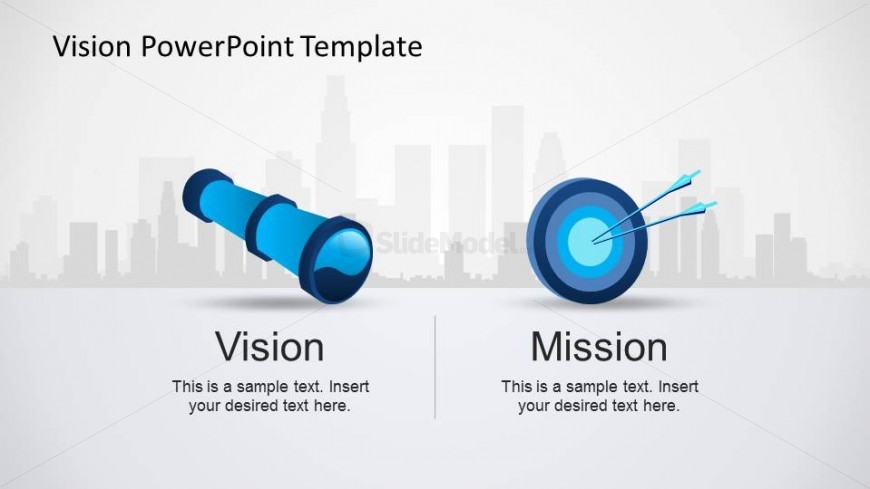
This Mission and Vision PowerPoint slide represents the strategy concepts of mission and vision through the use of the telescope and target shapes. The slide contains a city background that can be edited with any background from our catalog. The shapes are created as PowerPoint shapes, and can be reused in existing presentations. The blue theme can be edited by the user to map to its current theme.
What’s on This Slide
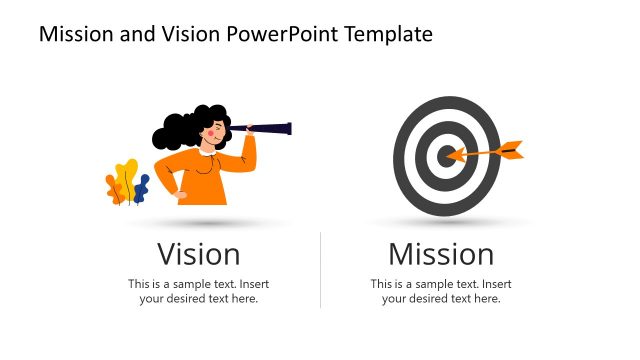
Centered composition with a horizontal split across the middle and a faint city skyline in the upper background. A single page title sits top-left. The main area contains two large pictograms arranged side-by-side: a blue telescope illustration at left and a concentric target with arrows at right. Each pictogram occupies its column above a bold heading centered in that column, with a smaller body-text placeholder beneath. A thin vertical divider runs from near the baseline to the footer area between columns. Shadows and subtle gradients define depth and container edges.
How to Use It
Two-column comparison layout that presents paired concepts side-by-side, optimized for a single high-level contrast such as vision versus mission. Use it at the start of a four-page sequence as an overview or framing page before drilling into checklists or supporting detail. The large pictograms draw attention to one concept per column while headings and short body placeholders record concise definitions or statements. It suits executive summaries, leadership alignment exercises, organizational purpose statements, or kickoff presentations. Avoid using this layout for dense data, long bulleted lists, or stepwise procedures that require sequential flow.
Text Placeholders & Capacity
Keep your copy within these limits so it fits without resizing. Headlines are spacious while body text boxes fit roughly 100 characters each before overflow.
| Placeholder | Count | Max characters (approx.) |
|---|---|---|
| Slide title | 1 | 45 |
| Item heading | 2 | 20 |
| Body paragraph | 2 | 100 |
Slide Keywords
Download unlimited PowerPoint templates, charts and graphics for your presentations with our annual plan.
DOWNLOADReturn to Mission and Vision PowerPoint Template.