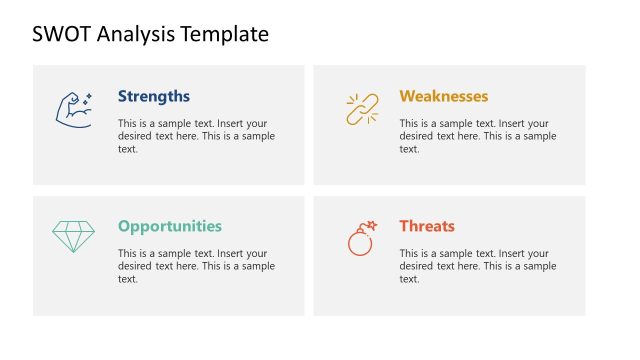
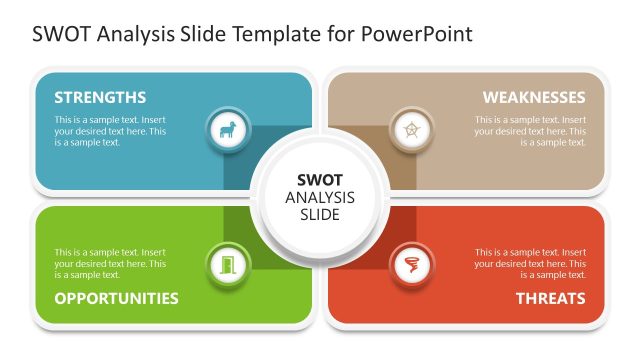
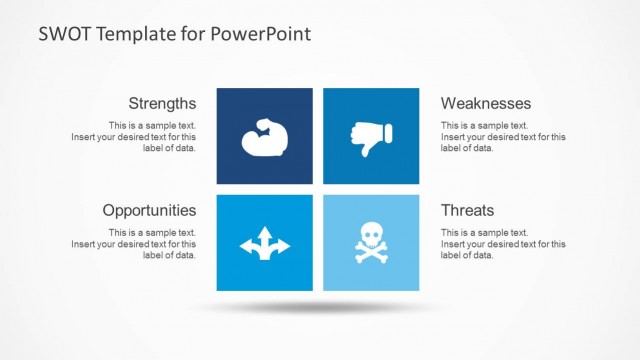
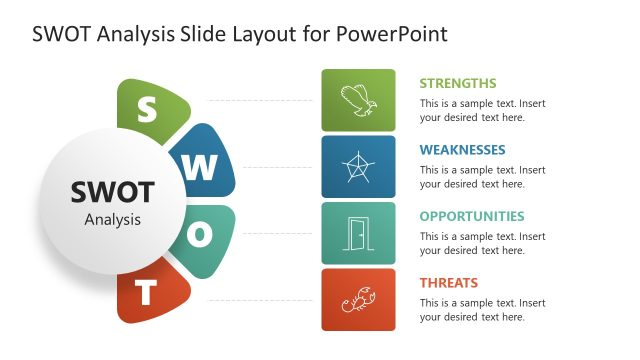
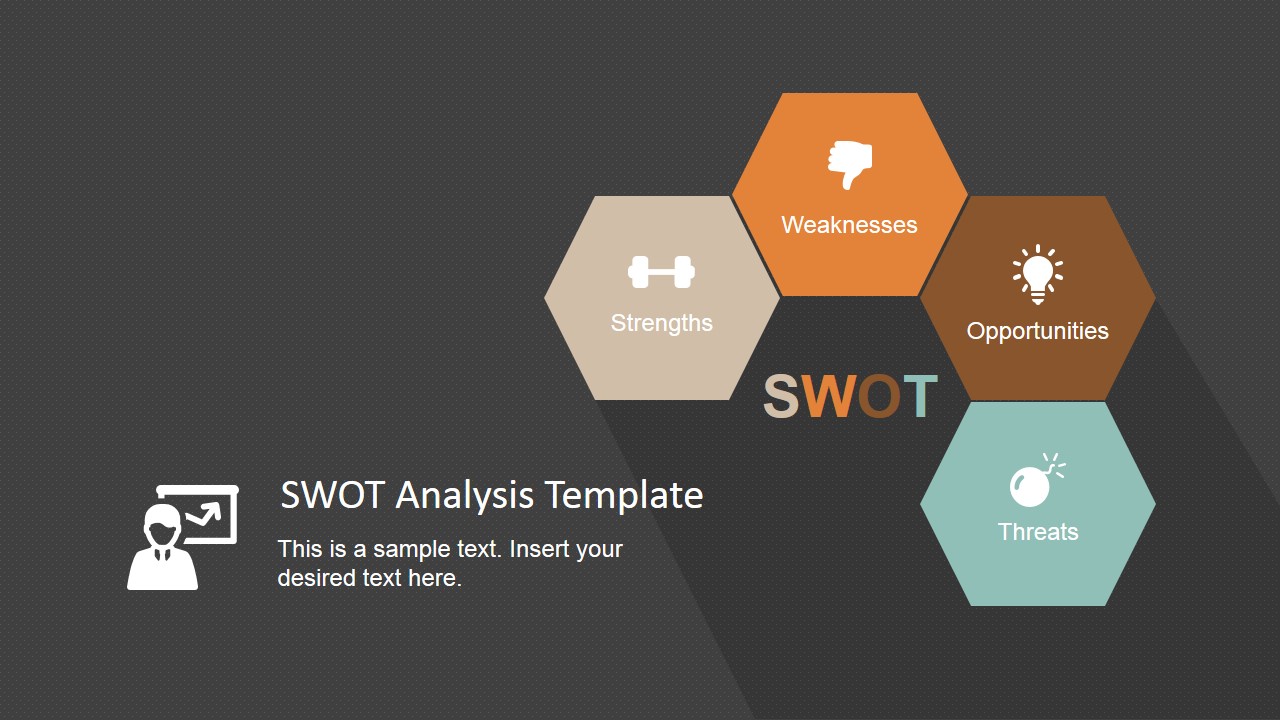
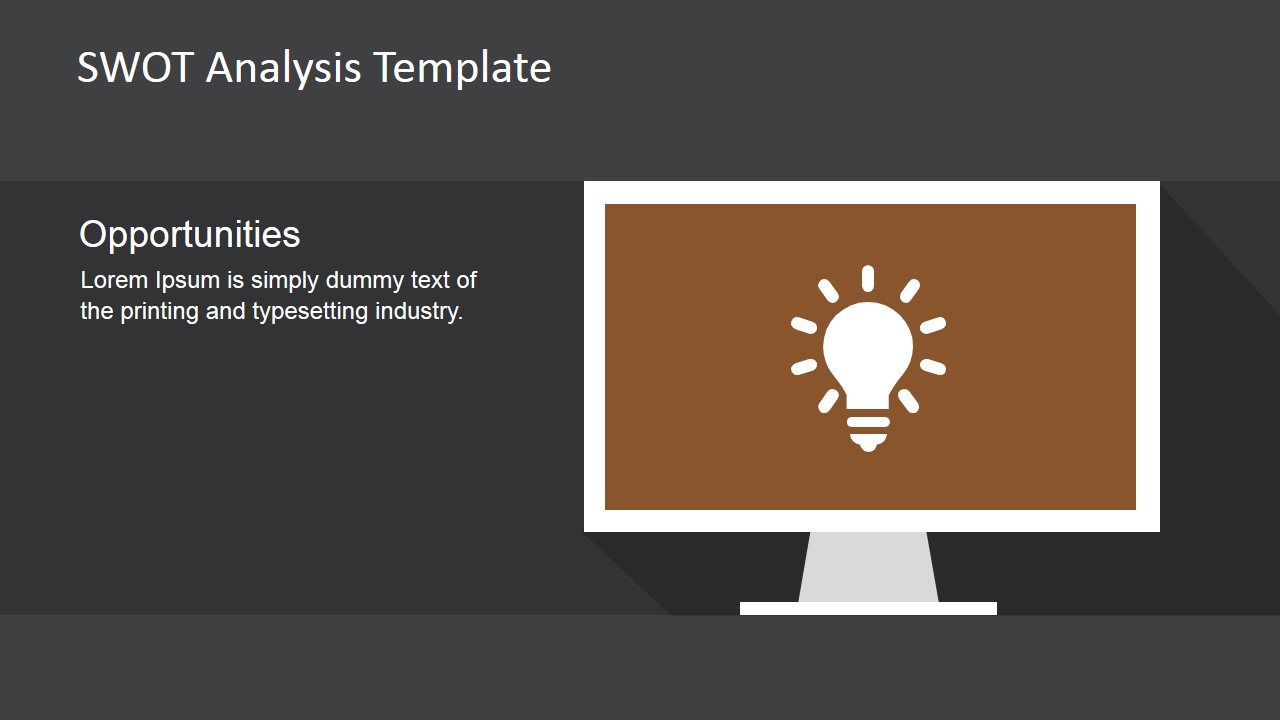
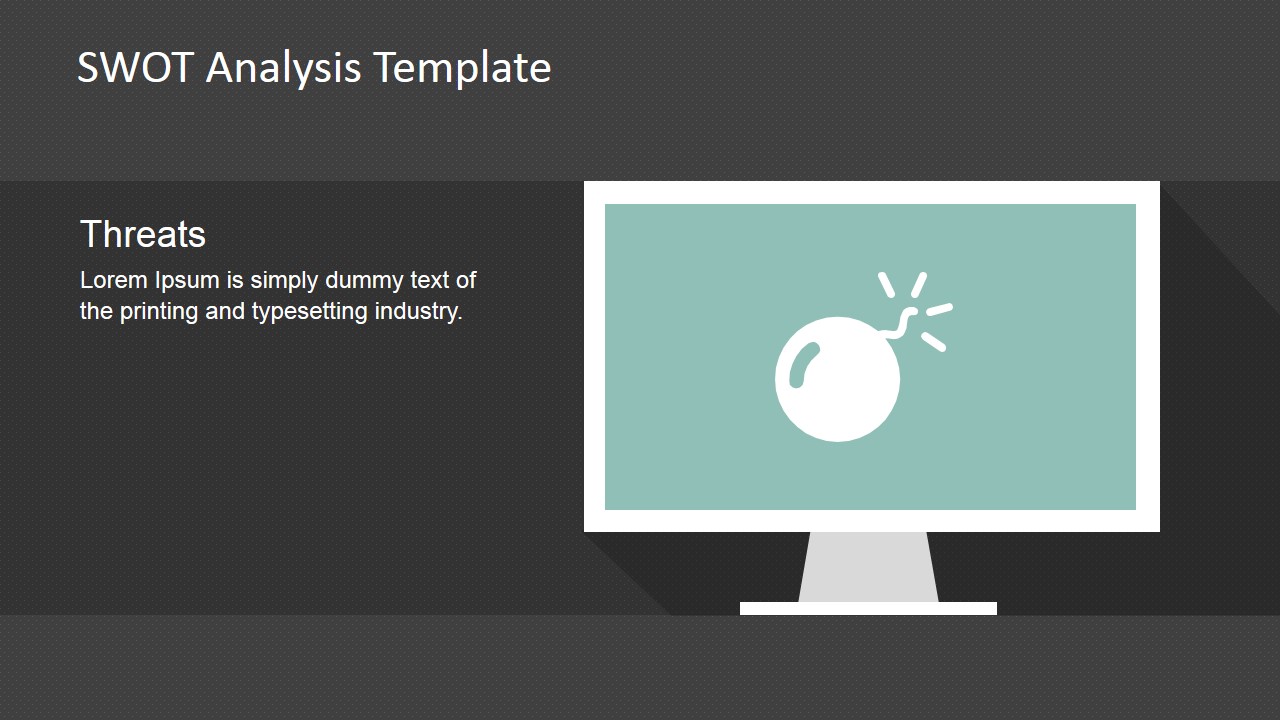
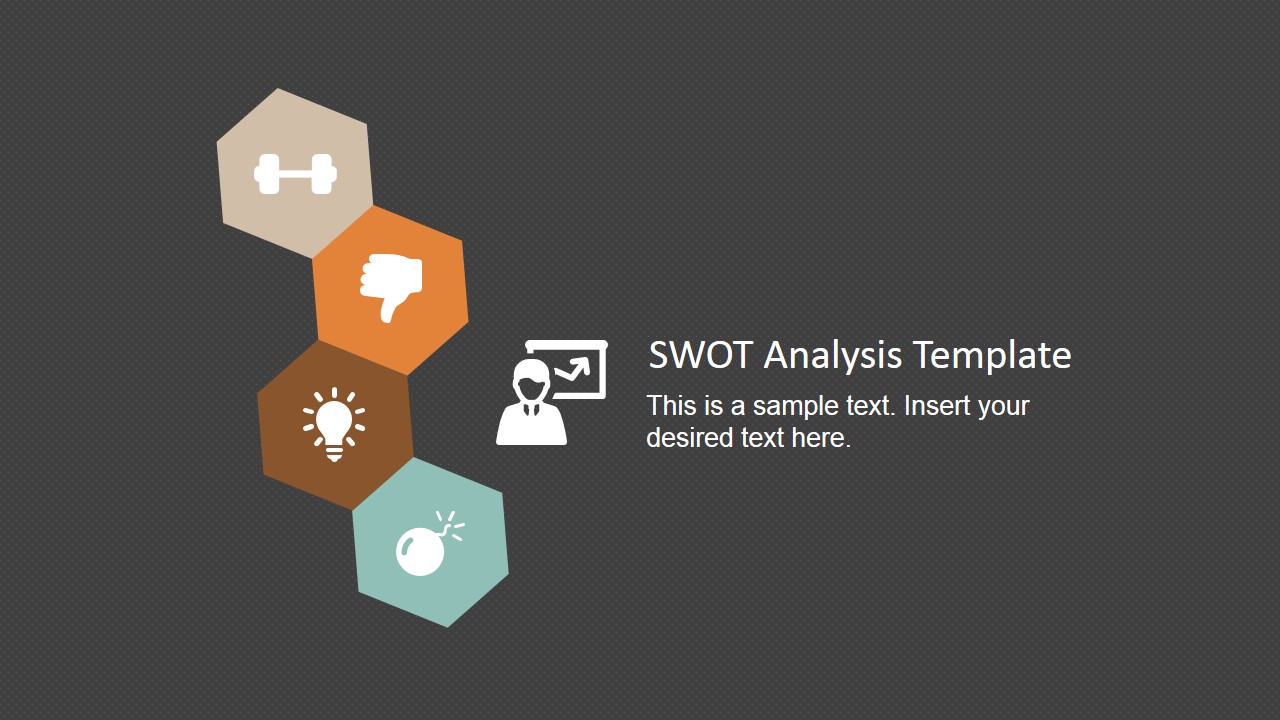
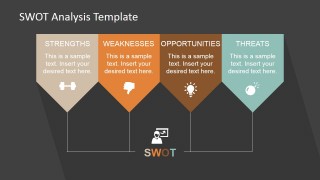
Minimalist SWOT Analysis Template for PowerPoint is a professional deck created for presenting SWOT Analysis results in a minimalistic fashion. The Template design is simple to focus on the information; composed by a dark background with a flat hexagonal shapes and professional PowerPoint Icons to represent each area of the Analysis (Strengths,Weaknesses, Opportunities and Threats).
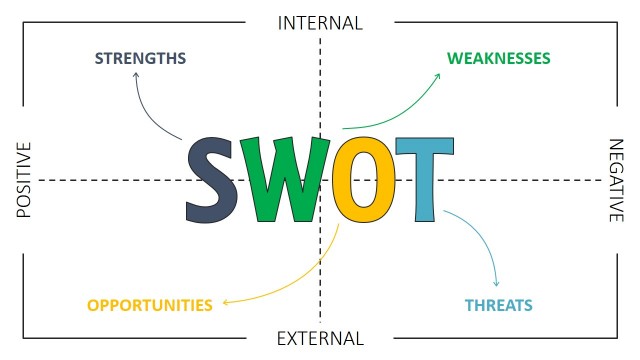
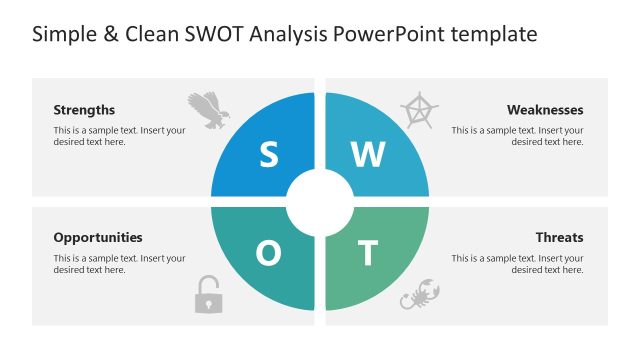
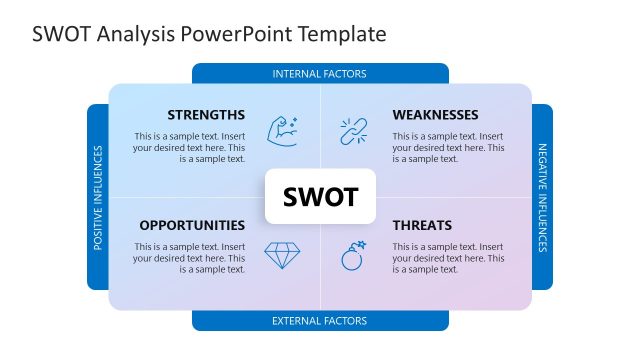
SWOT Analysis (a.k.a. TOWS) is a simple but powerful management tool used in different business processes. It is a key analysis practice emplyed in business strategy development, decision analysis and risk management. The process consists of two main stages:
- Internal Factors.
- Strengths and Weaknesses are internal factors to the business, organization or situation. The analysis first stage consists of defining the existing strengths (they should be strengths that actually provide an advantage) and the existing weaknesses (they should be weaknesses that are actually affecting the ability to provide a better or increased outcome). These internal factors can change through time and require no more than internal actions to be corrected.
- External Factors
- Opportunities and Threats are external factors to the business, organization or situation. The second stage of the SWOT analysis consists of the identification of external factors that exist in the market (or ecosystem) and that can not be changed. The executives will target actions to mitigate this factors or to adapt to their occurrence in benefit of the business/organization.
This SWOT analysis presentation is 100% editable allowing the user to fully customize its appearance. The Minimalistic approach provides three impactful benefits for presenters:
- Get the Attention: Minimalism catches the audience attention eliminating the amount of text and using high quality clipart graphics and PowerPoint Icons.
- Quick visual understanding before speech: When a slide is displayed, the audience has only some seconds to understand visually before start to listening. Minimalism provides a full idea in a grasp.
- Keep the Focus: Minimalism focuses on simple and clear messages. Avoid writing more than one idea per slide (or unrelated topics). The audience immediately loses attention with mixed messages.
Impress your audience with this modern Minimalist SWOT Analysis Template for PowerPoint and create presentations that appeal to executives.
What’s inside this template
Example presentation scenarios
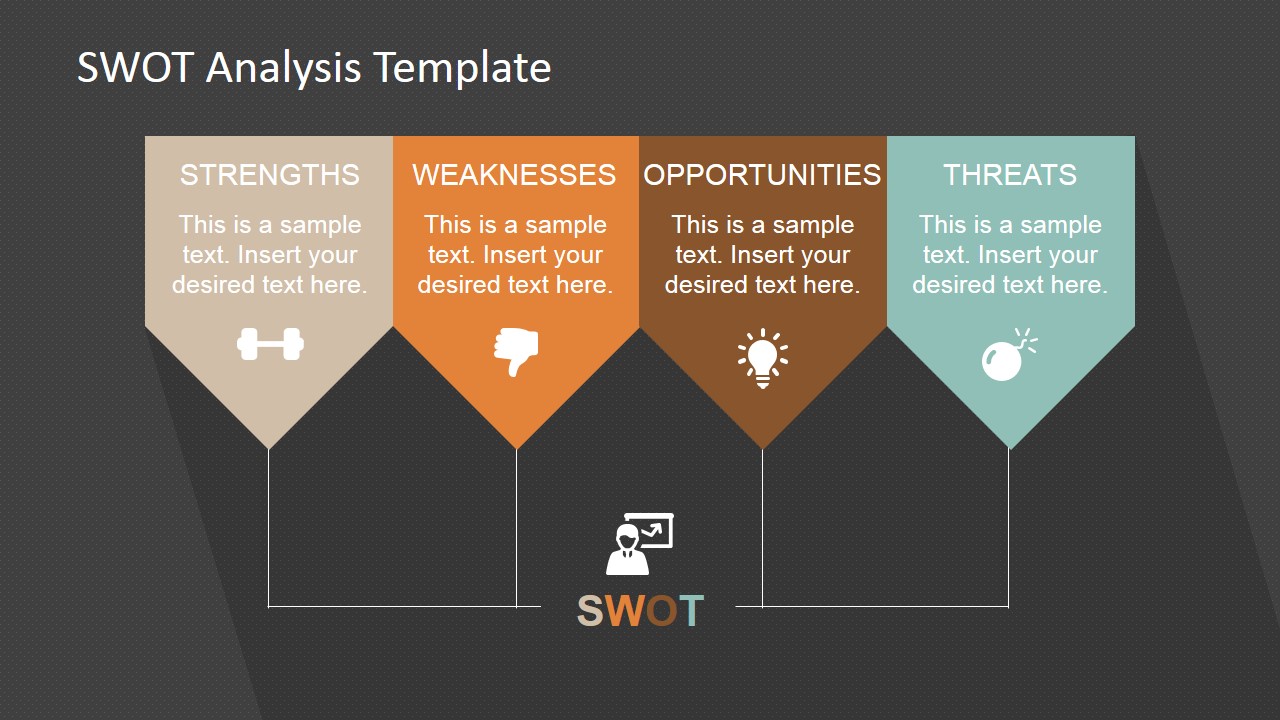
- A strategy consultant can use the four-column SWOT summary to brief executives on the main internal and external factors before recommending priorities.
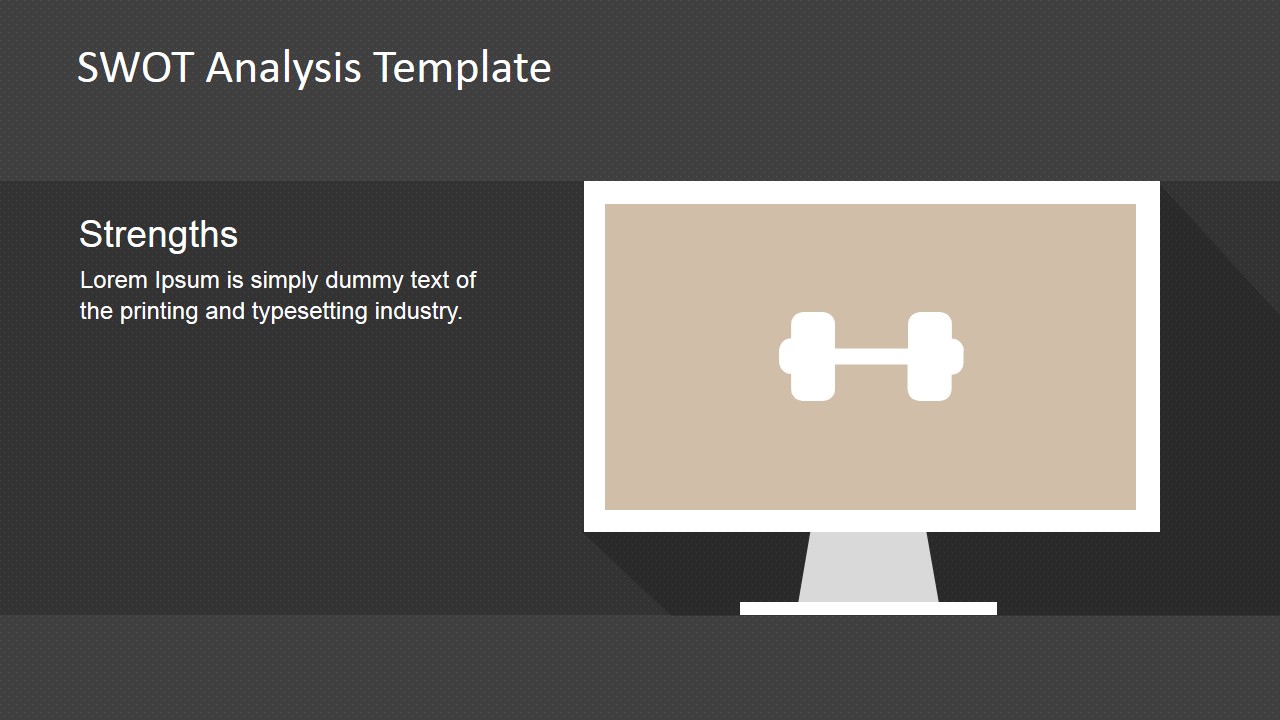
- A product manager can use the single-factor monitor slides to explain product strengths, weaknesses, opportunities, and threats in separate discussion segments.
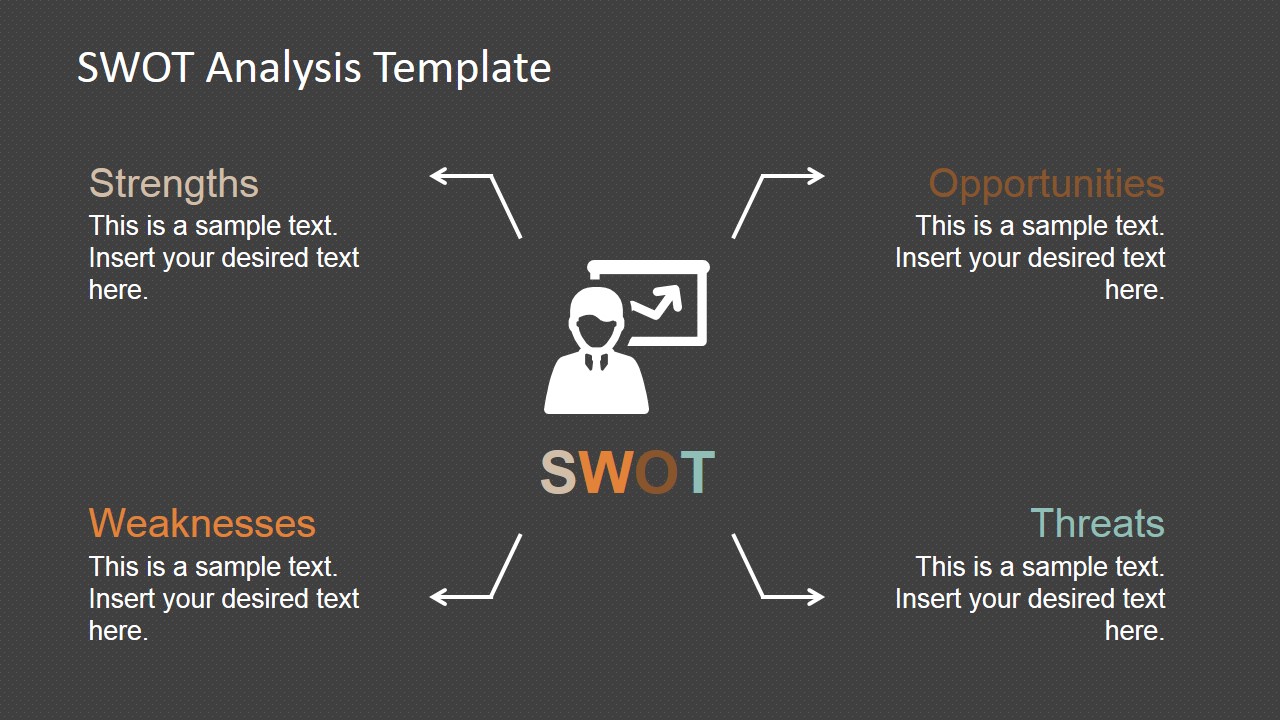
- A marketing team can use the radial SWOT summary to compare brand positioning factors and align the room around next actions.
- A business analyst can use the acronym slide and hexagon cover to introduce a SWOT workshop before collecting audience input.
Features
- 100% editable presentation template
- Compatible with Microsoft PowerPoint and Google Slides
- 16:9 aspect ratio slides
- Scalable vector shapes, icons and illustrations
- AI-Ready for Microsoft Copilot and Claude
- Instant access and download
Frequently asked questions
Q: How should a presenter structure the SWOT message with this template?
A: Start with the hexagon cover to frame the analysis, then use the four-column summary to show the whole SWOT before going deeper. Present the single-factor slides one at a time so the audience can discuss strengths, weaknesses, opportunities, and threats separately. Close with the radial summary to connect the factors to decisions.
Q: Who is this SWOT template best suited for?
A: This template fits presenters who need a concise strategic assessment rather than a long planning document. Consultants, analysts, product managers, and department leaders can use it for executive briefings, workshop openings, market reviews, or risk discussions where the SWOT categories must be understood quickly and compared side by side.
Q: Why do the hexagon shapes and icons work for SWOT communication?
A: The hexagon cluster creates a modular visual metaphor: each SWOT factor is separate, but still part of one strategic picture. The icons give each factor a fast visual cue, while the dark background and limited text areas keep attention on the presenter explanation instead of dense paragraphs.





Minimalist SWOT Analysis Template for PowerPoint
9-slide SWOT analysis presentation template with minimalist hexagon diagrams and factor summary layouts.
This 9-slide SWOT analysis template presents strengths, weaknesses, opportunities, and threats with minimalist hexagon diagrams, a four-column SWOT summary, acronym typography, single-factor monitor slides, and a radial summary layout. It is built for strategy presenters preparing concise business analysis in Microsoft PowerPoint or Google Slides.
- Category
- Strategy
- Rating


 Loading...
- Aspect ratio
- 16:9, 4:3
- Item ID
- 6815-01
- Colors
 Microsoft PowerPoint
  Microsoft Copilot
  Claude for PowerPoint
 Other formats supported
Subscribe today and get immediate
access to download our PowerPoint templates.