Slide 9 of 17 from M&A PowerPoint Template
Integration Plan with Four Key Priorities – M&A PPT Slide
Integration Plan for M&A Strategy Presentation
- Diagram
- Timeline Horizontal
- Process Slide
- 16:9
- 100% Editable
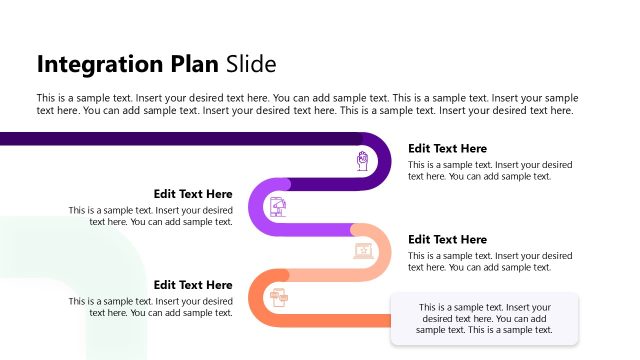
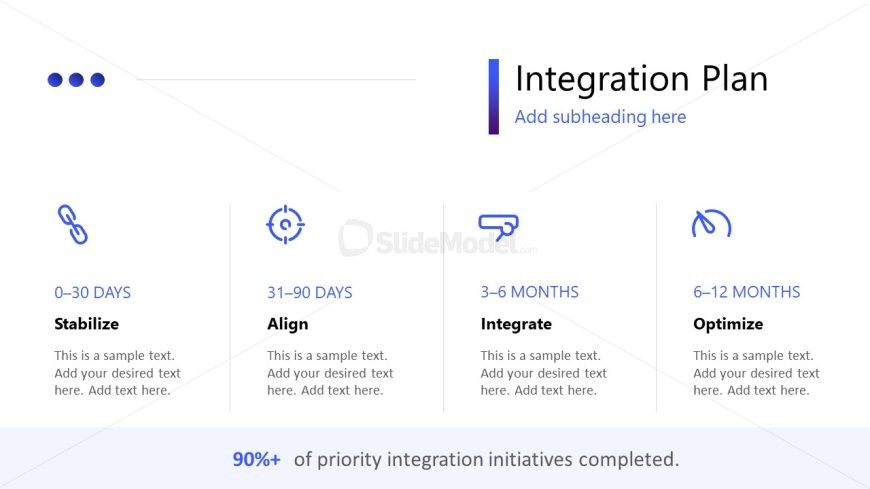
The Integration Plan slide from the M&A PowerPoint Template offers a clear horizontal timeline layout ideal for illustrating merger implementation phases. This slide template features editable shapes and vector icons to represent key stages such as Stabilize, Align, Integrate, and Optimize, making it suitable for corporate presentations focused on project management timelines and stakeholder communication within a business presentation or pitch deck template.
What’s on This Slide
The slide features a horizontal layout divided into four equal sections. Each section contains an icon, a time frame label, and a text placeholder for descriptions. The icons are simple and represent different phases of integration: Stabilize, Align, Integrate, and Optimize. The top of the slide has a title area with 'Integration Plan' prominently displayed, accompanied by a subheading placeholder. A footer area includes a percentage statement regarding integration initiatives. The overall color scheme includes shades of blue and white, contributing to a clean and organized appearance.
How to Use It
This layout serves as a timeline for an integration plan, outlining key phases in a merger or acquisition process. It fits well in a presentation sequence after discussing the merger's rationale and before detailing implementation strategies. This structure is useful for business scenarios requiring clear communication of integration steps, timelines, and responsibilities, ensuring stakeholders understand the process and expectations.
Text Placeholders & Capacity
Keep your copy within these limits so it fits without resizing. Node body slots can accommodate roughly 15-20 words each.
| Placeholder | Count | Max characters (approx.) |
|---|---|---|
| Slide title | 1 | 30 |
| Item heading | 4 | 20 |
| Item body | 4 | 100 |
| Callout | 1 | 50 |
Slide Keywords
Download unlimited PowerPoint templates, charts and graphics for your presentations with our annual plan.
DOWNLOADReturn to M&A PowerPoint Template.