Slide 5 of 8 from Light Company Presentation PowerPoint Template
Horizontal Process Flow Template – Light Company Profile Template
Horizontal Process Flow for Presentations
- Diagram
- Process Flow
- Process Slide
- 16:9
- 100% Editable
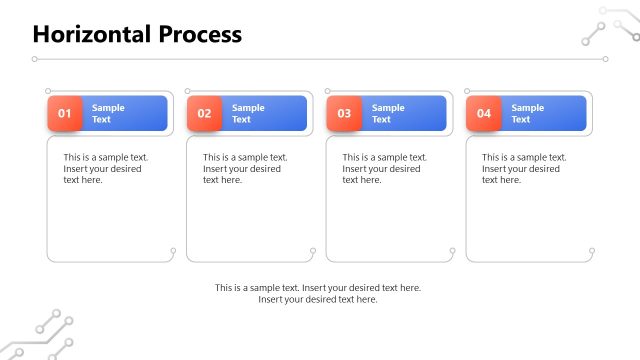
The Horizontal Process Flow slide from the Light Company Presentation PowerPoint Template offers a clear layout for illustrating sequential business processes. This slide template is designed to enhance project overviews and workflow presentations by using editable shapes and vector icons to visually communicate each step. Ideal for corporate presentations, it supports effective explanation of complex operations within a professional slide deck.
What’s on This Slide
The layout features a horizontal process flow with four distinct nodes. Each node is represented by a rounded rectangle containing a number and a text placeholder. The nodes are arranged in a line from left to right, with arrows connecting them to indicate flow direction. The first node is positioned at the top left, followed by the second node slightly to the right. The third node is in the center, and the fourth node is at the far right. The background is predominantly white with an orange gradient on the right side.
How to Use It
This layout serves as a horizontal process flow diagram, ideal for illustrating sequential steps in a business process. It fits well in presentations that require a clear visual representation of processes, such as project management or workflow discussions. This structure can be used in various business scenarios, including project overviews, operational processes, and strategic planning sessions, allowing for effective communication of complex information in a simplified manner.
Text Placeholders & Capacity
Keep your copy within these limits so it fits without resizing. Node body slots can accommodate roughly 10-12 words each.
| Placeholder | Count | Max characters (approx.) |
|---|---|---|
| Item heading | 4 | 20 |
| Item body | 4 | 50 |
Slide Keywords
Download unlimited PowerPoint templates, charts and graphics for your presentations with our annual plan.
DOWNLOAD