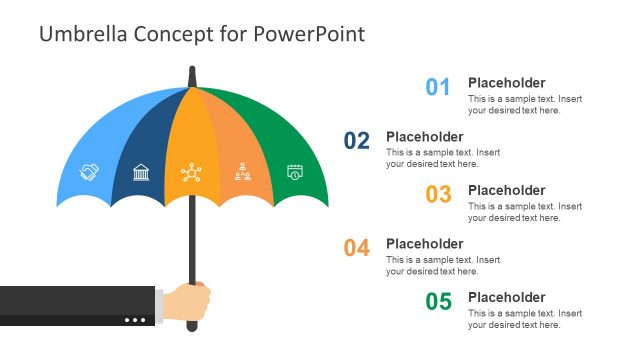
Generate a creative presentation using the Insurance PowerPoint Template. Create a presentation that relates visually with the audience, calling the importance of insurance to attention. The user can make use of the colorful and engaging clipart to showcase the information to the audience. The various graphics serve as visual cues for both the presenter and the audience. The flat design and vector graphics make it easier to remember the information, as they are connected to familiar objects.
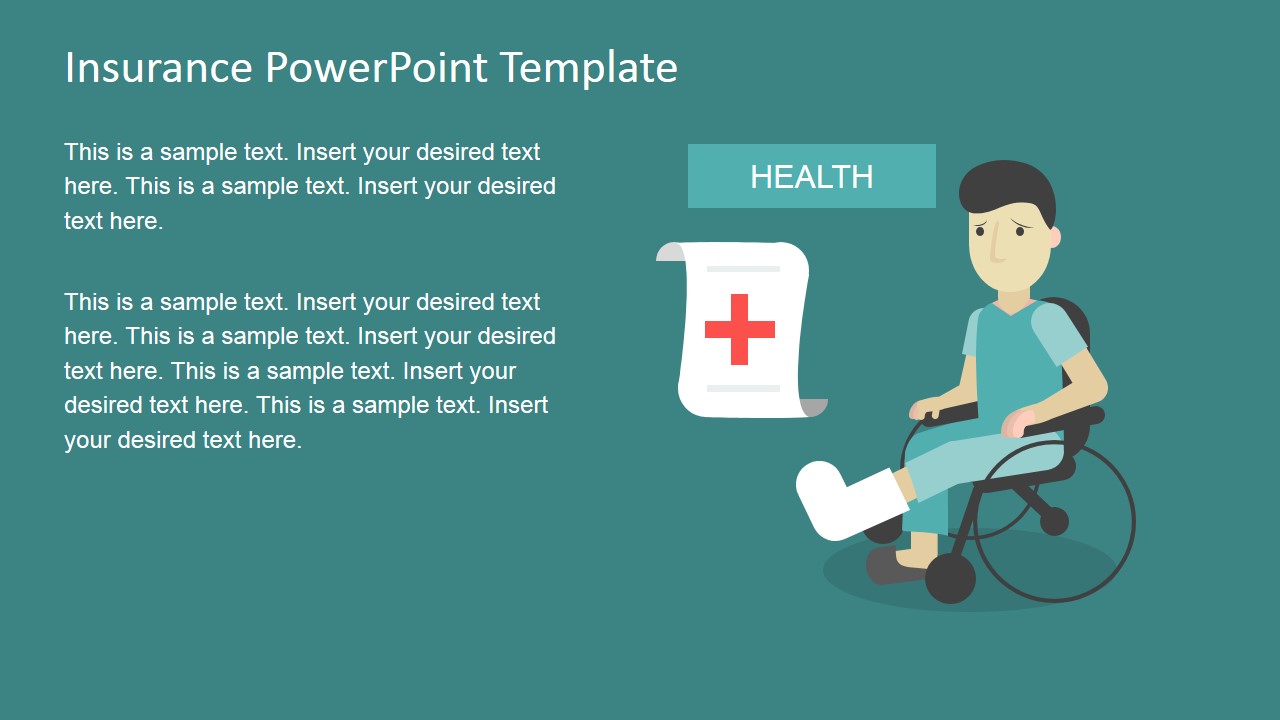
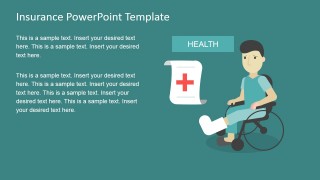
This presentation template discusses six types of insurance through different scenes. Namely, these are insurances for health, money, home, vehicle, travel, and family. These are the most common offerings in insurance companies. The first type of insurance, health, is the most costly. This involves medical emergencies, which may range from broken bones to communicable diseases. This type of insurance is usually required to be offered by employers. In most cases, the law requires that the employee and the employer shoulder the payment for insurance in an equitable distribution.
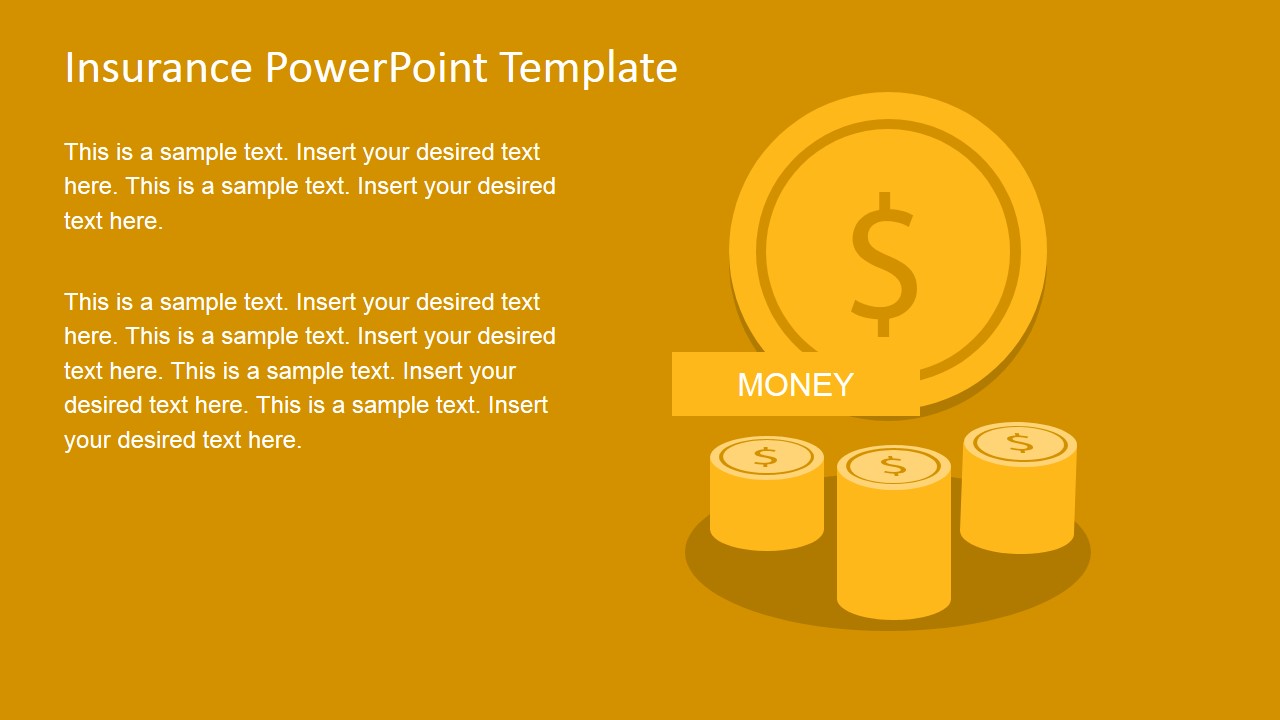
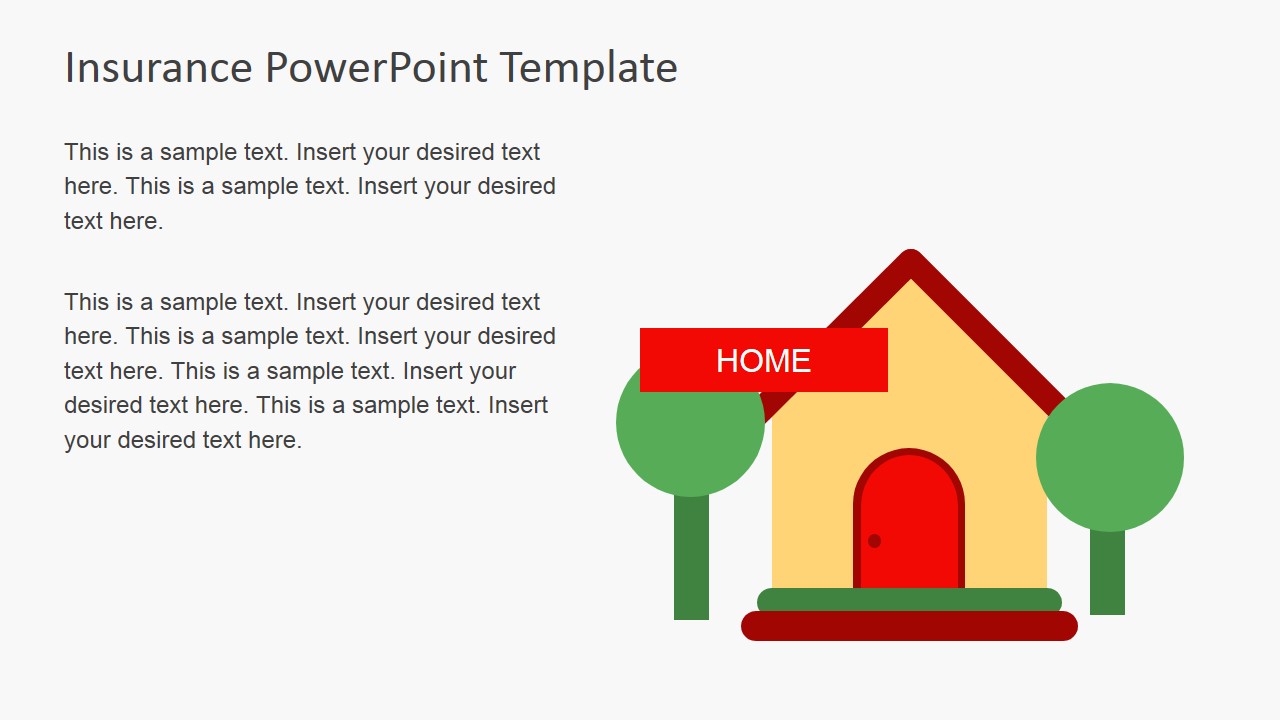
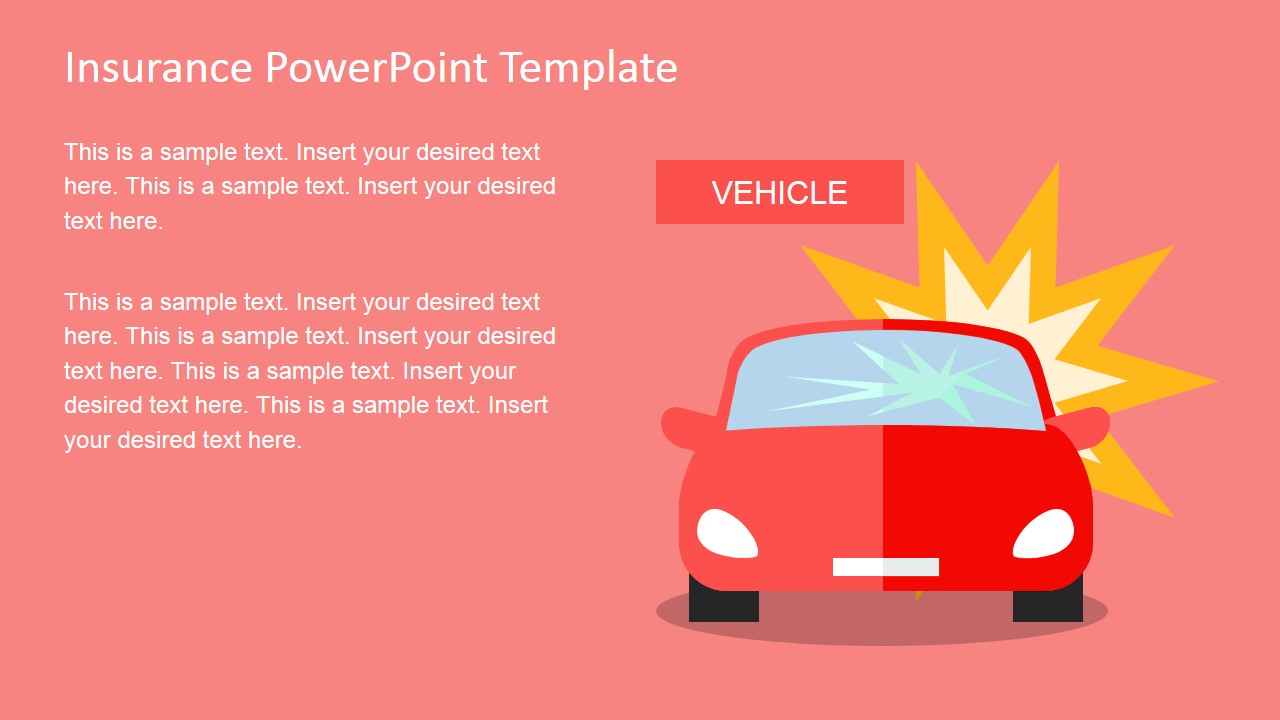
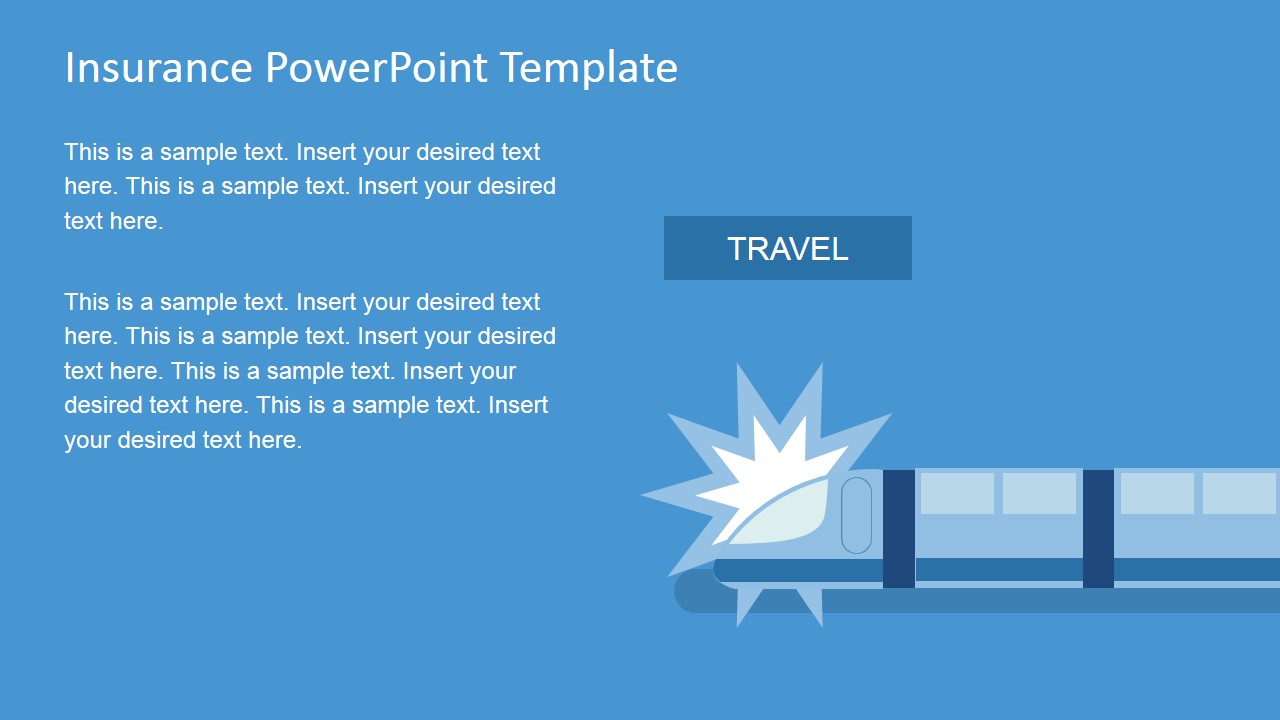
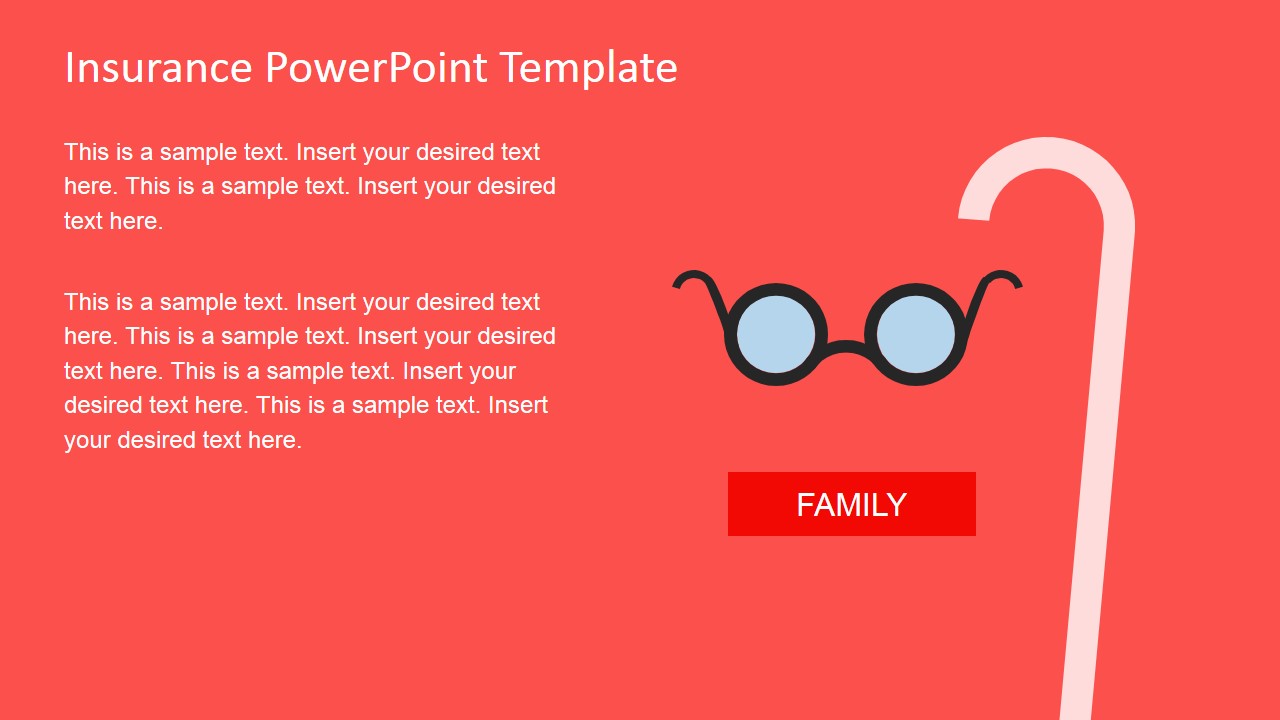
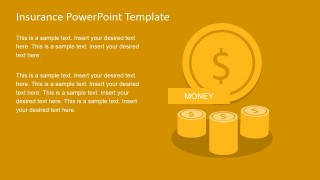
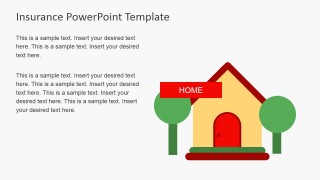
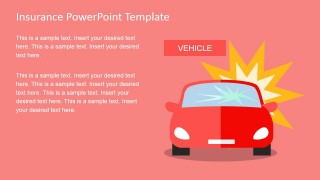
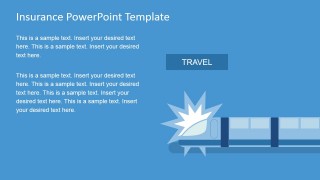
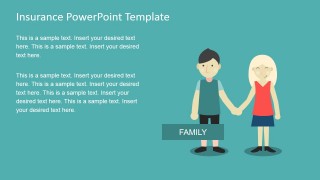
The second type is money, which can refer to the insurance given by banks in cases of bankruptcy. This specific insurance assures the client that the money that had been put aside can be recovered, albeit in a limited fashion, and protects assets. This involves a great deal of risk analysis in order to mitigate risk and secure finances. House insurance, on the other hand, covers the protection of household items and the property itself, in case of fires and natural disasters. The insurance can help as tax-deductible expenses. Vehicular insurance is usually counted on when there is an accident concerning a car or another vehicle. The insurance can be used to pay for damages and corresponding repairs. Travel insurance applies to different modes of transportation, to ensure a safe journey. Lastly, family insurance can refer to money given to direct relatives and dependents, specifically, children, in the event of death.
Suitable for introducing different types of insurance to a prospective client, the Insurance PowerPoint Template is 100% editable. The presenter can create relatable and informative slides which expressly fit the audience. The presenter has the option to download Flat Business Metaphor Graphics for PowerPoint, for additional Flat shapes.
What’s inside this template
Example presentation scenarios
- An insurance broker can use the cover and category icons to open a client meeting and frame which protection areas will be discussed.
- A benefits consultant can use the health scene slide to explain medical coverage options to employees during an enrollment presentation.
- A financial advisor can use the money and home scenes to introduce asset protection topics for households and small business owners.
- A training facilitator can use the icon sheet to build quick discussion prompts around vehicle, travel, family, and healthcare insurance needs.
Features
- 100% editable presentation template
- Compatible with Microsoft PowerPoint and Google Slides
- 16:9 aspect ratio slides
- Scalable vector shapes, icons and illustrations
- AI-Ready for Microsoft Copilot and Claude
- Instant access and download
Frequently asked questions
Q: How should a presenter structure a short client explanation with this template?
A: Start with the hand-and-icons cover to show that insurance is a portfolio of protection areas, not a single product. Then move through only the scenes relevant to the client, such as health, home, vehicle, or travel. Keep each slide focused on one risk, one consequence, and one coverage decision.
Q: Who is this template best suited for?
A: This template fits presenters who need to make insurance categories easy to recognize for non-specialist audiences. Brokers, benefits consultants, financial educators, and advisors can use the familiar house, car, money, family, and medical scenes to support first meetings, onboarding sessions, or introductory workshops.
Q: Why do the flat metaphors help explain insurance topics?
A: Insurance can feel abstract because it deals with future risk. The slide designs replace abstract terms with everyday objects: a home, a vehicle, a patient, money, and family members. Those metaphors help the audience sort coverage types quickly and remember why each protection category matters.





Insurance PowerPoint Template
5-slide insurance presentation template with coverage scenes, flat icons, and client education visuals
Insurance PowerPoint Template is a 5-slide presentation template for explaining common insurance categories with flat vector scenes. Visible layouts include a cover with hand and category icons, health, money, home, vehicle, travel, family and retirement-style scene slides, plus a useful icons sheet. Built for Microsoft PowerPoint and Google Slides.
- Category
- Template Backgrounds
- Rating


 Loading...
- Aspect ratio
- 16:9, 4:3
- Item ID
- 6871-01
- Colors
 Microsoft PowerPoint
  Microsoft Copilot
  Claude for PowerPoint
 Other formats supported
Subscribe today and get immediate
access to download our PowerPoint templates.