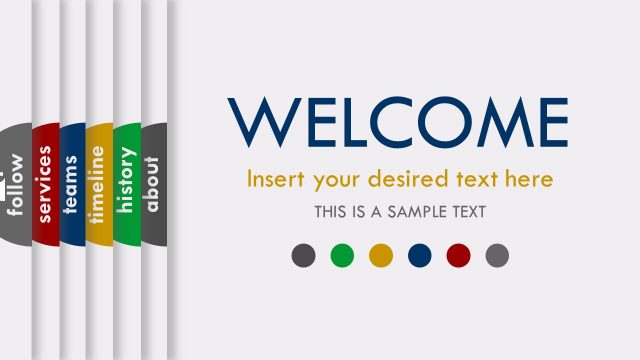
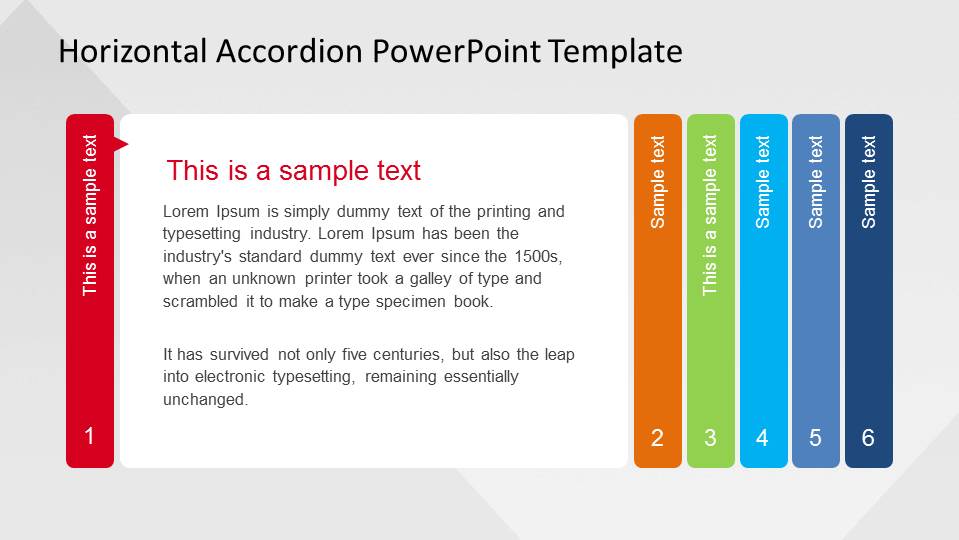
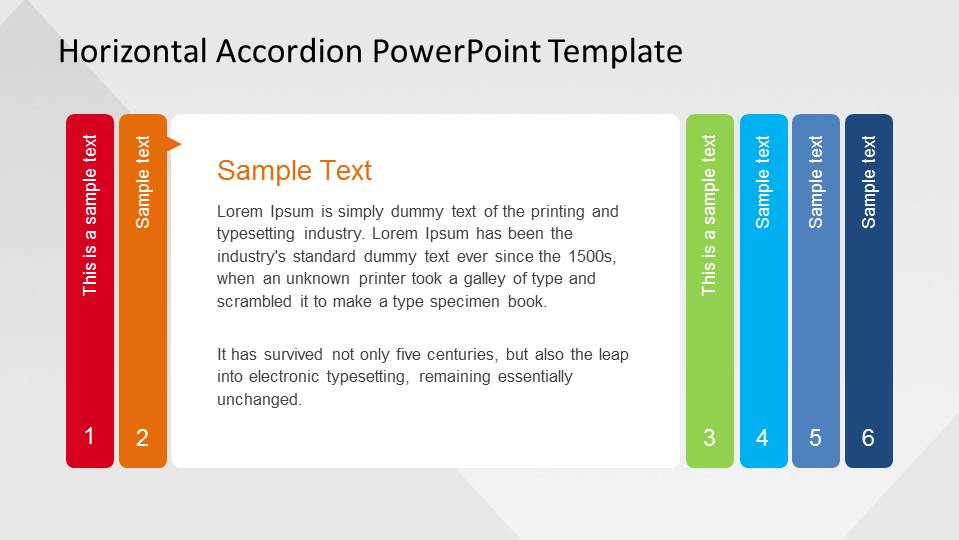
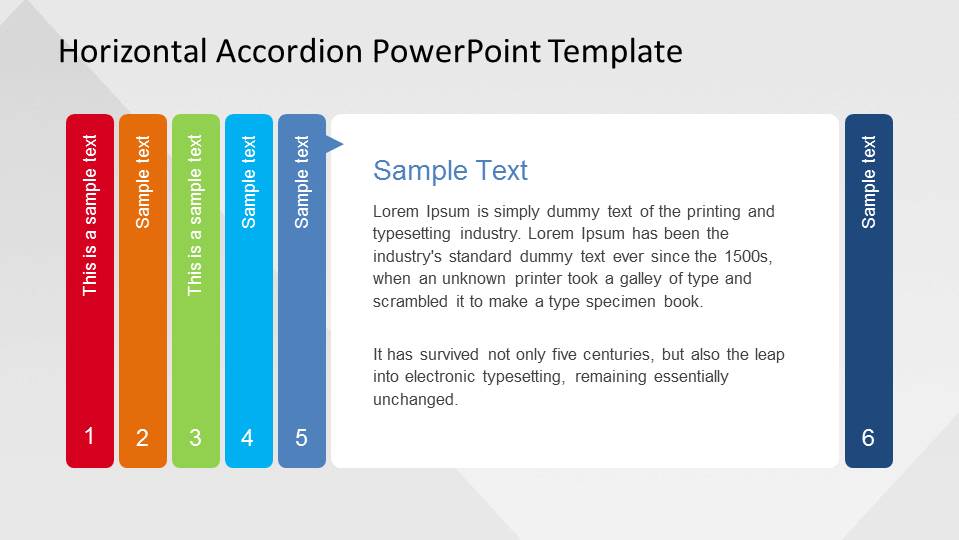
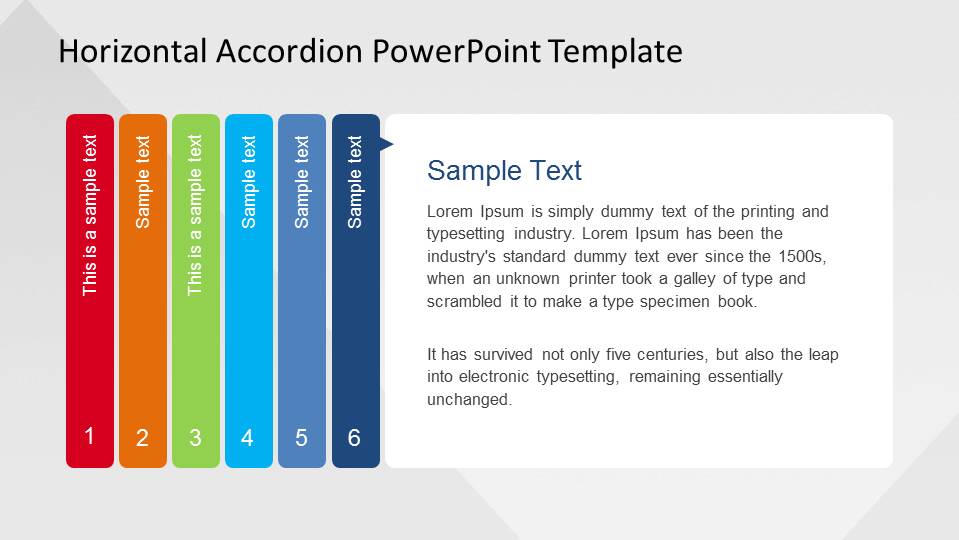
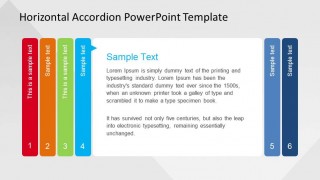
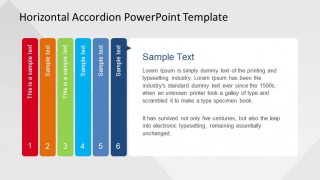
Horizontal Accordion PowerPoint Template is a creative and professional step template for guiding presentations through numbered topics. Each topic is hidden inside the accordion; when the slide turns, the bookmark moves to the left, and the topic is presented. Ideal for lectures of any kind or any educational content, the Horizontal Accordion PowerPoint Template will impress your audience.
Every shape and text is created with PowerPoint objects, allowing the user to fully customize the accordion, adding or deleting steps.
Alternatively, you can download other tabbed-menu templates for PowerPoint & Google Slides, including templates with tabs that you can customize for your presentations.
What’s inside this template
Example presentation scenarios
- A corporate trainer can introduce a six-part learning module by assigning each colored accordion tab to a lesson objective and using the central text panel for the key explanation.
- A consultant can explain a phased service process by moving through the numbered vertical tabs and using each active-tab state to keep the audience oriented.
- An instructor can structure a lecture into six chapters, using the accordion tabs as section markers and the white panel for definitions, examples, or discussion prompts.
- A product manager can present six feature categories by mapping each feature group to a tab and summarizing benefits in the editable heading and body copy area.
Features
- 100% editable presentation template
- Compatible with Microsoft PowerPoint and Google Slides
- 16:9 aspect ratio slides
- Scalable vector shapes, icons and illustrations
- AI-Ready for Microsoft Copilot and Claude
- Instant access and download
Frequently asked questions
Q: How should a presenter use the accordion layout to keep a six-part explanation clear?
A: Treat each tab as one self-contained idea and repeat the same speaking rhythm on every slide: name the step, explain the main point, then connect it to the next tab. Because the active tab shifts across the accordion, the audience can track progress without rereading a dense agenda or losing the current topic.
Q: Who is this template best suited for in a business or learning presentation?
A: This template fits trainers, instructors, consultants, and team leads who need to explain a controlled sequence rather than compare many alternatives. The six numbered tabs work well for course modules, onboarding steps, workshop topics, service phases, or feature groups where each section needs its own focused text panel.
Q: Why does the accordion metaphor work for step-by-step communication?
A: The accordion metaphor shows one topic opened while the others remain visible but compressed. That design supports attention management: the open white panel gives enough room for explanation, while the colored side tabs remind the audience where the current step sits in the full six-part structure.



Horizontal Accordion PowerPoint Template
7-slide presentation template for horizontal accordion tabs, numbered steps, and lesson topics
The Horizontal Accordion PowerPoint Template is a 7-slide step presentation template for Microsoft PowerPoint and Google Slides. It uses six colored vertical tabs, numbered accordion steps, a large central text panel, and repeated active-tab states to explain lessons, agendas, processes, or guided topics in 16:9 and 4:3 formats.
- Category
- Shapes
- Rating


 Loading...
- Aspect ratio
- 16:9, 4:3
- Item ID
- 6635-01
 Microsoft PowerPoint
  Microsoft Copilot
  Claude for PowerPoint
 Other formats supported
Subscribe today and get immediate
access to download our PowerPoint templates.