Slide 1 of 5 from Four Steps cycle Diagram PowerPoint Template
4 Steps PPT Cycle Diagram
Four Steps Cycle Diagram for Presentations
- Diagram
- Matrix Quadrant
- Process Slide
- 16:9
- 100% Editable
What’s on This Slide
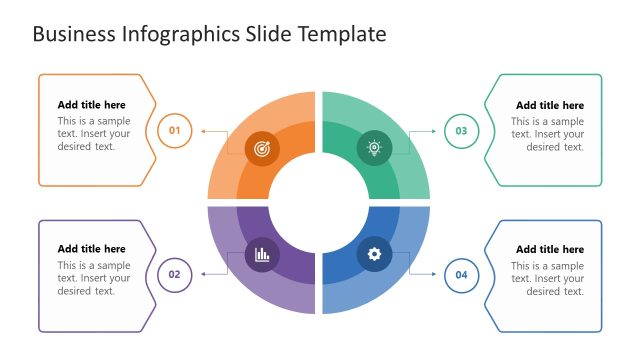
The layout features a central circular node surrounded by four equally sized circular nodes positioned at the corners. Each node contains a text placeholder aligned centrally, with a title placeholder above the central node. Connecting lines extend from the central node to each corner node, indicating a flow direction. The background is light with a subtle world map pattern. Color coding differentiates the nodes: red, blue, yellow, and black. The overall structure is symmetrical, creating a balanced visual hierarchy.
How to Use It
This layout serves as a process cycle diagram, ideal for illustrating four interconnected steps or phases in a business process. It fits well in presentations discussing workflows, project stages, or strategic initiatives. This structure is useful in scenarios such as project management, marketing strategies, or operational processes, where clarity in sequential steps is essential. It can also be adapted for training sessions or educational purposes.
Text Placeholders & Capacity
Keep your copy within these limits so it fits without resizing. Node body slots can hold approximately 15-20 words each.
| Placeholder | Count | Max characters (approx.) |
|---|---|---|
| Slide title | 1 | 40 |
| Item body | 4 | 100 |
| Item heading | 4 | 30 |
| Footer | 1 | 50 |
Slide Keywords
Download unlimited PowerPoint templates, charts and graphics for your presentations with our annual plan.
DOWNLOADReturn to Four Steps cycle Diagram PowerPoint Template.