Slide 4 of 8 from Flat Design Icons Website Development Template
Flat Design Process Layout For PowerPoint
Development Process Step in Website Development
- Diagram
- Process Flow
- Process Slide
- 16:9
- 100% Editable
The Development Process Step slide from the Flat Design Icons Website Development Template illustrates the coding phase with a clean, organized layout ideal for project updates and team briefings. This slide integrates editable shapes and vector icons to clearly communicate the development stage within a business presentation or pitch deck template focused on website development.
What’s on This Slide
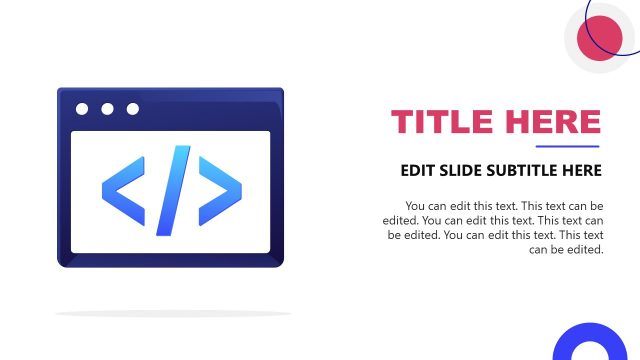
The slide features a central graphic of a code editor displaying colored lines of code, suggesting a development process. Positioned to the left, the code editor is framed within a rectangular shape. To the right, a large number '03' is prominently displayed above the word 'DEVELOP,' which is in bold text. Below this, there is a text placeholder for additional information, aligned left. Circular shapes in light colors are scattered in the background, contributing to the overall design. The layout is clean and organized, emphasizing the development stage.
How to Use It
This layout serves as a step in a sequential process, specifically focusing on the development phase of a project. It fits well in a presentation that outlines a multi-step approach, such as a digital marketing or website development strategy. This slide is suitable for scenarios where clear communication of the development stage is essential, such as project updates or team briefings. It can be used individually to highlight the development aspect in various contexts.
Text Placeholders & Capacity
Keep your copy within these limits so it fits without resizing. Body slots can hold around 15-20 words each.
| Placeholder | Count | Max characters (approx.) |
|---|---|---|
| Slide title | 1 | 10 |
| Body paragraph | 1 | 80 |
| Item heading | 1 | 2 |
Slide Keywords
Download unlimited PowerPoint templates, charts and graphics for your presentations with our annual plan.
DOWNLOAD