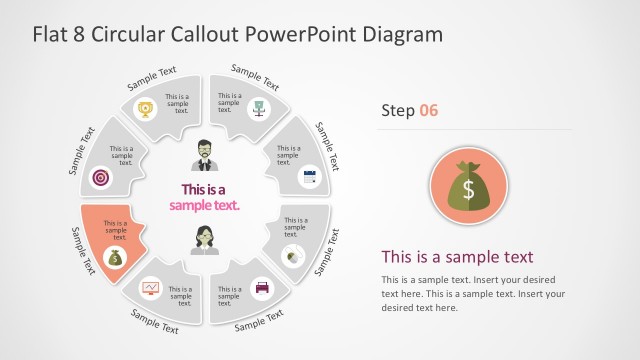
Slide 5 of 10 from Flat 8 Circular Callout PowerPoint Diagram
Flat Design 8 Steps Callout PowerPoint Diagram
Flat 8 Circular Callout PowerPoint Diagram
- Diagram
- Circular Cycle
- Process Slide
- 16:9
- 100% Editable
The Circular Callout Diagram with Steps slide from the Flat 8 Circular Callout PowerPoint Diagram template offers a clear visual process flow ideal for business presentations and training sessions. This slide layout uses editable shapes and vector icons arranged in a circular format to highlight sequential steps, making it effective for project updates and marketing strategies. Its design supports concise communication of complex processes within professional slide decks.
What’s on This Slide
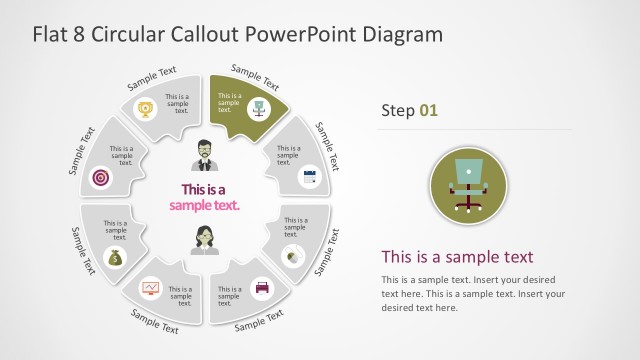
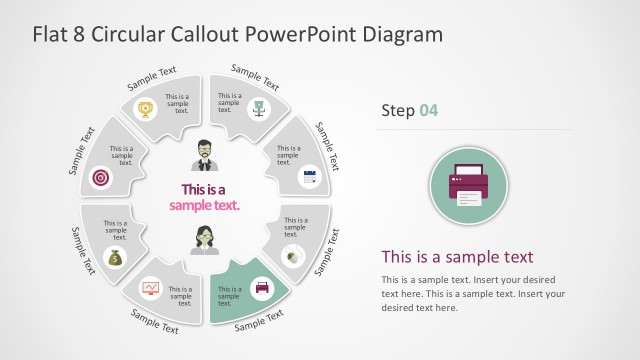
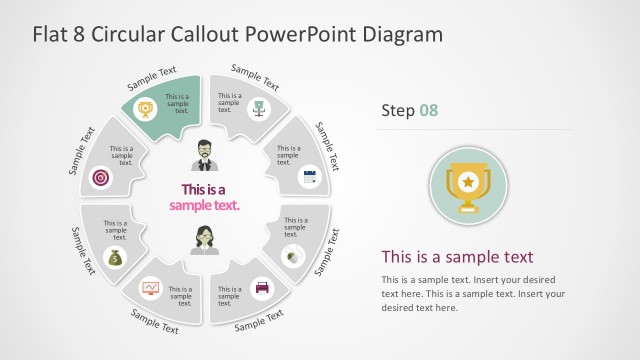
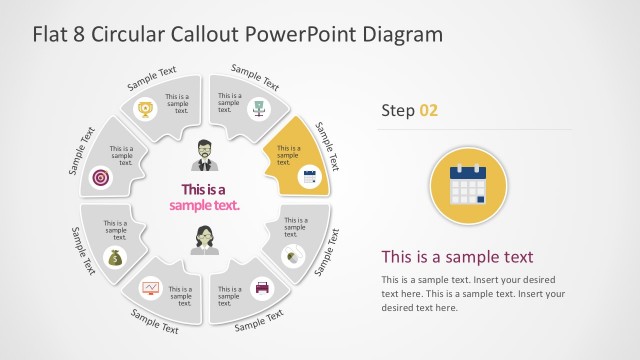
The layout features a circular diagram with eight evenly spaced callouts around the perimeter. Each callout contains an icon and a text placeholder, arranged in a clockwise direction. The central area highlights 'Step 03' with a larger text placeholder and an icon. The callouts are visually distinct, with varying icons representing different concepts. The background is a light gradient, enhancing the circular structure. Text placeholders are centered within each callout, while the central text is larger and bolded, emphasizing its importance. The overall composition is balanced and organized.
How to Use It
This layout serves as a process flow diagram, ideal for illustrating sequential steps in a business or marketing context. It fits well in presentations that require a visual representation of a process or methodology. This structure is useful for training sessions, project updates, or marketing strategies, where clarity in steps is crucial. It can be utilized to convey complex information simply, making it suitable for both internal and external communications. The circular format encourages engagement and helps maintain audience attention.
Text Placeholders & Capacity
Keep your copy within these limits so it fits without resizing. Body slots can hold tight text, roughly 5-7 words each.
| Placeholder | Count | Max characters (approx.) |
|---|---|---|
| Item body | 8 | 30 |
| Item heading | 8 | 15 |
| Chart title | 1 | 20 |
| Body paragraph | 1 | 150 |
Slide Keywords
Download unlimited PowerPoint templates, charts and graphics for your presentations with our annual plan.
DOWNLOADReturn to Flat 8 Circular Callout PowerPoint Diagram.