Slide 7 of 12 from Excellence PowerPoint Template
Excellence Template Diagram of Timeline
Timeline Slide for Presentations
- Diagram
- Timeline Vertical
- Timeline Slide
- 16:9
- 100% Editable
What’s on This Slide
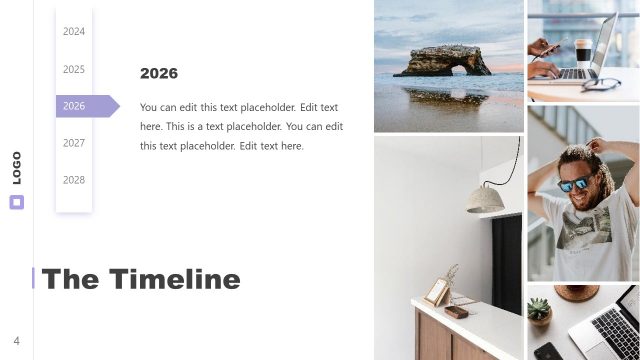
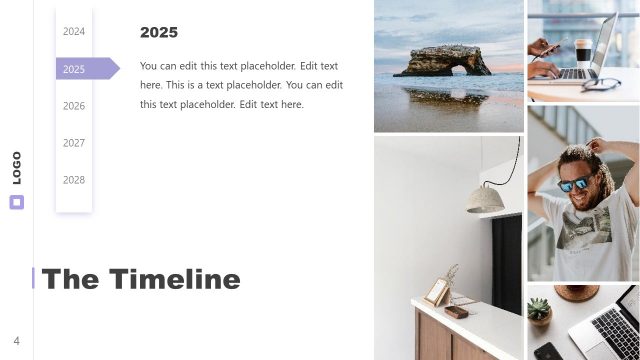
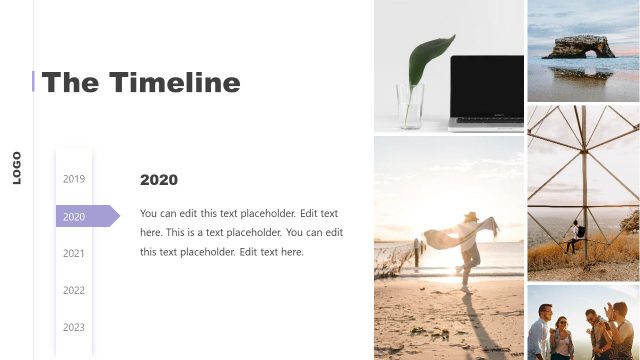
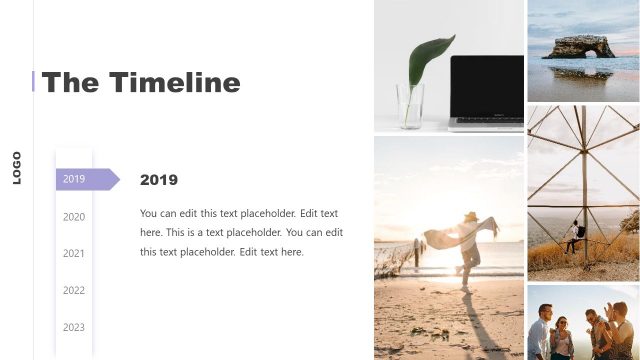
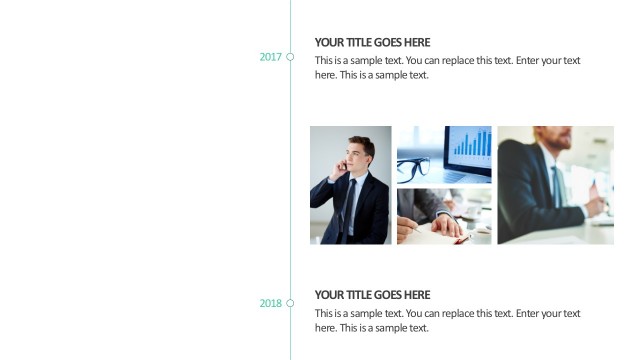
The layout features a vertical timeline on the left side, displaying years from 2024 to 2028, with 2027 highlighted. A large text placeholder is positioned centrally to the right, allowing for detailed content input. Above the text area, there are three images arranged in a vertical stack, showcasing various scenes. A logo placeholder is located at the bottom left. The overall composition is structured with a clear visual hierarchy, emphasizing the timeline and the central text area. The background is light, enhancing readability.
How to Use It
This layout serves as a timeline to present chronological events or milestones. It fits well in a presentation sequence after an introduction or overview, providing a clear visual representation of progress over time. This structure is useful in business contexts such as project planning, annual reviews, or strategic roadmaps. It allows for easy updates and adjustments to the timeline as needed, making it versatile for various presentations.
Text Placeholders & Capacity
Keep your copy within these limits so it fits without resizing. Body slots can accommodate roughly 30-40 words each.
| Placeholder | Count | Max characters (approx.) |
|---|---|---|
| Slide title | 1 | 30 |
| Item heading | 5 | 4 |
| Body paragraph | 1 | 200 |
Slide Keywords
Download unlimited PowerPoint templates, charts and graphics for your presentations with our annual plan.
DOWNLOADReturn to Excellence PowerPoint Template.