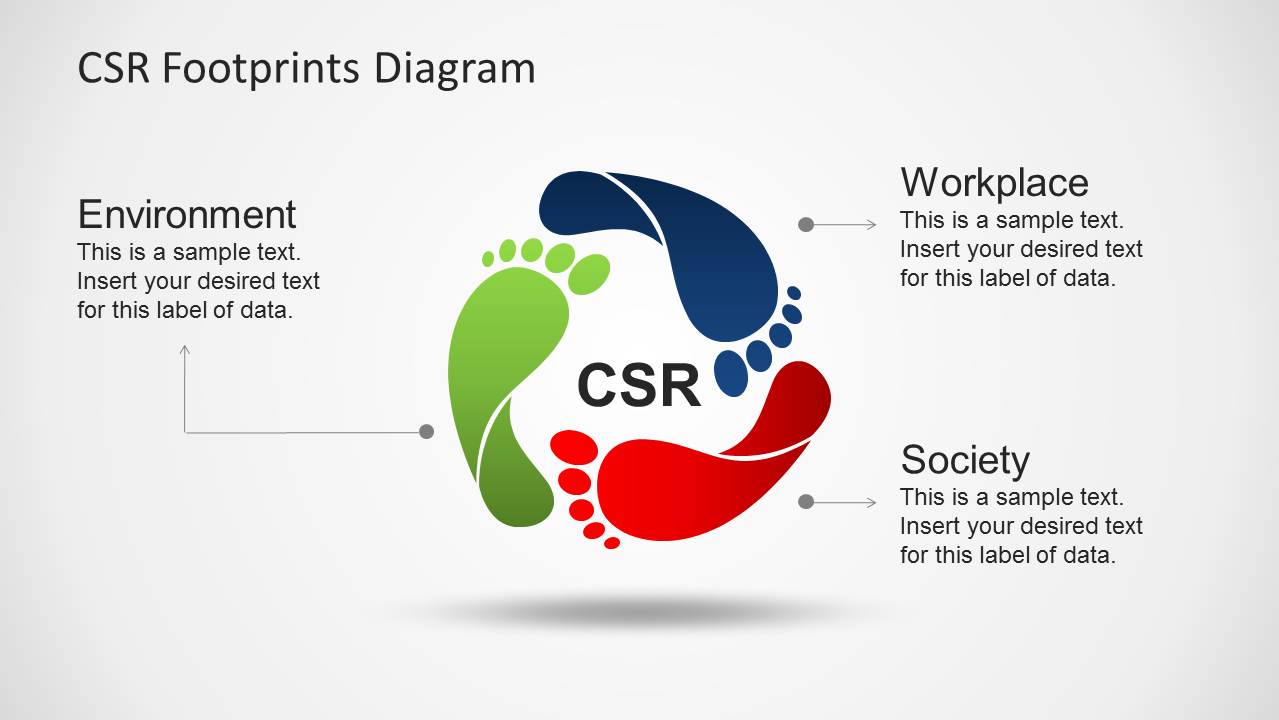
CSR Footprints Circular Diagram for PowerPoint– CSR or Corporate Social Responsibilities are voluntary activities done by corporations or companies to give back to the society. It can be social, health-related, environmental or economic. The PowerPoint template is a selection of creative shapes related to CSR. It can showcase a 3-step initiative process. Standard and professional, the design can surely bring the best infographics.
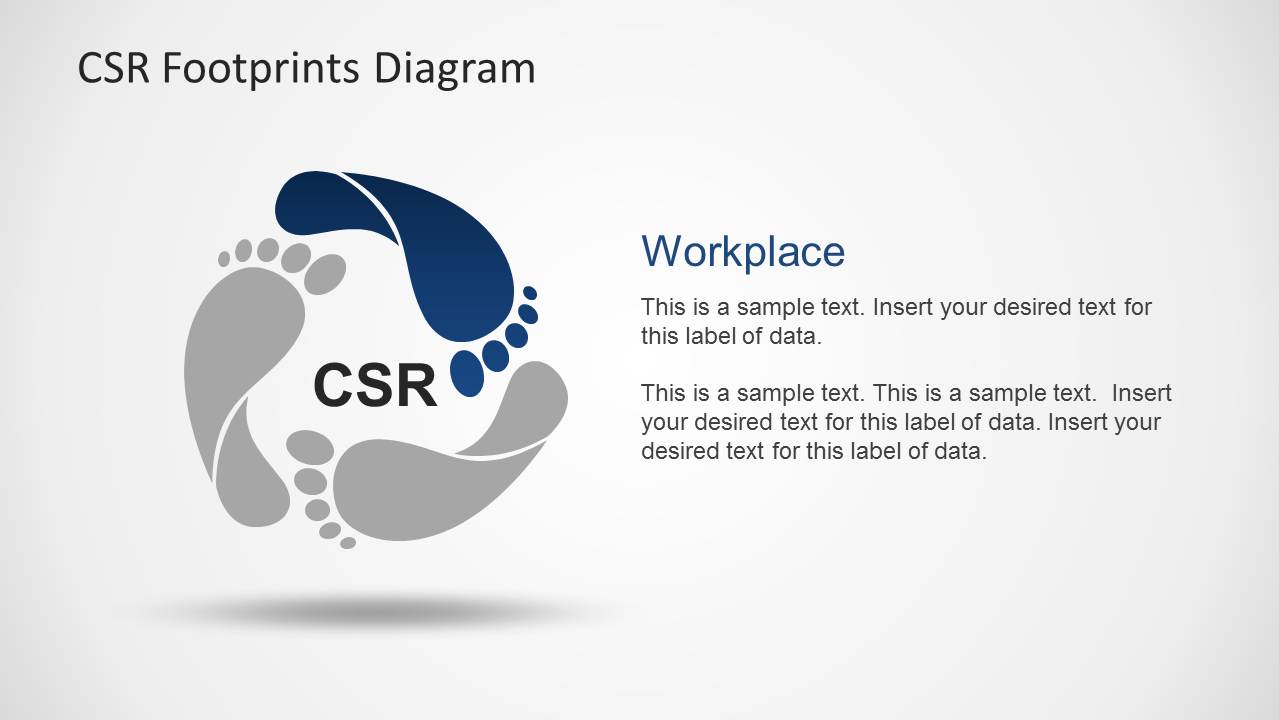
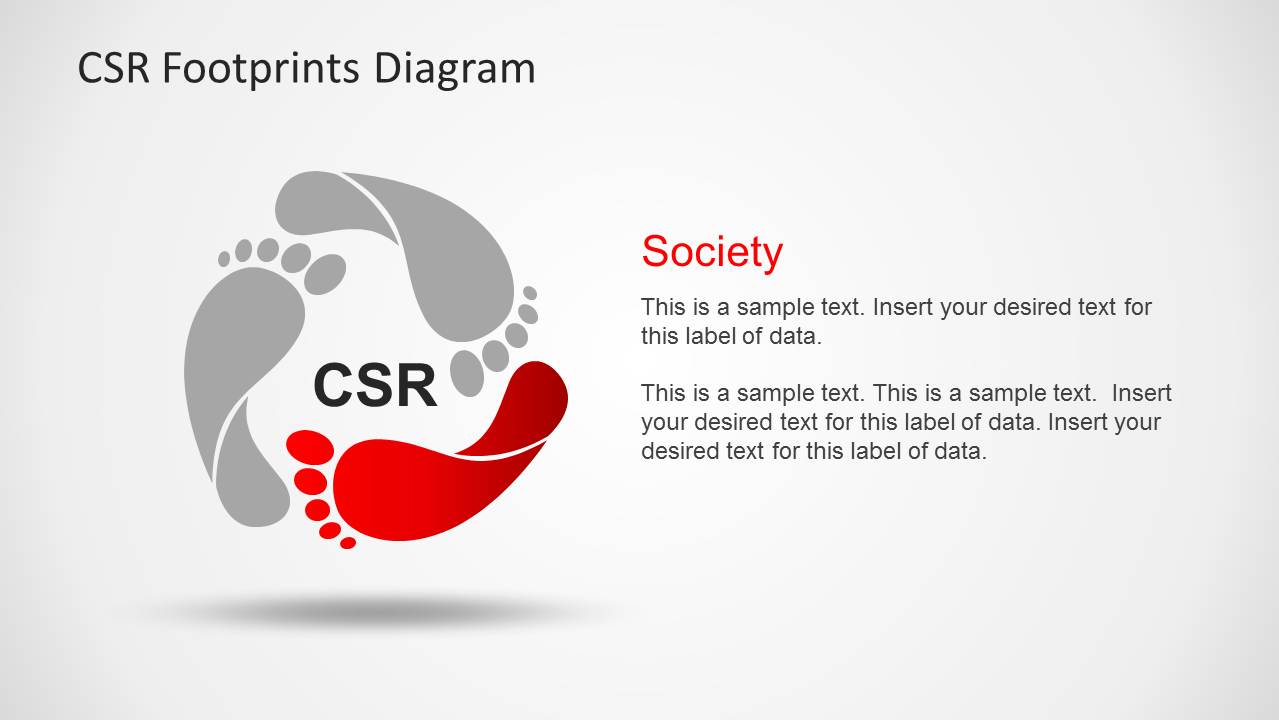
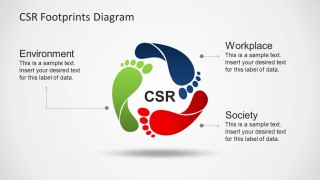
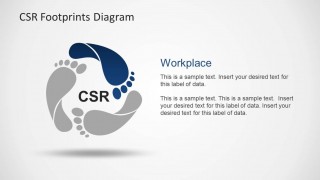
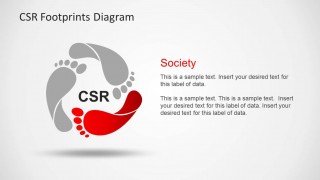
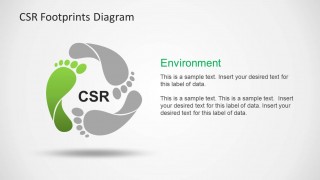
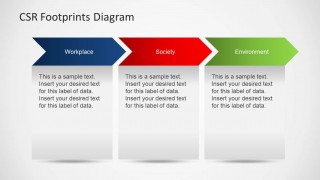
The PowerPoint design display a set of footprint cycle diagram with 3 steps. It is composed of five novel slides. The first one is an overview of the completed process. Each step is represented by a colored footprint- blue, red and green. A circular diagram is created by the footprints, implying a cycle or a repeating process. The title CSR is placed in the center of the circle. The 2nd slide highlights the blue footprint and has a default title Workplace. The user can enter a system that business has started to give back to its workforce. The 3rd slide emphasize on the red step entitled Society. These can be feeding programs, supporting foundations or donating to a social sector. The last step with green footprint is the Environment. Here, the presenter can enter tree planting programs, seed growing, environmental education, etc. Finally, the lasts slide serves as a summary of the process.
Corporate Social Responsibility is an international norm that requires big business entities or companies to help the community. This creates a mutual relationship between consumers and the business world. It started as an initiative and later on became a business model. It is an investment directed to stakeholders like employees, consumers, the environment, etc.
The template is ideal for business presentation. It can be used to attract consumers or even in promoting the company. CSR heightens the credibility of a company. The PowerPoint shapes are reusable and casual.
Develop excellent CSR presentation with CSR Footprints Circular Diagram for PowerPoint. Circular PowerPoint Templates & Diagrams for Presentations are downloadable at the SlideModel gallery.
What’s inside this template
Example presentation scenarios
- A CSR manager can use the circular footprint overview to introduce how workplace, society, and environment programs connect within one responsibility model.
- A human resources leader can present the Workplace spotlight slide to explain employee-centered initiatives before linking them to broader CSR commitments.
- A corporate communications team can use the Society and Environment spotlight slides to prepare a stakeholder update about community programs and sustainability actions.
- An executive presenter can close a short CSR briefing with the chevron process summary to show the three initiative areas in a simple sequence.
Features
- 100% editable presentation template
- Compatible with Microsoft PowerPoint and Google Slides
- Scalable vector shapes, icons and illustrations
- AI-Ready for Microsoft Copilot and Claude
- Instant access and download
Frequently asked questions
Q: How should a presenter explain the three CSR areas without making the diagram feel generic?
A: Start with the full footprint cycle to frame CSR as an ongoing commitment, not a checklist. Then give each area one concrete example: a workforce program for Workplace, a community action for Society, and a sustainability action for Environment. Use the final chevron slide to restate the three actions in the order the audience should remember.
Q: Who is this template best suited for, and what message does it communicate well?
A: This template fits CSR managers, HR leaders, sustainability teams, and corporate communications presenters who need to explain a simple responsibility model. It works best when the message has three equal pillars: how the organization supports employees, contributes to society, and addresses environmental impact.
Q: Why use footprints and a circular layout for a CSR presentation?
A: The footprint metaphor makes responsibility tangible because it suggests visible impact. The circular arrangement shows that CSR is continuous, while the colored spotlight slides help the presenter isolate one topic at a time. The chevron summary then turns the cycle into a clear three-part takeaway for decision makers.


CSR Footprints Circular Diagram for PowerPoint
5-slide PowerPoint diagram template for CSR footprint cycles and three-step responsibility initiatives
CSR Footprints Circular Diagram for PowerPoint is a 5-slide diagram template for explaining corporate social responsibility themes. It includes a circular footprint cycle, three color-coded spotlight slides for Workplace, Society, and Environment, and a chevron process summary. The editable PowerPoint shapes and vector icons support CSR, sustainability, HR, and community impact presentations.

 Loading...
 Microsoft PowerPoint
  Microsoft Copilot
  Claude for PowerPoint
 Other formats supported
Subscribe today and get immediate
access to download our PowerPoint templates.