Crowdfunding is a method of raising capital for projects from a large pool of individuals. One of the examples of crowdfunding platforms is Kickstarter which is a reward-based donation system. Another crowdfunding website is GoFundMe, famous for its charitable initiatives.
Crowdfunding is a business financing approach where an idea reaches a wider audience and interested parties. The crowdfunding websites have many accredited investors who see, interact and share the fundraising campaigns. A presentation of business services, addressable market, value proposition, helps the campaign reach its target audience.
The Crowdfunding PowerPoint Presentation Template is an investor’s pitch deck. The business professionals such as managers, executives, entrepreneurs, etc., can benefit from this presentation deck. It will help them to engage an audience with a compelling case of business ventures or startup ideas. This template outlines the key information about businesses and why someone would want to fund them. You can use this template to showcase business ideas on crowdfunding platforms and community financing.
The crowdfunding PowerPoint by SlideModel provides a blue color theme for professional-looking presentations. This template includes a set of segmented layouts and diagrams to make information visually appealing for the audience. The crowdfunding template also contains icons and shapes to complement topics of success, opportunities, and monetary benefits.
What’s inside this template
Example presentation scenarios
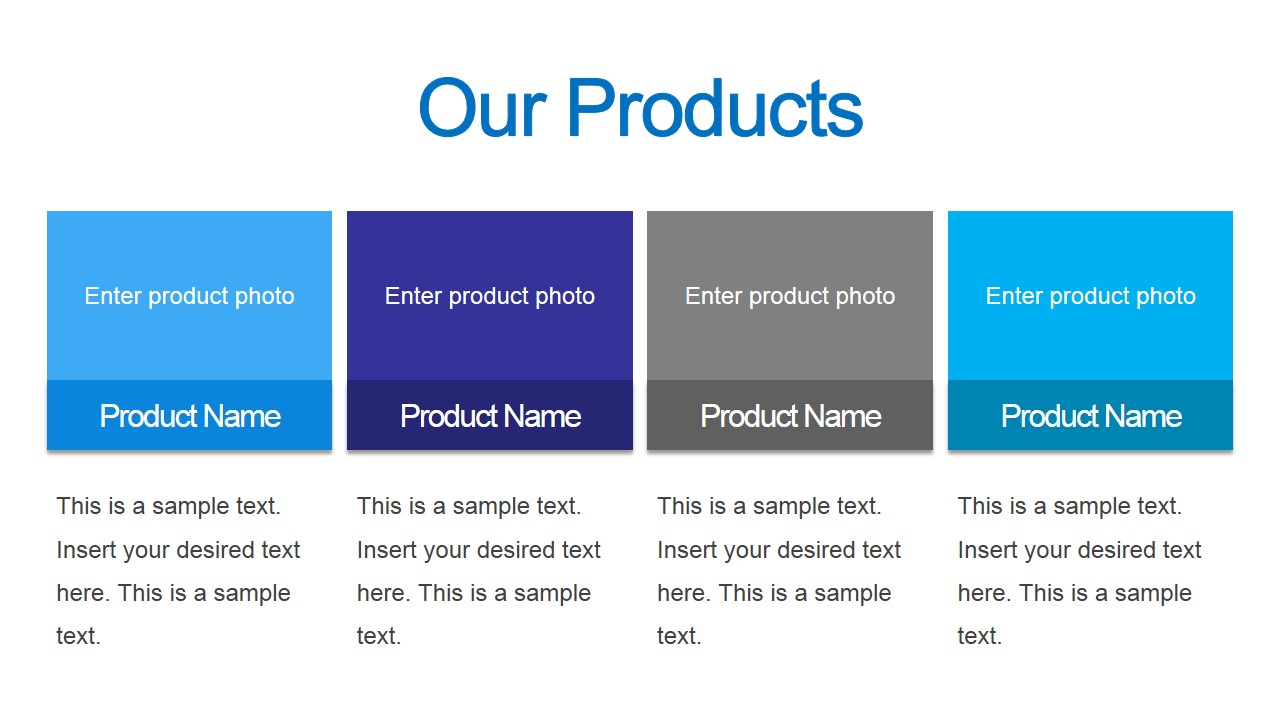
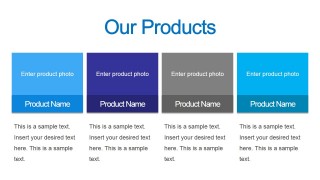
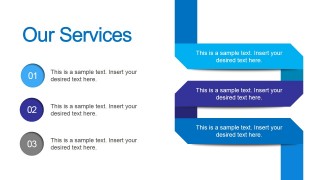
- A startup founder can use the products slide and services ribbon layout to show what backers or investors are funding and how the offering is packaged.
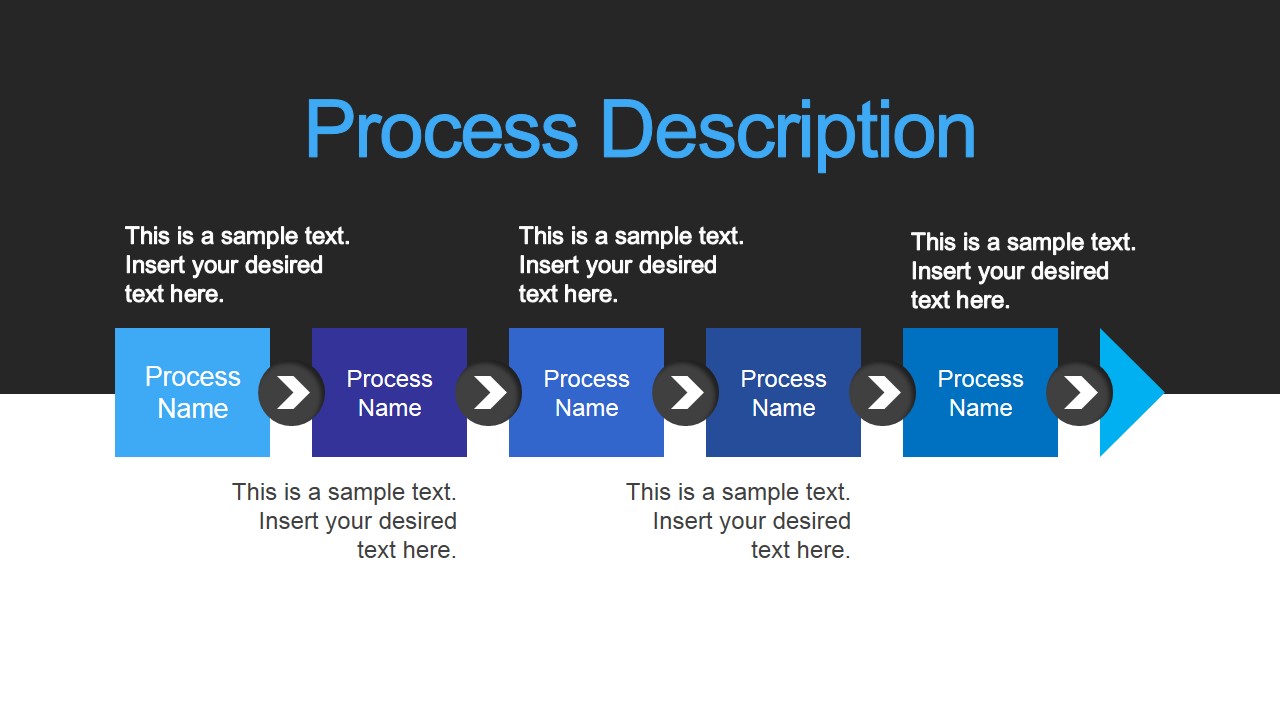
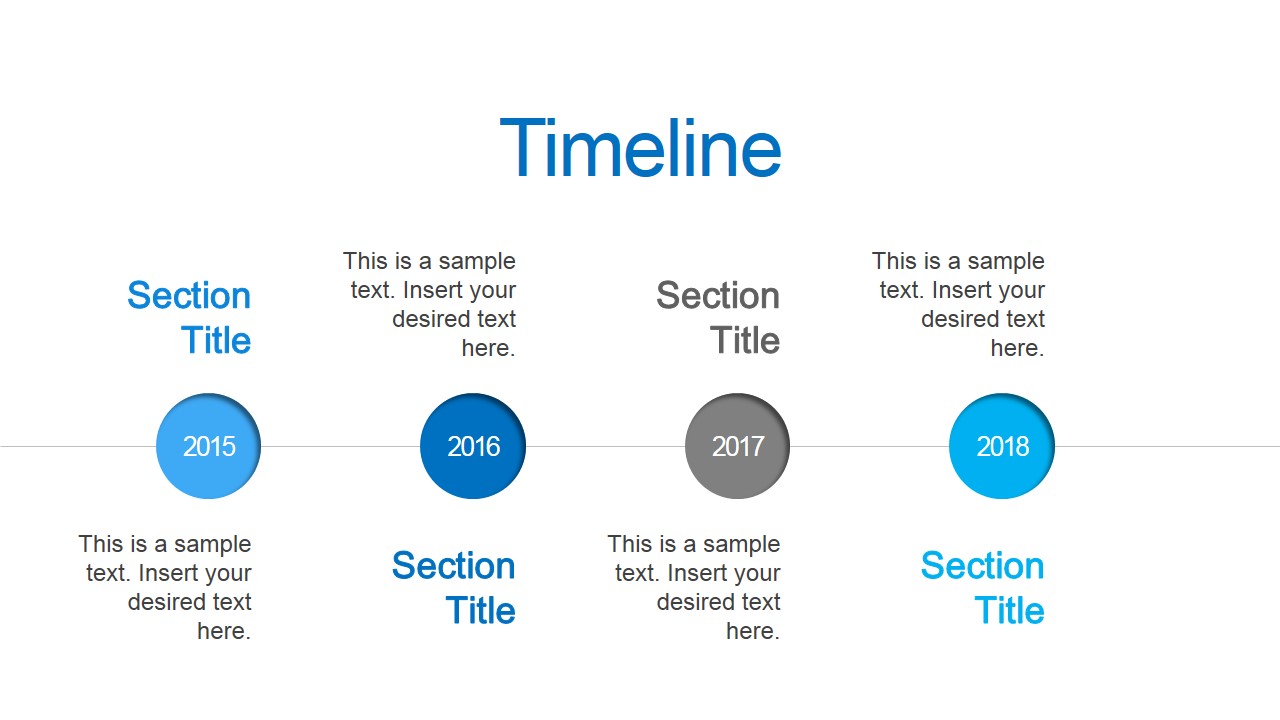
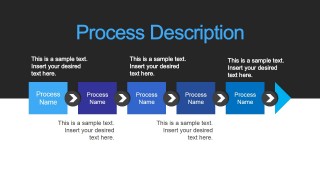
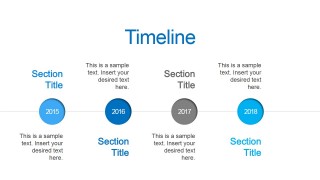
- A fundraising lead can use the process flow and timeline slides to explain campaign milestones, development steps, and planned delivery stages.
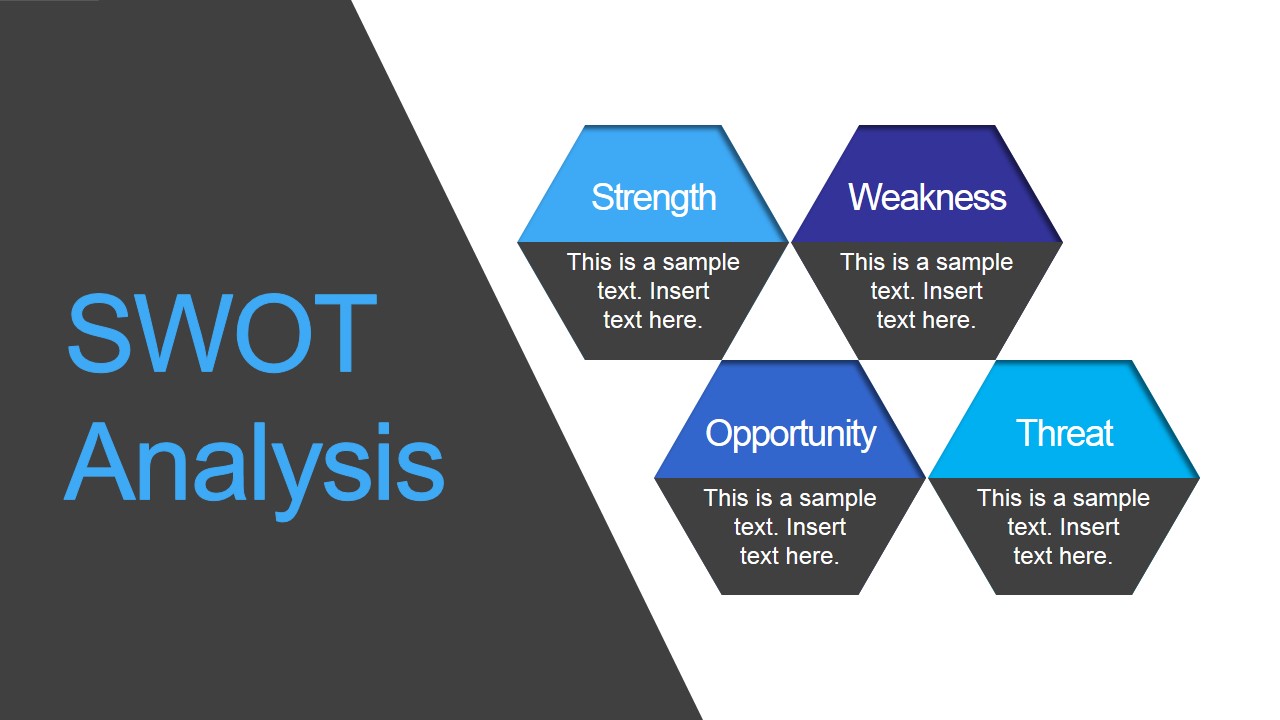
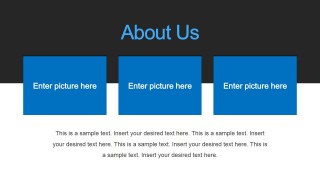
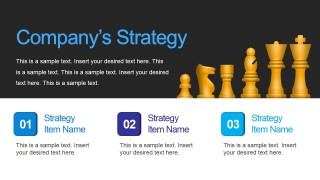
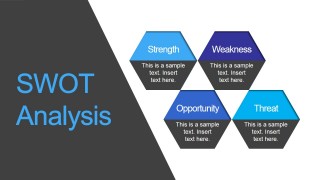
- An entrepreneur in an incubator can use the About Us, strategy, and SWOT slides to present the team context, growth logic, and risk-awareness behind the venture.
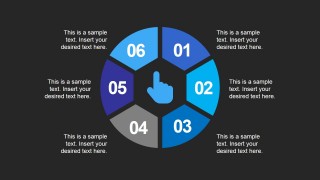
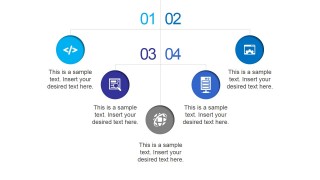
- A business development manager can use the circular six-part diagram and icon matrix to summarize market actions, digital channels, or stakeholder benefits before ending with contact details.
Features
- 100% editable presentation template
- Compatible with Microsoft PowerPoint and Google Slides
- 16:9 aspect ratio slides
- Scalable vector shapes, icons and illustrations
- AI-Ready for Microsoft Copilot and Claude
- Instant access and download
Frequently asked questions
Q: How should a presenter structure the funding message with this deck?
A: Start with the title and agenda to set context, then use About Us, products, and services to define the venture. Move into the process flow, strategy, timeline, and SWOT to explain execution and risk. Reserve the circular diagram or icon matrix for a concise summary before the contact slide.
Q: Who is this template best suited for in a crowdfunding campaign?
A: This template fits founders, entrepreneurs, and fundraising teams who need to explain a project to backers, early investors, or community supporters. It is strongest when the pitch must combine the business idea, product offering, service model, implementation path, and basic strategic reasoning in a short presentation.
Q: Why do the timeline, process flow, and SWOT layouts help the pitch?
A: Crowdfunding audiences need to trust both the idea and the plan. The process flow makes execution feel ordered, the timeline shows when progress can happen, and the SWOT analysis signals that the presenter has considered strengths, weaknesses, opportunities, and threats rather than presenting only a promotional story.
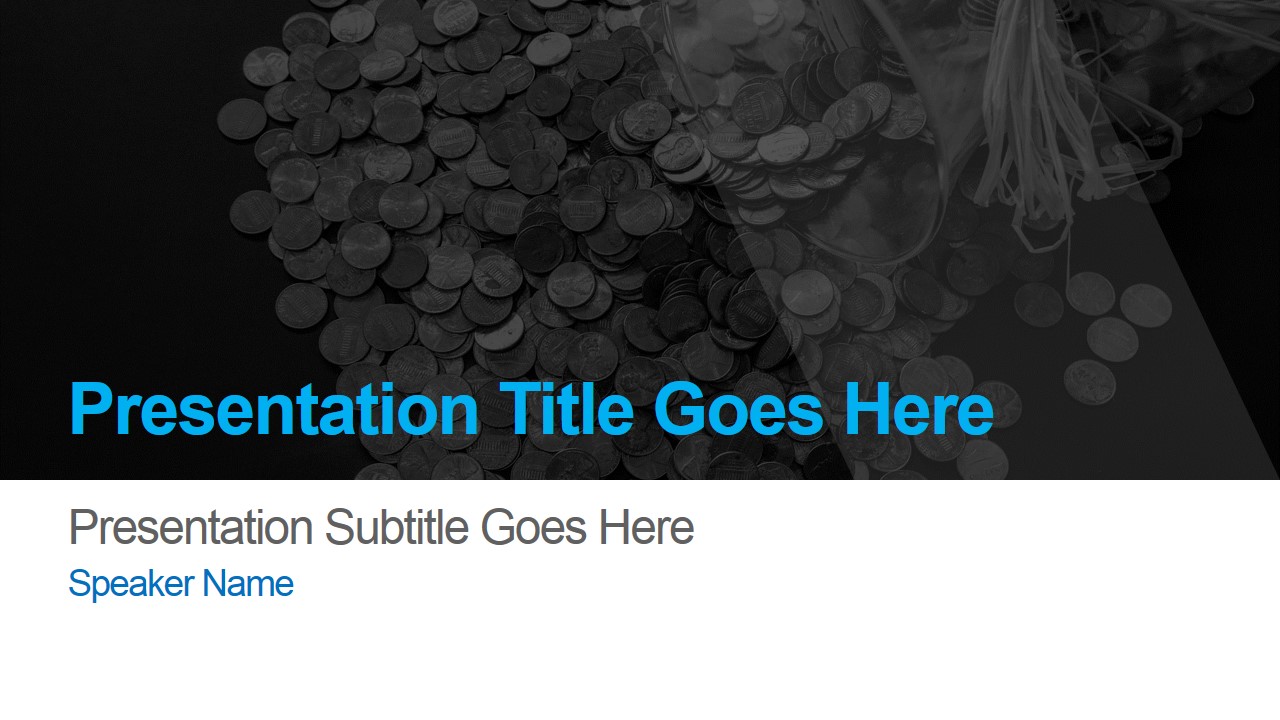








Crowdfunding PowerPoint Presentation Template
12-slide crowdfunding presentation template with startup pitch layouts, SWOT analysis, timeline, and process flow
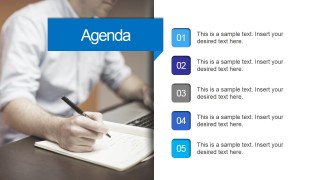
The Crowdfunding PowerPoint Presentation Template is a 12-slide startup funding pitch deck for entrepreneurs and business teams. It includes a cover, agenda, About Us, products and services layouts, process flow, strategy strip, timeline, circular six-part diagram, SWOT analysis, icon matrix, and contact slide for Microsoft PowerPoint and Google Slides.
- Category
- Template Backgrounds
- Rating


 Loading...
- Aspect ratio
- 16:9
- Item ID
- 12040-01
- Colors
 Microsoft PowerPoint
  Microsoft Copilot
  Claude for PowerPoint
 Other formats supported
Subscribe today and get immediate
access to download our PowerPoint templates.