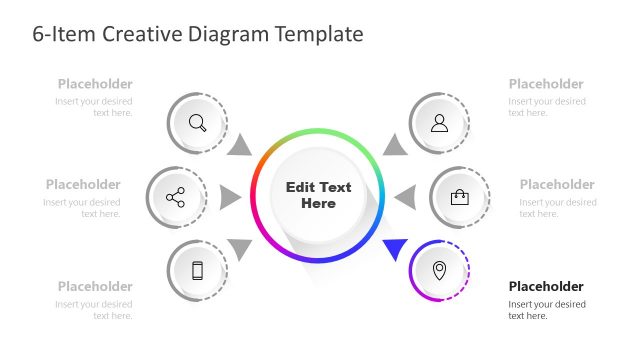
Slide 3 of 3 from Creative 6 Item Diagram for PowerPoint with Central Element
Simple 6 Items Central Element PowerPoint
Creative 6 Item Diagram for Presentations
- Diagram
- Other
- Process Slide
- 16:9
- 100% Editable
What’s on This Slide
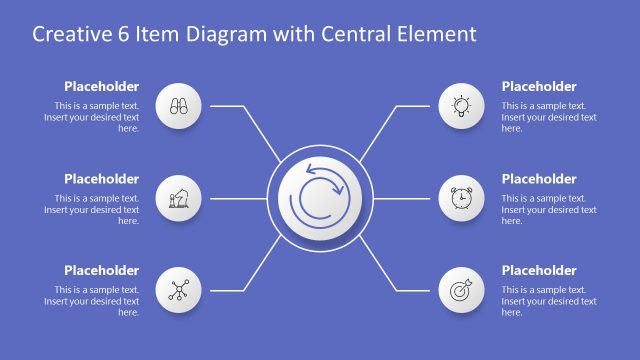
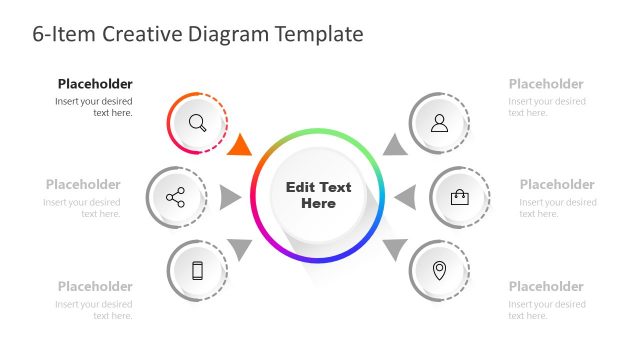
The layout features a central circular element surrounded by six circular nodes, each containing an icon and a text placeholder. The central element has a circular arrow design, indicating a flow or process. The nodes are evenly spaced around the central element, with connecting lines that suggest relationships. Each node is identical in size and shape, ensuring a balanced visual structure. Text placeholders are aligned centrally within each node, and the overall color scheme is monochromatic with a light background, enhancing clarity and focus.
How to Use It
This layout serves as a visual representation of a process or concept with six related components. It fits well in a presentation sequence after introducing a problem or concept, leading into detailed discussions of each item. Suitable for business scenarios like project planning, product features, or strategic initiatives, it allows for clear communication of interconnected ideas. The structure supports a narrative flow, guiding the audience through each component while maintaining focus on the central theme.
Text Placeholders & Capacity
Keep your copy within these limits so it fits without resizing. Node labels can hold about 40 characters, while body text can accommodate roughly 80 characters.
| Placeholder | Count | Max characters (approx.) |
|---|---|---|
| Item heading | 6 | 40 |
| Item body | 6 | 80 |
| Slide title | 1 | 60 |
Slide Keywords
Download unlimited PowerPoint templates, charts and graphics for your presentations with our annual plan.
DOWNLOADReturn to Creative 6 Item Diagram for PowerPoint with Central Element.