Slide 2 of 8 from Core Concept Diagram Toolkit Template for PowerPoint
9 Items Core Concept PowerPoint Diagram
Core Concept Diagram for Presentations
- Diagram
- Other
- Concept Explanation Slide
- 16:9
- 100% Editable
The Core Concept Diagram slide from the Core Concept Diagram Toolkit Template for PowerPoint provides a clear visual structure to present interconnected ideas. This slide layout is ideal for business presentations requiring a strategic framework or project overview, utilizing editable shapes and vector icons to enhance clarity. Its balanced design supports effective communication of core concepts within a corporate presentation or pitch deck template.
What’s on This Slide
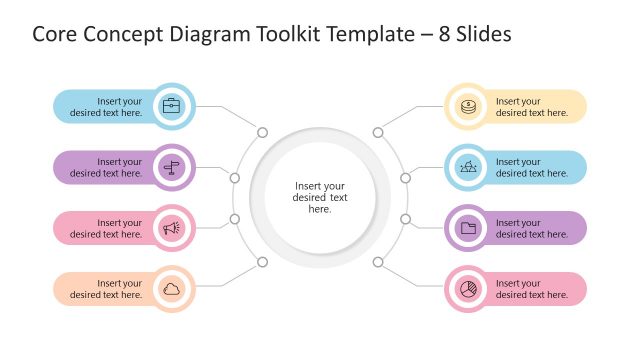
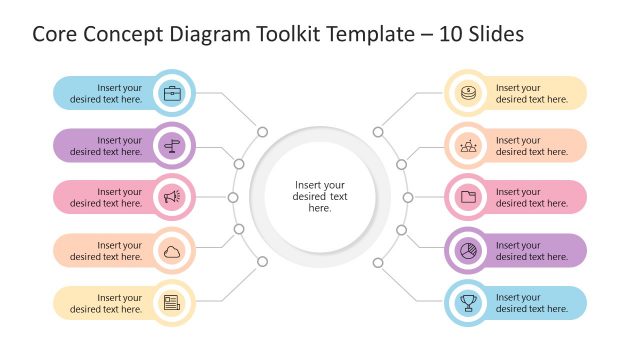
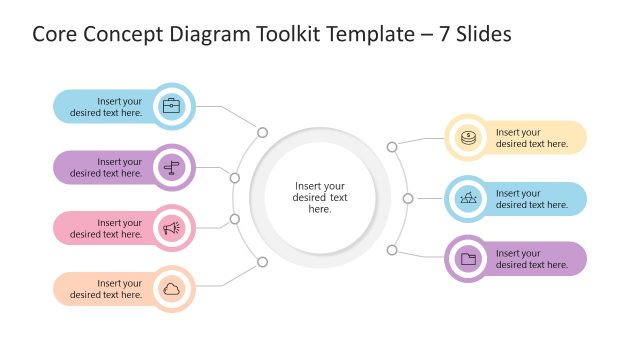
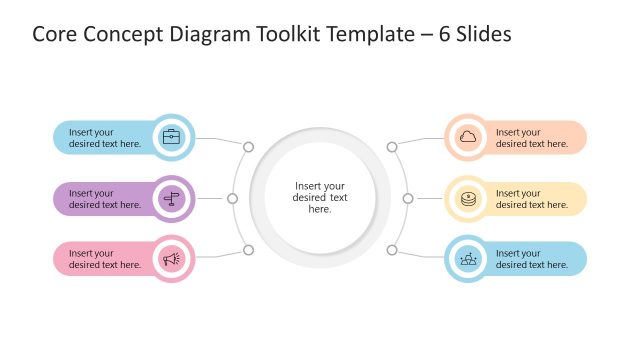
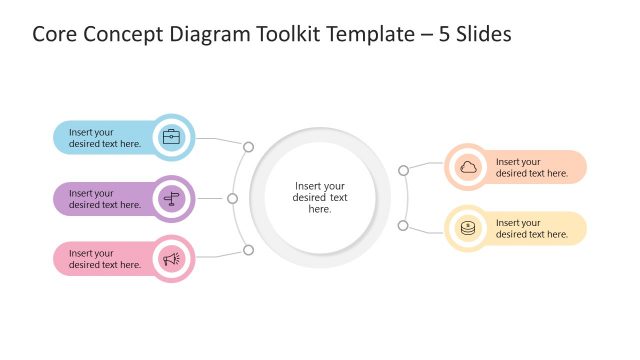
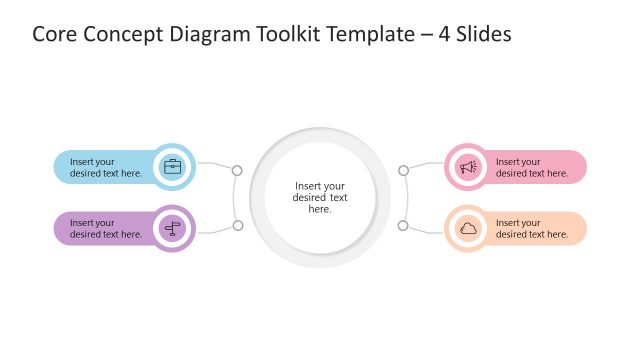
The layout features a central circular node surrounded by eight smaller circular nodes arranged in two horizontal rows. Each smaller node is connected to the central node with lines. The nodes vary in color, including blue, purple, pink, and orange, creating a visually distinct grouping. Text placeholders are present in each node, aligned centrally, indicating where content should be inserted. The central node also contains a text placeholder, emphasizing its importance. The overall composition is balanced, with equal spacing between nodes and a clean background.
How to Use It
This layout serves as a core concept diagram, ideal for illustrating relationships or key ideas in a presentation. It fits well after an introductory slide, helping to summarize main points or concepts. This structure is useful in business contexts for presenting project overviews, strategic frameworks, or conceptual models. It allows for clear visualization of interconnected ideas, making it suitable for brainstorming sessions or team discussions.
Text Placeholders & Capacity
Keep your copy within these limits so it fits without resizing. Each node can hold about 30 characters of text comfortably.
| Placeholder | Count | Max characters (approx.) |
|---|---|---|
| Item body | 8 | 30 |
| Item body | 1 | 30 |
Slide Keywords
Download unlimited PowerPoint templates, charts and graphics for your presentations with our annual plan.
DOWNLOADReturn to Core Concept Diagram Toolkit Template for PowerPoint.