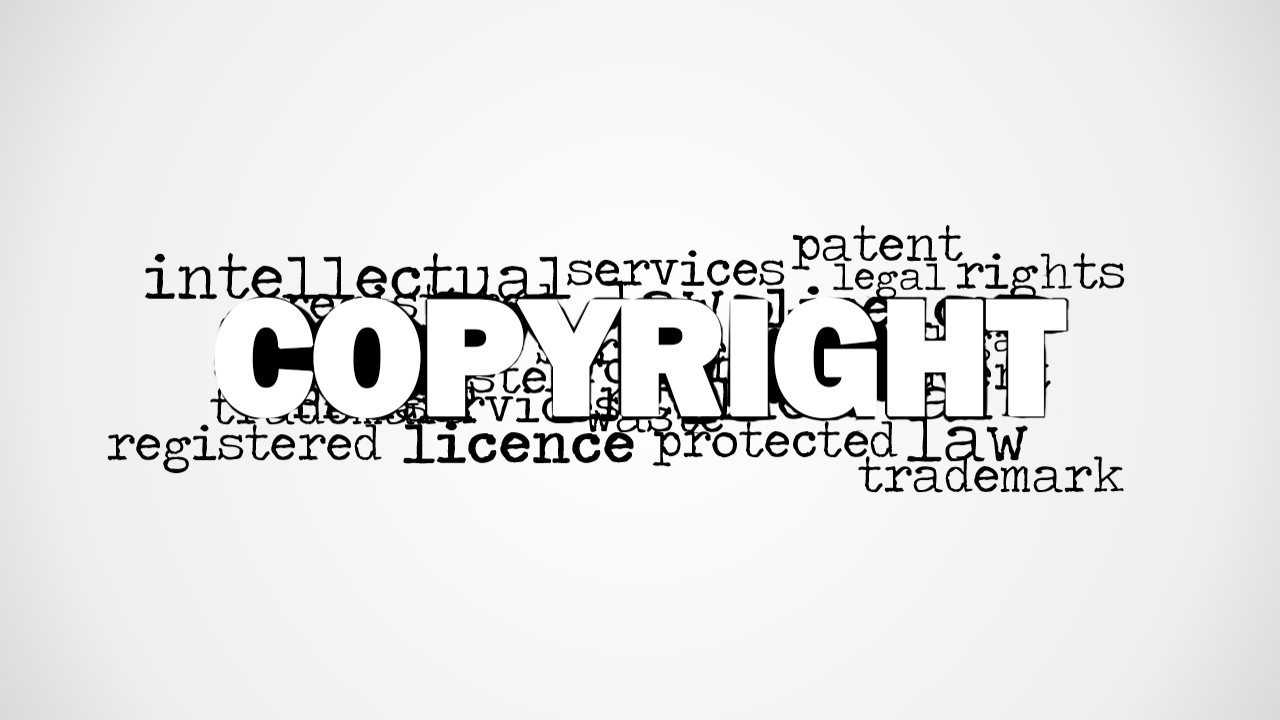
Featured on the PowerPoint template is a Copyright Word Cloud Picture for PowerPoint. Improve business presentations with these quick and simple slide designs. Create PowerPoint presentations which are ideal for time-bound reports or discussions involving a single major topic.
Copyright is defined as the sole legal right to reproduce, publish, and sell a book, music recording, or any intellectual property, for a certain period of time. This period is generally regarded, for all accounting purposes, as ranging from the time the idea was copyrighted, to until a predefined number of years.
This theoretical concept usually stands to legal requirements. It is one of the reasons why works by such highly esteemed people such as the Grimm Brothers and Beethoven can be so easily used today. They are even classified in archives as public works, allowing anyone to use their stories and music, respectively, without fear of being charged with copyright infringement.
The PowerPoint template features the word “copyright” in block letters, with a dark outline and white fill. This design allows to stand out against the white background and the black font with which the other words are written. These words include the terms, license, trademark, protected, patent, and legal rights.
The presenter can choose the slide to specifically differentiate copyright from trademark and patent, as these are usually treated as interchangeable although they are not. Trademark differs from copyright by being an identifier for a particular company’s product. It is renewable, however, because the company may decide to change its identity, by altering their logos, mascots, name designs, etc. Patent, on the other hand, is an official document which gives an entity the right to be the sole provider of a good or a service. For example, in some newly-developed medicines, the patent only lasts for about twelve years, before other manufacturers can make generic versions. This allows the original maker to earn and profit on the capital they had spent in the research and development phase of the business.
Ideal for presenters who wish to have minimalist slides, the Copyright Word Cloud Picture for PowerPoint can also serve as a simple overview slide to provide visual cues which let the presenter pick out certain terms for discussion. The presenter can also download other PowerPoint templates from the Slide Model Gallery, like the Education Word Cloud Picture for PowerPoint.
What’s inside this template
Example presentation scenarios
- A legal advisor can use the centered copyright word cloud to open a client briefing and define how copyright differs from trademark and patent protection.
- A compliance manager can use the blank white canvas after the word cloud to add internal policy notes, usage rules, or employee discussion questions.
- An educator can use the grayscale legal term graphic as a visual prompt before explaining licence, protected work, registered rights, and related vocabulary.
- A business owner can place the word cloud in a pitch or training deck to signal that ownership, licensing, and intellectual property terms need attention.
Features
- 100% editable presentation template
- Compatible with Microsoft PowerPoint and Google Slides
- 16:9 aspect ratio slides
- Scalable vector shapes, icons and illustrations
- AI-Ready for Microsoft Copilot and Claude
- Instant access and download
Frequently asked questions
Q: How should a presenter use this word cloud without making the slide feel like decoration?
A: Treat the large COPYRIGHT word as the anchor and use the surrounding terms as a speaking path. Start with the main concept, then select three to five nearby terms such as patent, trademark, licence, protected, and legal rights. This turns the graphic into a guided explanation instead of a background image.
Q: Who is this template best suited for in a business or training setting?
A: This template works best for presenters who need to introduce intellectual property quickly before a deeper conversation. Legal advisors, compliance managers, educators, and business owners can use it as an opener, divider, or discussion prompt when the goal is to frame terminology rather than present a full legal procedure.
Q: Why does the centered word cloud design help communicate a copyright topic?
A: The visual metaphor places copyright at the center of related legal language, which matches how audiences often learn abstract legal concepts. The oversized central word creates immediate priority, while the smaller surrounding terms show the topic's boundaries. This design helps a presenter move from broad recognition to specific distinctions.


Copyright Word Cloud Picture for PowerPoint
2-slide presentation template with copyright word cloud graphics for legal and intellectual property discussions
Copyright Word Cloud Picture for PowerPoint is a 2-slide presentation template for legal, intellectual property, and trademark discussions. The visible designs include a centered copyright word cloud picture, a blank white discussion canvas, and a grayscale legal term graphic. It is built for Microsoft PowerPoint and Google Slides.
- Category
- Pictures
- Rating


 Loading...
- Aspect ratio
- 16:9, 4:3
- Item ID
- 8305-01
- Colors
 Microsoft PowerPoint
  Microsoft Copilot
  Claude for PowerPoint
 Other formats supported
Subscribe today and get immediate
access to download our PowerPoint templates.