Slide 1 of 6 from Company Profile Infographic Template for PowerPoint
Company Profile Infographic PPT Template
Company Profile Overview Slide
- Diagram
- Matrix Quadrant
- Context Slide
- 16:9
- 100% Editable
The Company Profile Overview slide from the Company Profile Infographic Template for PowerPoint offers a structured matrix layout ideal for business presentations. This slide template highlights key company aspects such as achievements, milestones, and facilities using editable shapes and vector icons. It is designed to support clear communication in stakeholder meetings and investor presentations, making it a practical choice for professional slide decks that require concise company introductions.
What’s on This Slide
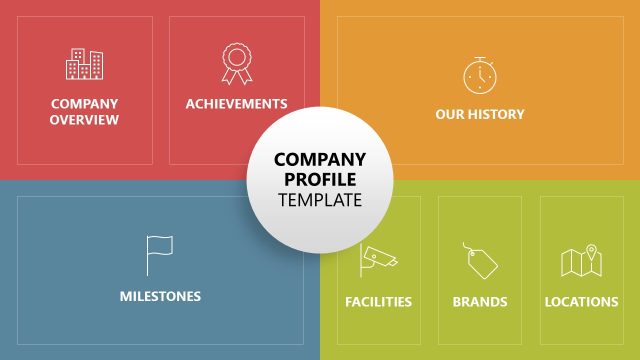
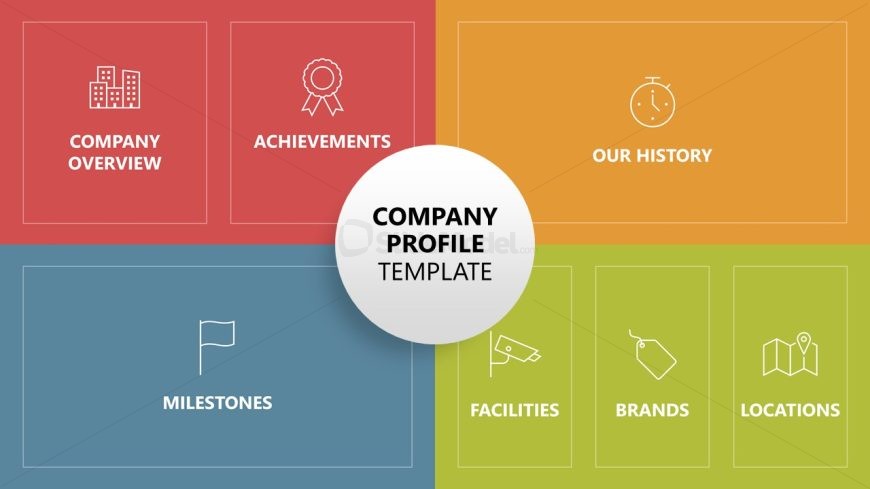
The layout features a central circular element labeled 'Company Profile Template' surrounded by four rectangular sections. The top left section displays 'Company Overview' with an icon of a building, while the top right section shows 'Achievements' with a ribbon icon. The bottom left section is labeled 'Milestones' with a flag icon, and the bottom right section contains 'Facilities' with an image of a camera. Each section has a distinct background color: red, orange, blue, and green. Text placeholders are centered within each rectangle, maintaining a clear visual hierarchy.
How to Use It
This layout serves as an overview of a company's profile, suitable for introductory slides in a presentation. It is effective for summarizing key aspects like achievements, milestones, and facilities. This structure is ideal for business contexts such as company introductions, stakeholder meetings, or investor presentations. It fits well at the beginning of a presentation, establishing a foundation for more detailed discussions in subsequent slides.
Text Placeholders & Capacity
Keep your copy within these limits so it fits without resizing. Node labels can accommodate about 2-3 words each.
| Placeholder | Count | Max characters (approx.) |
|---|---|---|
| Slide title | 1 | 30 |
| Item heading | 4 | 20 |
Slide Keywords
Download unlimited PowerPoint templates, charts and graphics for your presentations with our annual plan.
DOWNLOADReturn to Company Profile Infographic Template for PowerPoint.