Slide 1 of 1 from Brain Concept Diagram for PowerPoint
Brain Concept Diagram PowerPoint
Brain Concept Diagram for PowerPoint
- Diagram
- Other
- Concept Explanation Slide
- 16:9
- 100% Editable
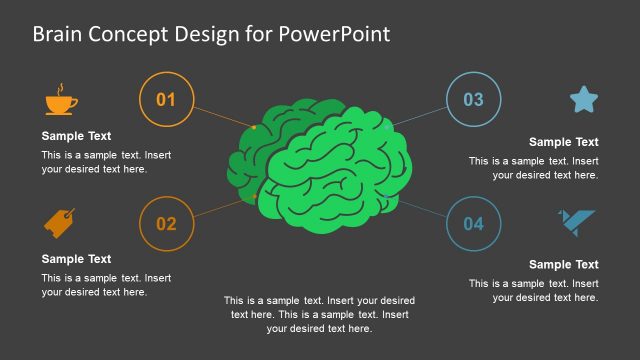
The Brain Concept Diagram slide from the Brain Concept Diagram for PowerPoint template offers a clear visual framework for neuroscience and educational presentations. Featuring editable shapes and vector icons, this slide template supports detailed conceptual explanations with a central brain graphic and multiple text placeholders, making it suitable for business presentations or academic slide decks focused on cognitive processes.
What’s on This Slide
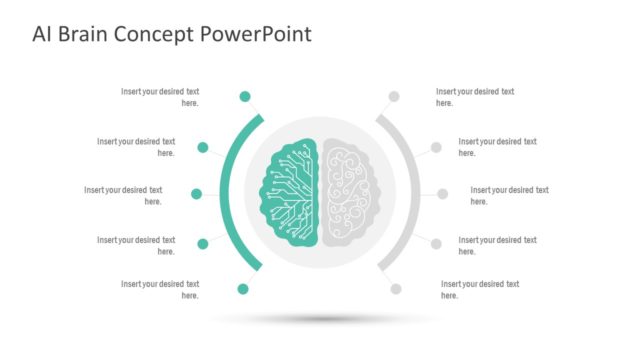
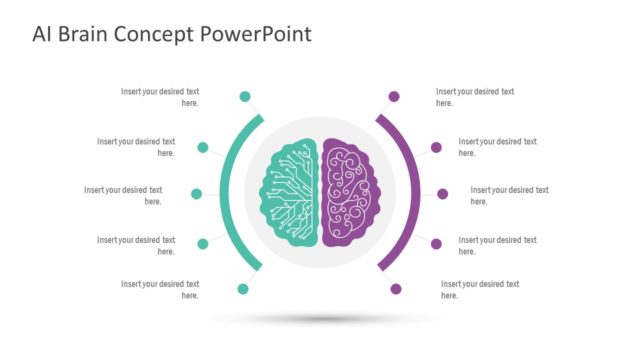
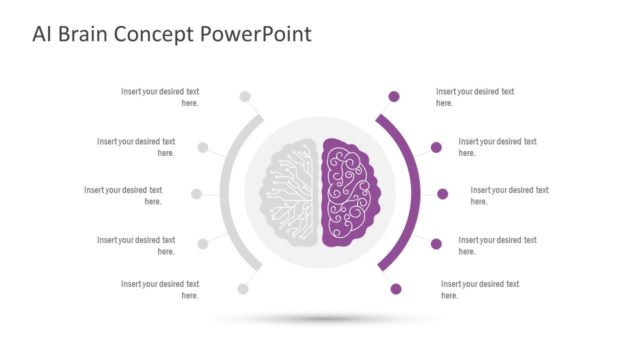
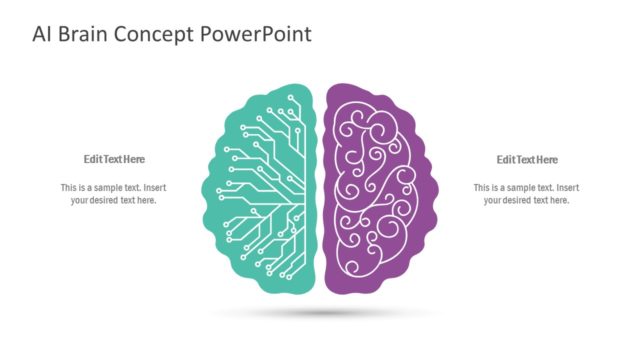
The layout features a central brain graphic, colored in shades of blue. The brain is circular and contains lines and nodes suggesting connections. Above the brain, there are three text placeholders aligned horizontally, with the central one being larger. Below the brain, there are two additional text placeholders positioned left and right. Each placeholder is designed for text input and is visually distinct, allowing for clear differentiation. The overall background is light, enhancing the visibility of the brain graphic and text areas.
How to Use It
This layout serves as a conceptual diagram, ideal for illustrating ideas related to brain activity or cognitive processes. It fits well in presentations discussing topics like neuroscience, psychology, or educational strategies. The central brain graphic can represent a core concept, while the surrounding text placeholders allow for elaboration on specific points. This structure is effective in both educational and professional contexts, where visual representation of complex ideas is necessary.
Text Placeholders & Capacity
Keep your copy within these limits so it fits without resizing. Text slots can accommodate concise phrases, roughly 5-7 words each.
| Placeholder | Count | Max characters (approx.) |
|---|---|---|
| Slide title | 1 | 30 |
| Item body | 5 | 40 |
Slide Keywords
Download unlimited PowerPoint templates, charts and graphics for your presentations with our annual plan.
DOWNLOADReturn to Brain Concept Diagram for PowerPoint.