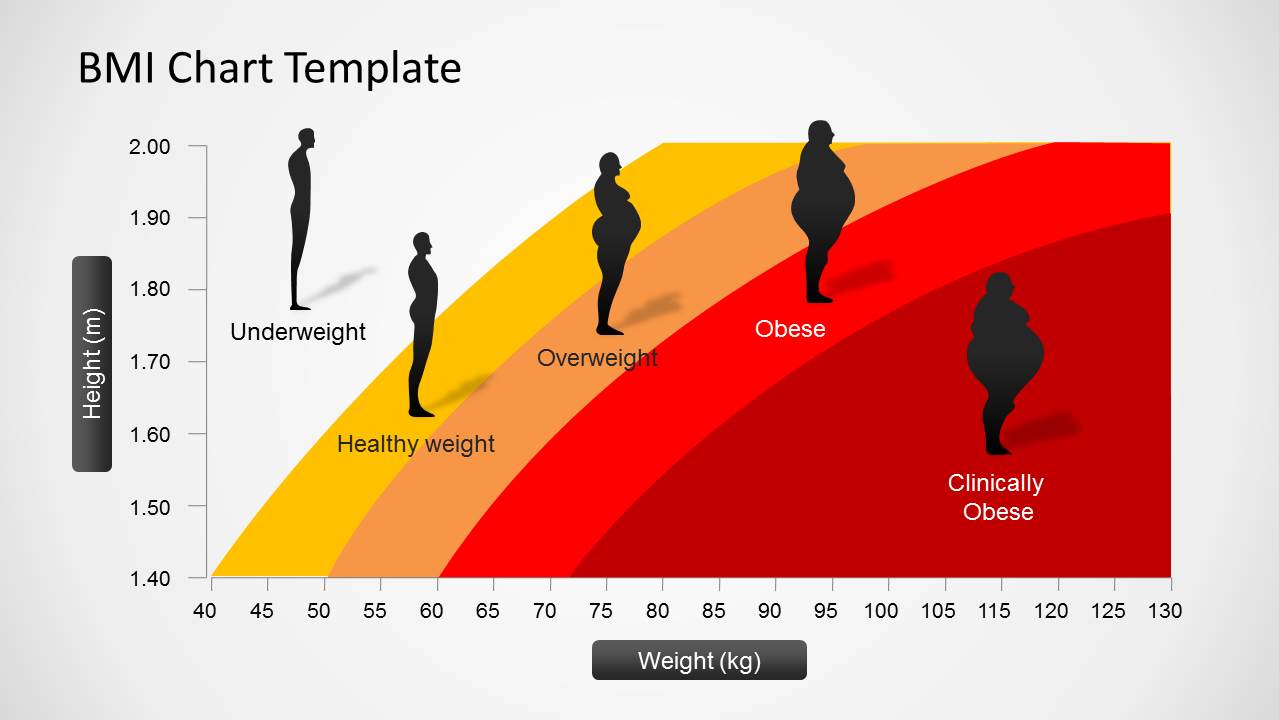
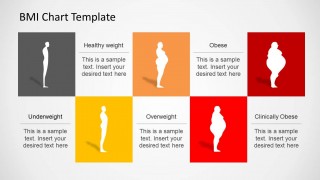
Impress global audiences with a class nutritional presentation using the BMI Chart PowerPoint Template. The user can display the variables and their effect on the total body mass index in a creative manner. The PowerPoint designs show human silhouettes representing the different body mass categories. This makes a clear and concise report for the audience to easily understand.
Body mass index (BMI) is directly related to a person’s well-being. An inappropriate body mass, whether too much or too low, can mean malnutrition. Malnutrition therefore is a sign that there is an abnormality in that individual’s health. Being underweight or obese has its downsides and call to action. Knowing one’s BMI can help the person identify the exercises and diet that is good for him. This can eventually lead to a successful fight against malnutrition and later on, a healthy lifestyle.
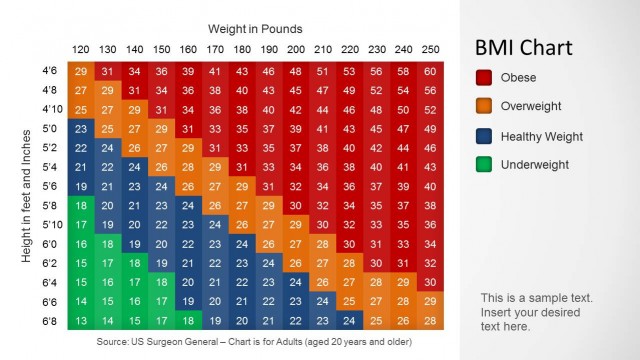
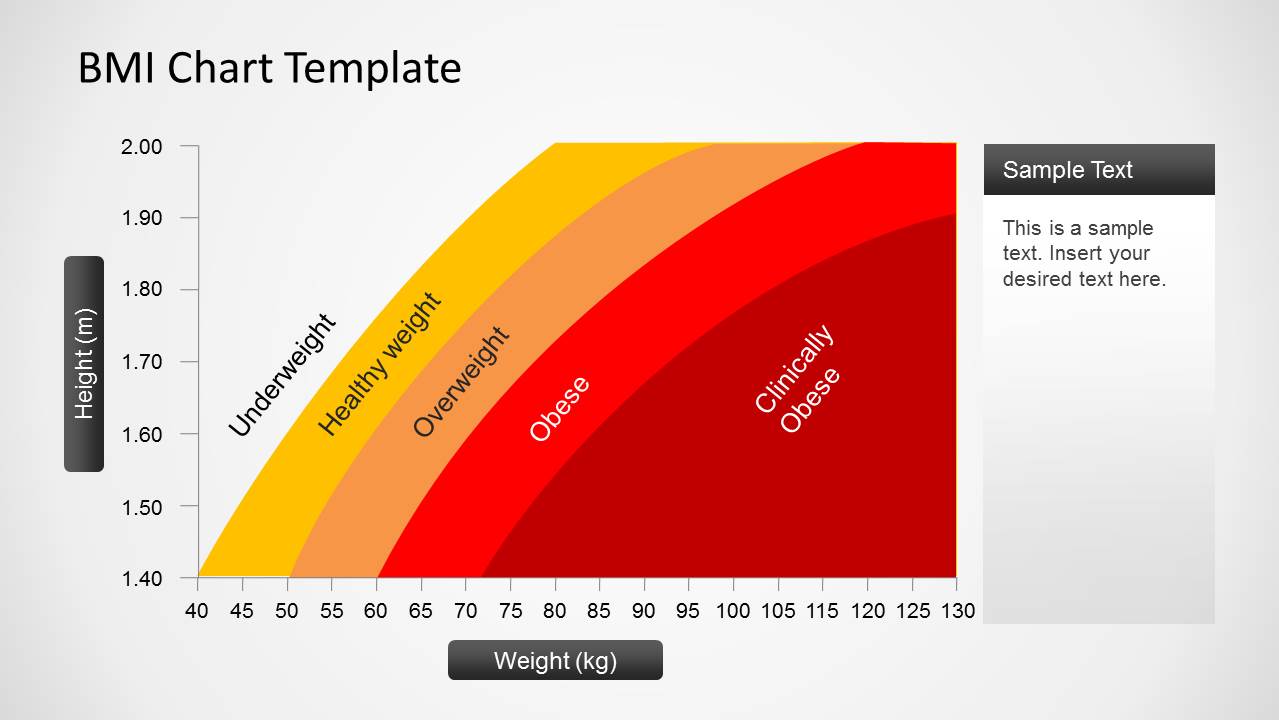
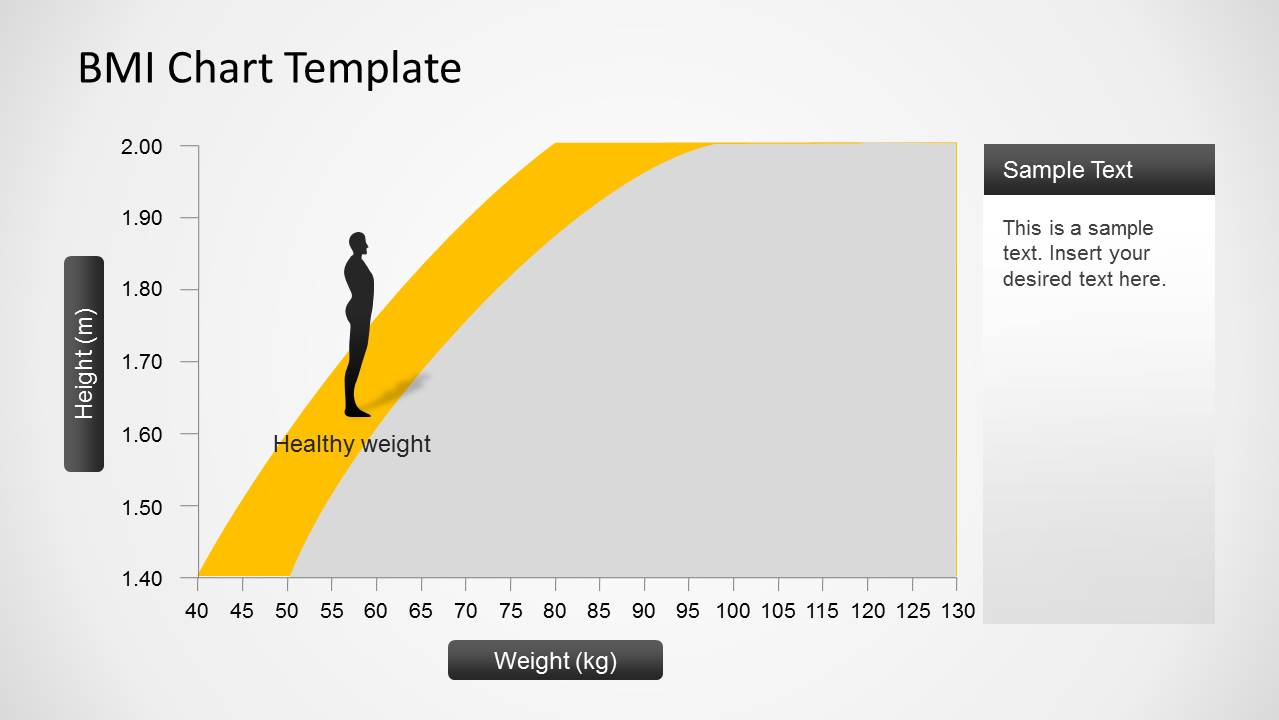
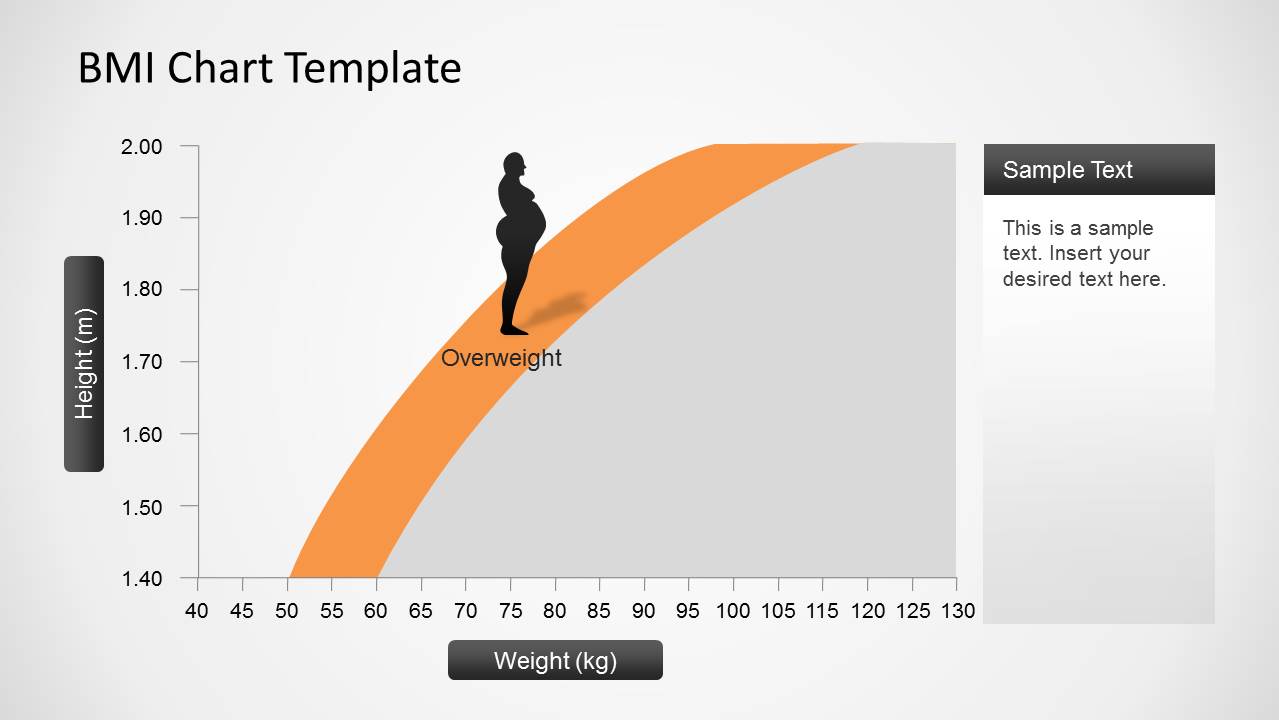
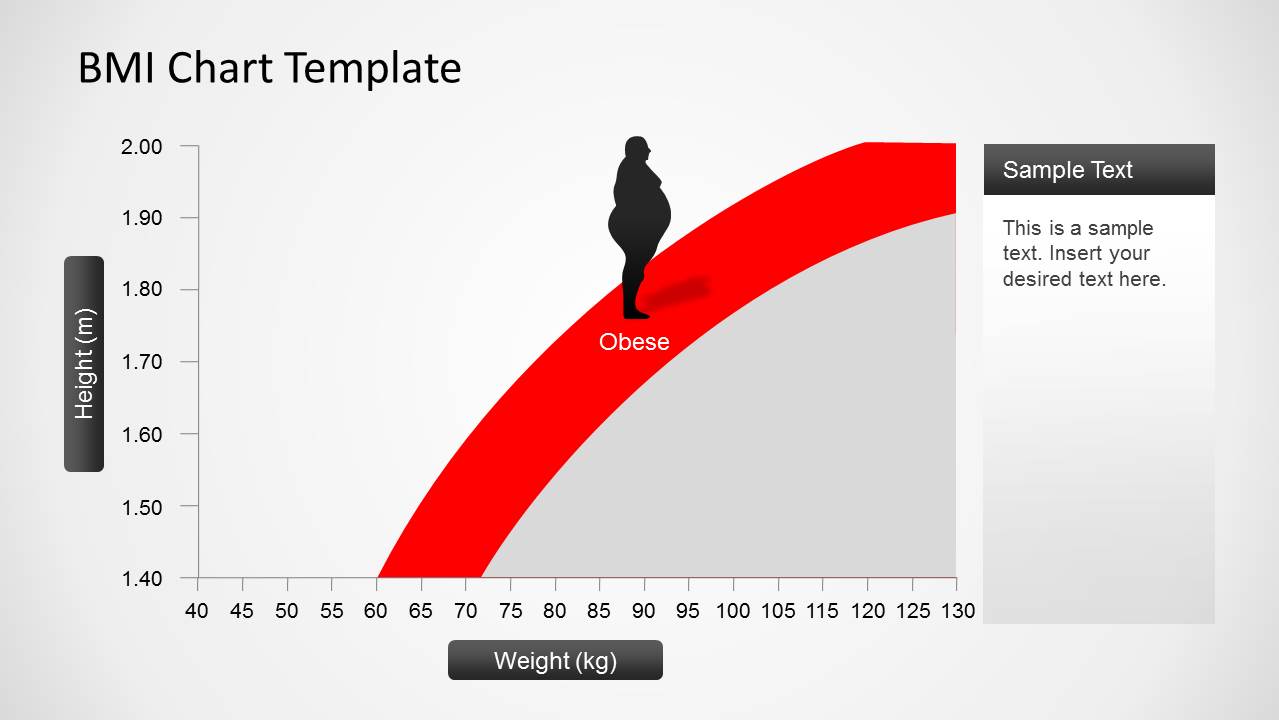
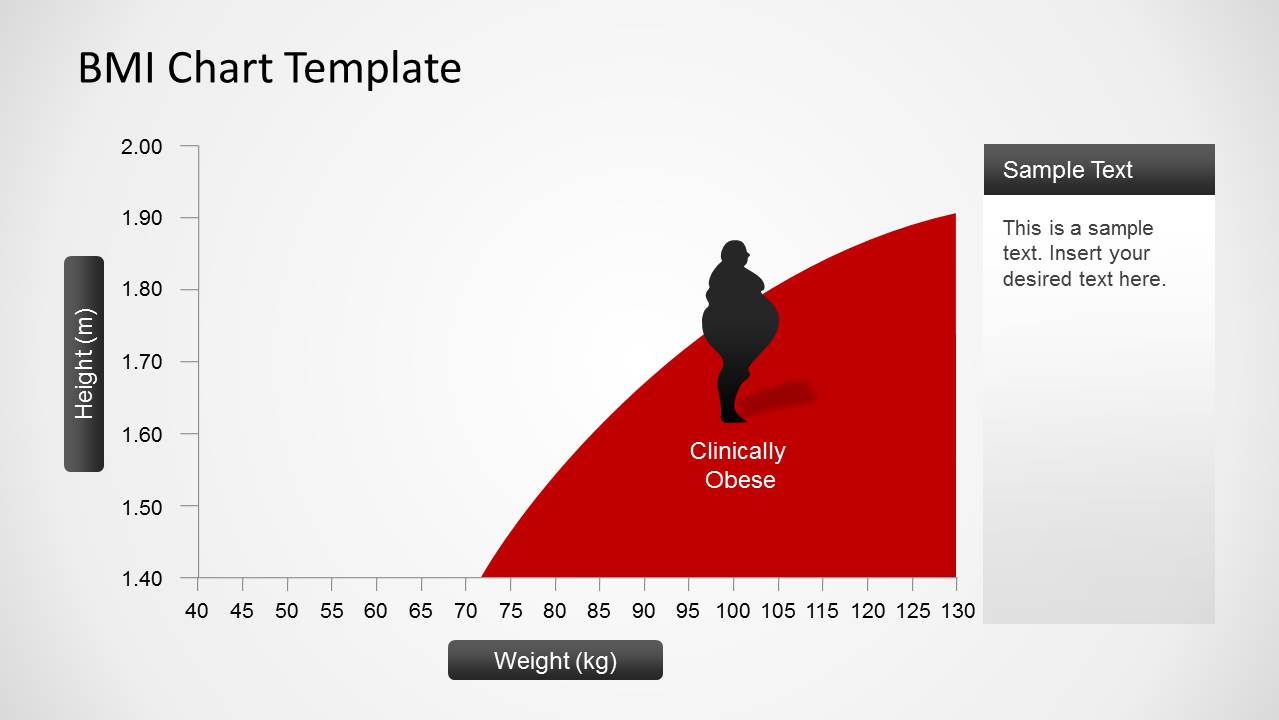
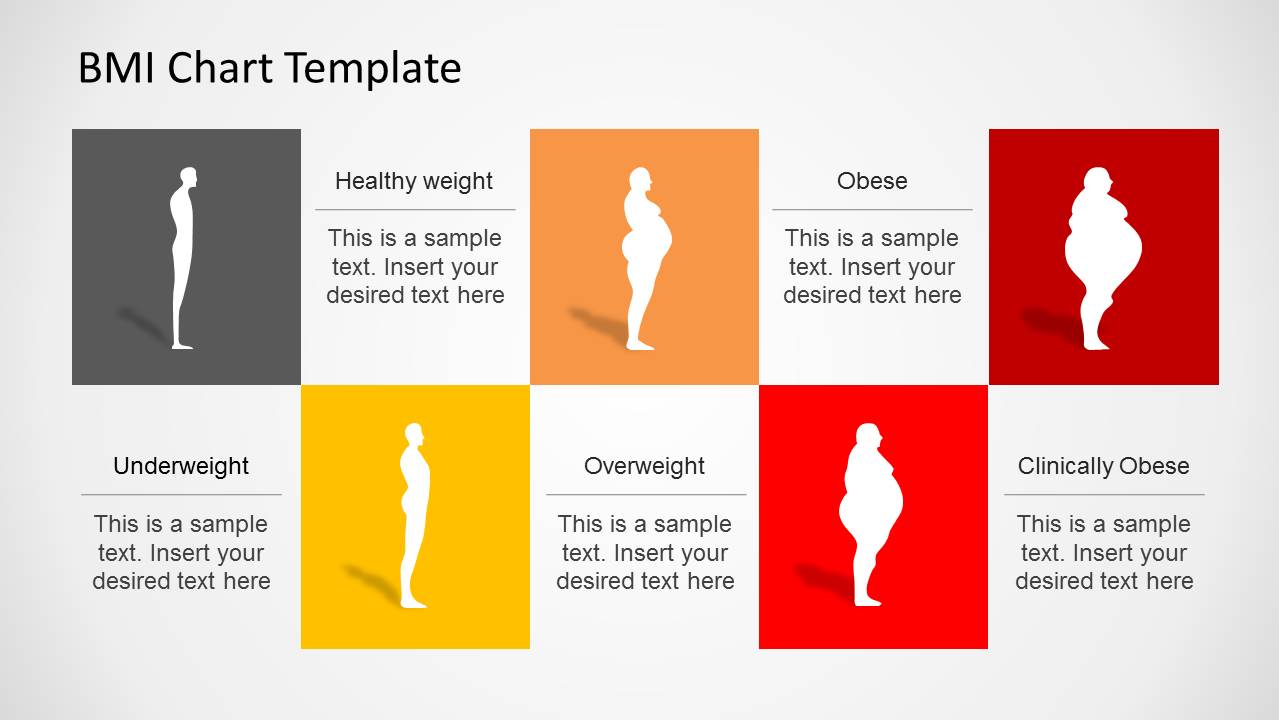
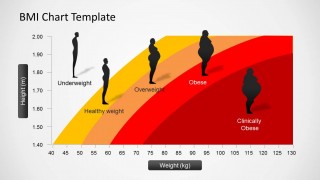
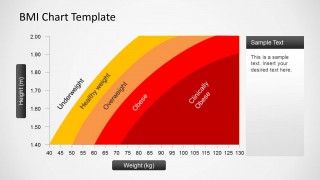
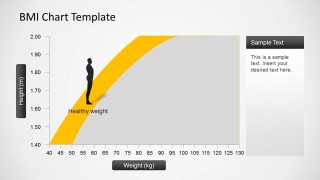
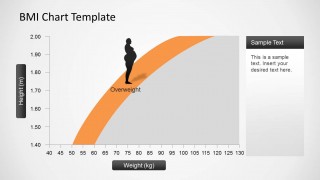
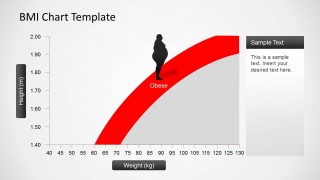
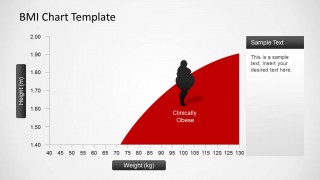
Most charts are made in excel. However, using this PowerPoint template you can now exhibit it in PowerPoint. It consists of seven slides. The first slide is a collection of all body mass categories. Those categories are underweight, healthy weight, overweight, obese and clinically obese. The different colored areas in the plane are values for each category. This is highlighted in the second slide. In the 3rd to 6th slides, every category can be explained thoroughly by the user. He can detail on what ranges of height and weight can one be considered in a certain BMI category. What can be done to achieve a healthy body can be included in these slides. As well as the risks a person in one category is exposed.
BMI charts are ideal tools for nutritional discussions but can also be applied to many biomedical concepts. The slides design is very flexible. It can be customized according the presenter’s specifications. It can be used daily, weekly or annual reports.
Create intensive visuals for demonstrations through BMI Chart PowerPoint Template.
What’s inside this template
Example presentation scenarios
- A dietitian can use the full BMI chart and category highlight slides to explain how height and weight place a patient in healthy weight, overweight, or obese ranges.
- A workplace wellness manager can present the card-style category summary to introduce BMI terminology before discussing screening results or wellness program goals.
- A public health educator can use the red and dark red risk bands to show how obesity categories escalate as weight increases for a given height.
- A medical instructor can use the separate category slides as teaching prompts while students compare underweight, healthy weight, overweight, obese, and clinically obese classifications.
Features
- 100% editable presentation template
- Compatible with Microsoft PowerPoint and Google Slides
- Scalable vector shapes, icons and illustrations
- AI-Ready for Microsoft Copilot and Claude
- Instant access and download
Frequently asked questions
Q: How should a presenter explain BMI without making the chart feel too technical?
A: Start with Slide 1 to orient the audience to height on the vertical axis and weight on the horizontal axis. Then move into the category highlight slides one at a time. Keep the narration focused on interpretation, not calculation, and use the silhouettes as visual anchors for each body mass category.
Q: Who is this template best suited for?
A: This template fits presenters who need to explain BMI categories in a health, nutrition, fitness, or public health setting. It is strongest for education and counseling because the deck separates healthy weight, overweight, obese, and clinically obese categories into focused slides with space for recommendations, risks, or next steps.
Q: Why does the design use colored bands and body silhouettes?
A: The curved color bands turn an abstract BMI table into a spatial comparison across height and weight. The silhouettes add a human reference point, so the audience can connect each category to a recognizable body profile. This visual metaphor supports faster understanding than a list of ranges alone.
BMI Chart PowerPoint Template
7-slide presentation template for BMI charts, weight categories, and body silhouette visuals
The BMI Chart PowerPoint Template is a 7-slide presentation template for explaining body mass index categories with height and weight axes. It includes a full BMI range chart, category-highlight charts for healthy weight, overweight, obese, and clinically obese, plus a card-style category summary. It is suited to healthcare, nutrition, and wellness presenters.


 Loading...
 Microsoft PowerPoint
  Microsoft Copilot
  Claude for PowerPoint
 Other formats supported
Subscribe today and get immediate
access to download our PowerPoint templates.