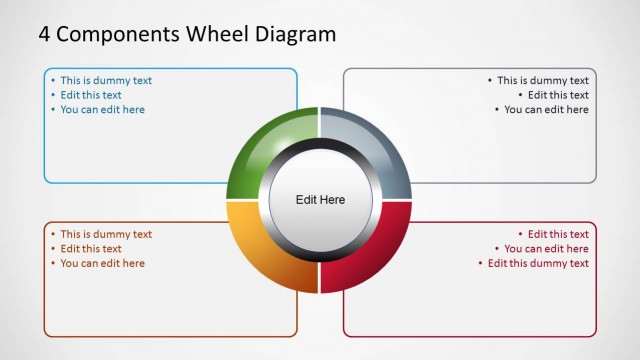
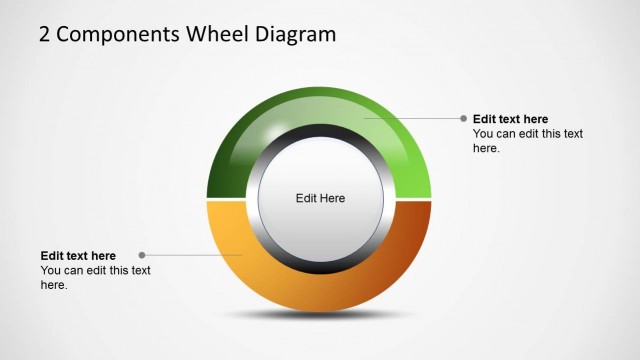
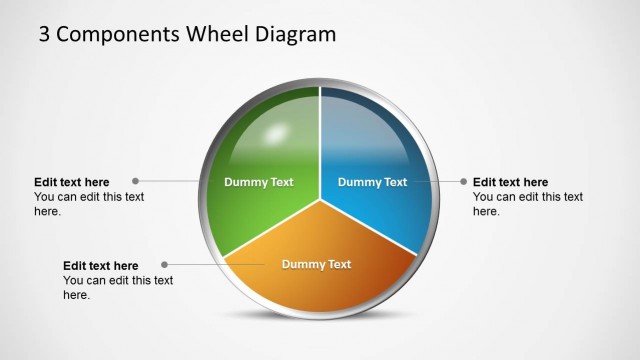
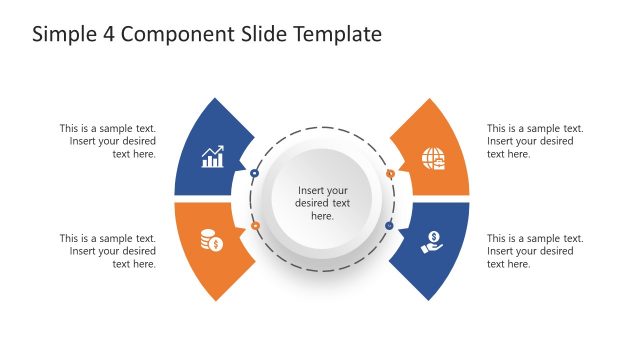
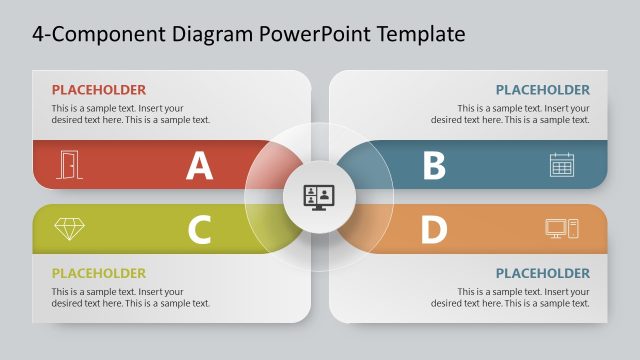
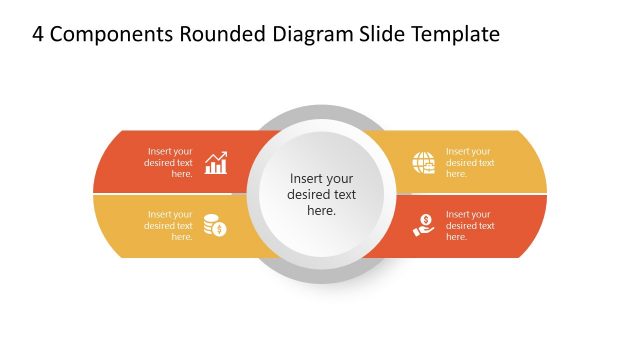
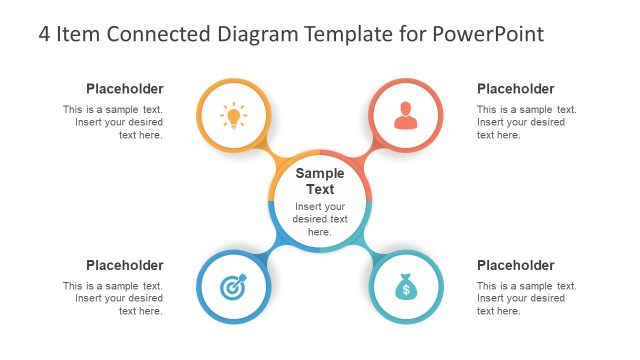
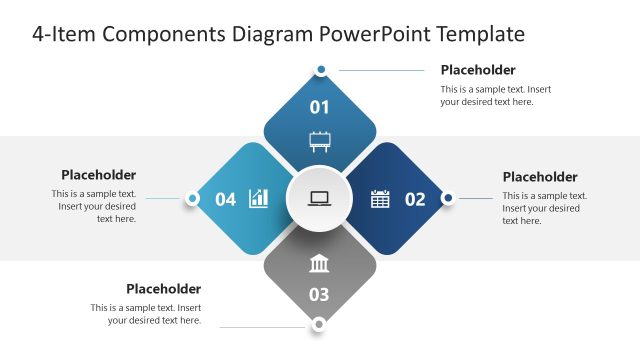
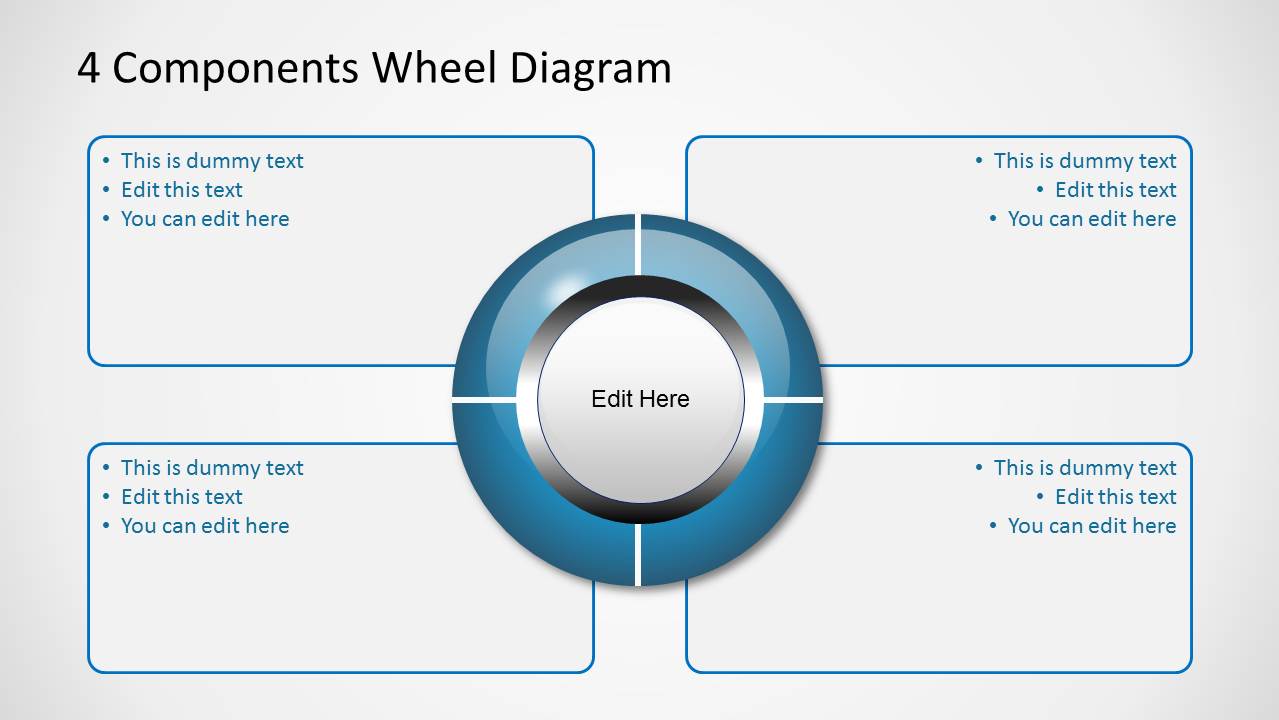
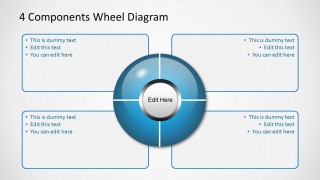
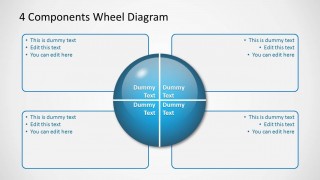
Blue 4 Components Wheel Diagrams for PowerPoint is a presentation design with quadrants and four text boxes with central text area that you can use for different purposes. This PPT template with wheel diagram for PowerPoint can be used as a SWOT template so you can describe the Strengths, Opportunities, Threats and Weaknesses using PowerPoint.
The wheel diagram for PowerPoint with 4 components has a blue style but you can easily replace the colors and shape styles using shape effects.
What’s inside this template
Example presentation scenarios
- A strategy consultant can use the quadrant wheel to summarize strengths, weaknesses, opportunities, and threats around a central business topic.
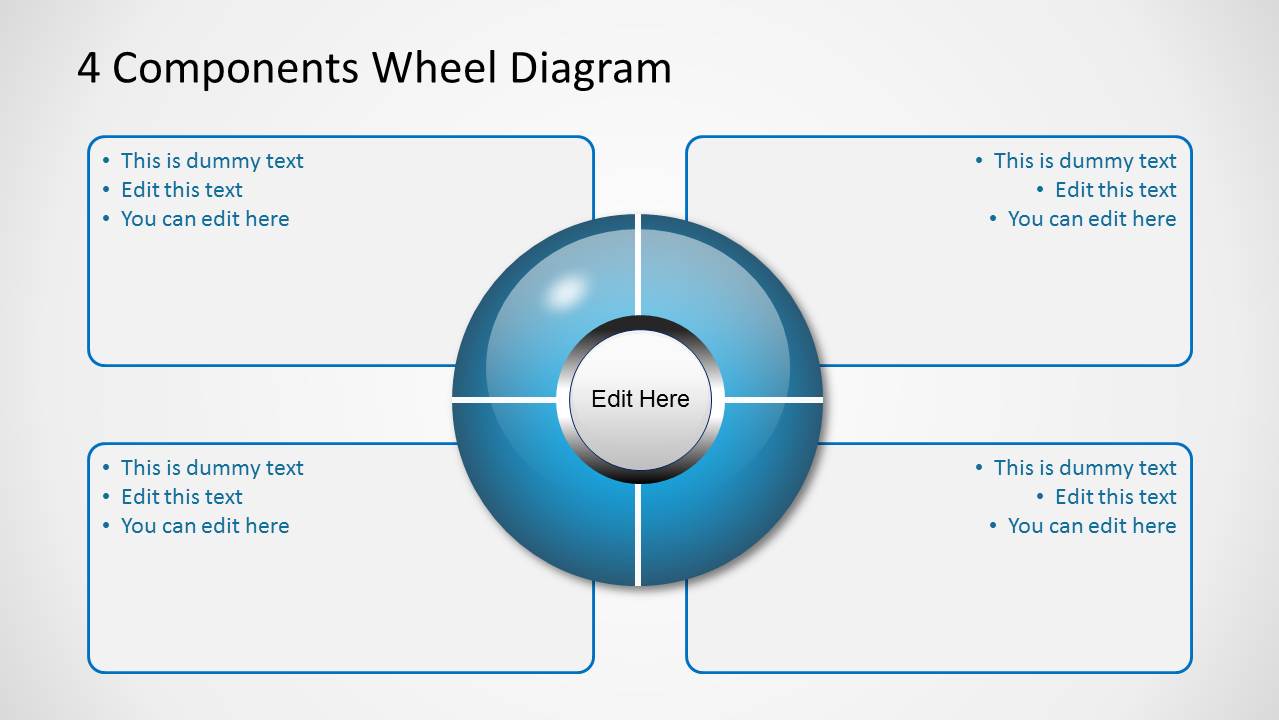
- A product manager can use the spoke wheel with four callout boxes to explain core product components and supporting details to stakeholders.
- A trainer can use the donut wheel to introduce a four-part framework, placing the framework name in the center and key learning points around it.
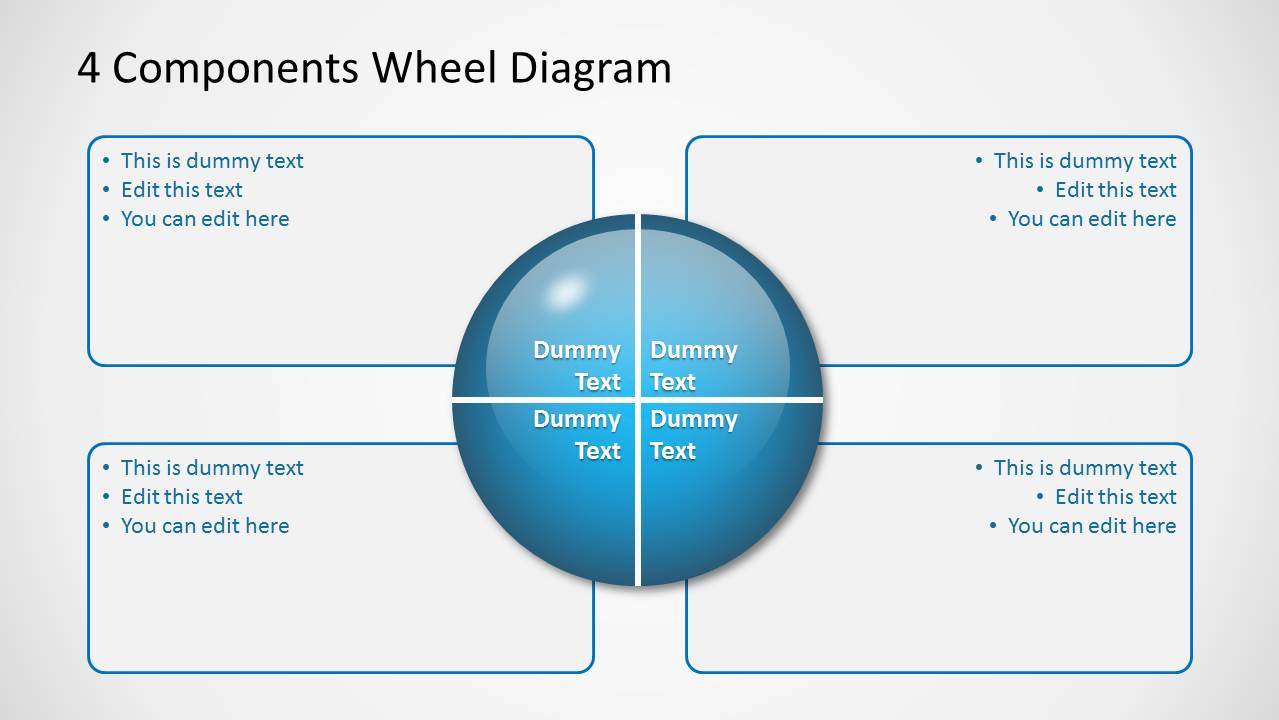
- An operations leader can use the quadrant wheel with internal labels to compare four process areas and explain each area in the surrounding text boxes.
Features
- 100% editable presentation template
- Compatible with Microsoft PowerPoint and Google Slides
- Scalable vector shapes, icons and illustrations
- AI-Ready for Microsoft Copilot and Claude
- Instant access and download
Frequently asked questions
Q: How should a presenter structure content in the four-component wheel?
A: Start with the central label as the controlling idea, such as a strategy, project, or framework. Then give each wheel segment one concise category name. Use the outside callout boxes for evidence, actions, or implications rather than long paragraphs. This keeps the audience focused on the relationship between the center and the four parts.
Q: Who is this wheel diagram best suited for?
A: This template fits presenters who need to explain a balanced four-part concept without building a full report deck. Consultants, managers, analysts, and trainers can use it for SWOT-style analysis, component mapping, decision criteria, or process categories. It works best when all four elements have similar weight in the message.
Q: Why use a wheel metaphor instead of a simple four-box layout?
A: The wheel makes the central idea visually dependent on all four surrounding components. That metaphor helps audiences read the parts as connected rather than isolated. The circular form also gives equal visual weight to each category, while the outside callout boxes create room for explanation without overcrowding the wheel.
Blue 4 Components Wheel Diagrams for PowerPoint
3-slide PowerPoint diagram template with blue 4-component wheel, quadrants, and callout boxes
Blue 4 Components Wheel Diagrams for PowerPoint is a 3-slide diagram template for showing four related parts around a central idea. Visible layouts include a donut wheel with four callout boxes, a filled spoke wheel, and a quadrant wheel with internal labels. It is built for business, SWOT, process, and component explanations in PowerPoint.


 Loading...
 Microsoft PowerPoint
  Microsoft Copilot
  Claude for PowerPoint
 Other formats supported
Subscribe today and get immediate
access to download our PowerPoint templates.