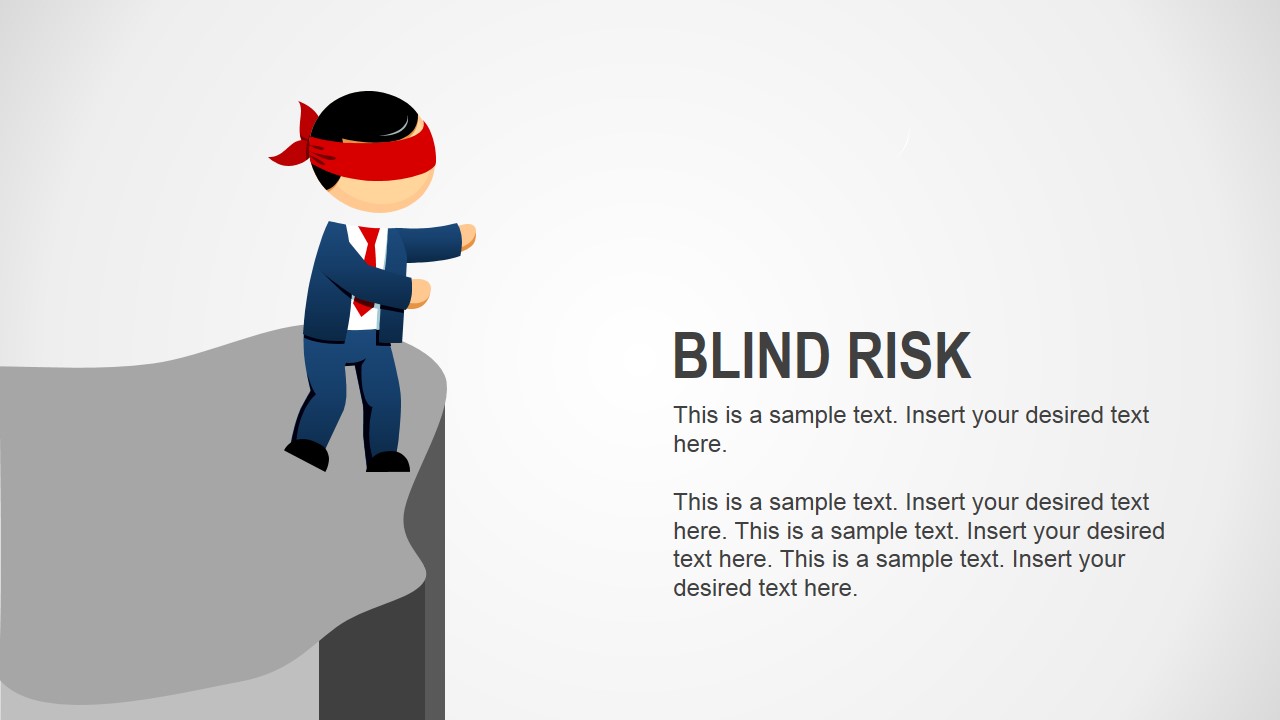
Blind Risk Business Analogy template for PowerPoint is a presentation design containing slides that can be used to represent a risk situation or scenario. The presentation design contains illustrations of Mike male character with a red tape hiding his eyes.
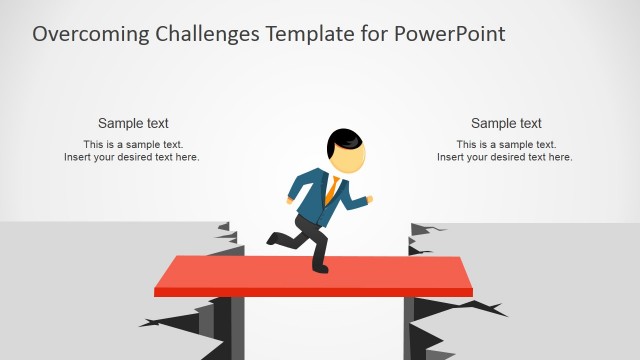
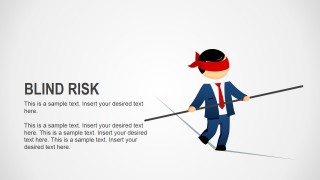
Inside this presentation design you can find scenes of Mike male character falling off the cliff and using the tightrope.
What’s inside this template
Example presentation scenarios
- A risk manager can use the cliff-edge layout to brief executives on the danger of acting without enough controls or visibility.
- A project manager can use the tightrope scene to explain a fragile delivery plan where timeline, budget, and scope must stay balanced.
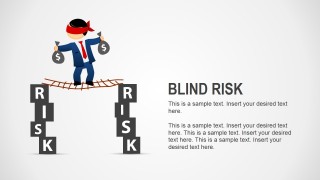
- A consultant can use the RISK bridge with money bags to show clients how financial exposure grows when governance is weak.
- A compliance presenter can use the blindfolded character slide to open a discussion about decisions made without reliable evidence or reporting.
Features
- 100% editable presentation template
- Compatible with Microsoft PowerPoint and Google Slides
- 16:9 aspect ratio slides
- Scalable vector shapes, icons and illustrations
- AI-Ready for Microsoft Copilot and Claude
- Instant access and download
Frequently asked questions
Q: How should a presenter use the blindfold metaphor without making the message feel too cartoonish?
A: Use the character scenes as opening or section-framing slides, then connect each visual to a specific business condition. For example, the cliff can introduce unmanaged exposure, the tightrope can frame trade-off pressure, and the RISK bridge can lead into financial consequences. Keep the body text concrete and avoid overexplaining the metaphor.
Q: Who is this template best suited for in a business presentation?
A: It works best for presenters who need to make risk understandable before discussing controls, mitigation, or decisions. Risk managers, consultants, project leads, and executives can use the large analogy scenes to align nontechnical audiences around why uncertainty matters, especially when the presentation starts with awareness rather than detailed data.
Q: Why do the cliff, tightrope, and bridge visuals help communicate risk?
A: The layouts turn an abstract concept into physical danger that audiences recognize quickly. A cliff suggests sudden loss, a tightrope suggests balance under pressure, and the RISK bridge suggests fragile passage over financial exposure. These metaphors reduce explanation time and help the presenter move from emotion to action.


Blind Risk Business Analogy Slides for PowerPoint
5-slide presentation template for blind risk metaphors, cliff scenarios, and tightrope decision visuals
Blind Risk Business Analogy Slides for PowerPoint is a 5-slide presentation template using editable business character metaphors to explain risk exposure. Visible layouts include a cliff-edge risk scene, a blindfolded presenter scene, a tightrope balance scene, and a money-bag bridge over RISK pillars for managers and consultants in PowerPoint and Google Slides.
- Category
- Shapes
- Rating


 Loading...
- Aspect ratio
- 16:9
- Item ID
- 8331-01
- Colors
 Microsoft PowerPoint
  Microsoft Copilot
  Claude for PowerPoint
 Other formats supported
Subscribe today and get immediate
access to download our PowerPoint templates.