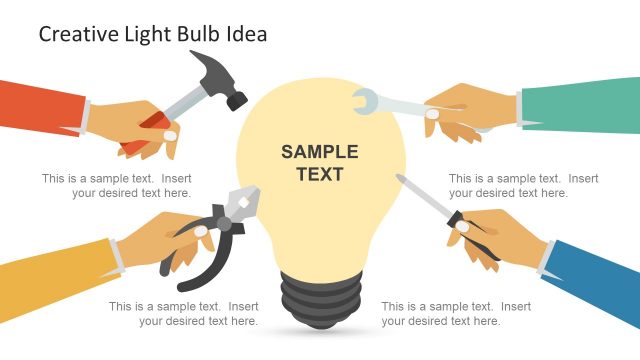
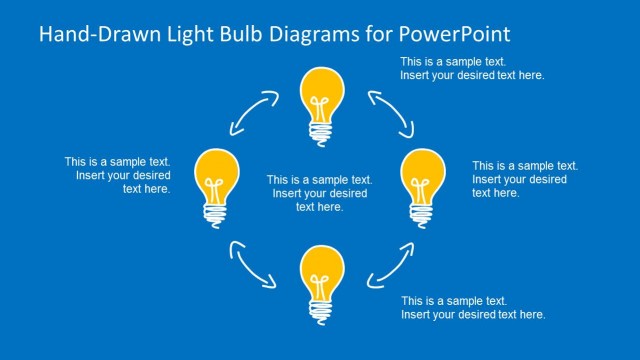
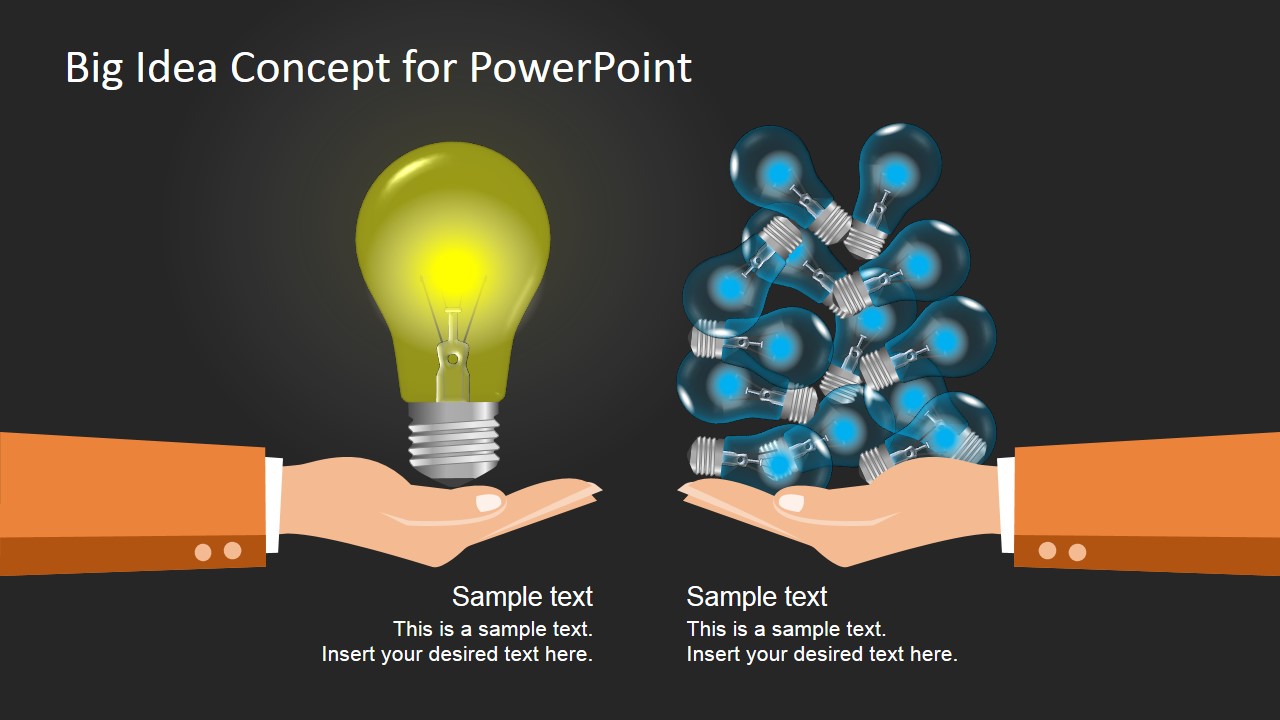
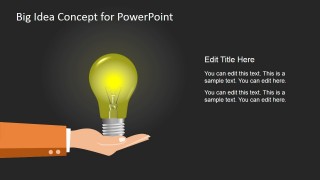
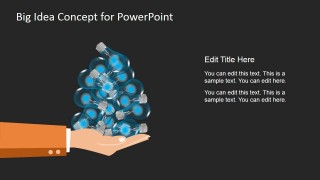
This presentation concept can be used to present a big business idea to an audience while separating it from not-so-big peers. The big idea concept design presentations contains two hands in a PowerPoint slide with light bulb shapes over the hands. At the left hand there is a bright & big light bulb shape representing a big idea while the hand at the right contains small light bulb shapes representing the not-so-big ideas.
What’s inside this template
Example presentation scenarios
- A startup founder can use the two-hand comparison layout to introduce the core business idea and contrast it with scattered market alternatives.
- A product manager can use the single-bulb slide to focus executives on one selected product concept, with the right-side text explaining the decision logic.
- An innovation facilitator can use the clustered-bulb slide to discuss idea overload before narrowing a workshop group toward a preferred direction.
- A consultant can use the light bulb metaphor to open a proposal by showing why one recommendation deserves attention over a set of minor initiatives.
Features
- 100% editable presentation template
- Compatible with Microsoft PowerPoint and Google Slides
- 16:9 aspect ratio slides
- Scalable vector shapes, icons and illustrations
- AI-Ready for Microsoft Copilot and Claude
- Instant access and download
Frequently asked questions
Q: How should I present the main message with this template?
A: Start with the comparison slide to establish the contrast: one clear big idea versus many smaller ideas. Keep the labels short so the light bulb metaphor carries the point visually. Then use either the single-bulb or clustered-bulb slide to explain the chosen side with two or three concise proof points.
Q: Who is this template best suited for?
A: This template fits founders, product leaders, consultants, and innovation teams who need to make a concept choice easy to understand. It works best when the goal is to frame a preferred idea, not to present dense analysis. The hand and bulb visuals make it useful for pitch openings, workshop summaries, and proposal introductions.
Q: Why does the light bulb and hands metaphor help the audience understand the idea?
A: The design uses scale and grouping to create meaning before the presenter speaks. One large bulb signals focus, confidence, and priority, while the cluster of small bulbs suggests noise or fragmentation. The hands make the ideas feel tangible, which helps the audience compare options quickly and remember the central contrast.


Big Idea Concept Design for PowerPoint
3-slide presentation template with light bulb idea comparison diagrams for PowerPoint and Google Slides
Big Idea Concept Design for PowerPoint is a 3-slide concept presentation template for comparing one standout idea against a cluster of smaller alternatives. It uses editable hand illustrations, a large light bulb, a pile of small bulbs, and text callouts for entrepreneurs, product teams, and presenters working in Microsoft PowerPoint or Google Slides.
- Category
- Shapes
- Rating


 Loading...
- Aspect ratio
- 16:9
- Item ID
- 7188-01
- Colors
 Microsoft PowerPoint
  Microsoft Copilot
  Claude for PowerPoint
 Other formats supported
Subscribe today and get immediate
access to download our PowerPoint templates.