Slide 1 of 2 from Before After Metaphor PowerPoint Templates
PowerPoint Slide of Car Metaphor Shapes
Before and After Metaphor for Presentations
- Diagram
- Comparison Split
- Concept Explanation Slide
- 16:9
- 100% Editable
The Before and After Metaphor slide from the Before After Metaphor PowerPoint Templates offers a clear visual comparison ideal for illustrating product evolution or technological advancements. This slide layout uses editable shapes and vector icons to highlight contrasts between past and present scenarios, making it a practical choice for business presentations and pitch deck templates that require effective concept explanation.
What’s on This Slide
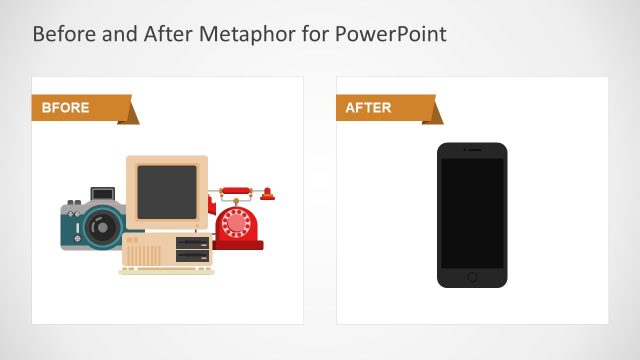
The layout features two distinct sections labeled 'BEFORE' and 'AFTER.' The left section contains an illustration of a vintage car and a world map, while the right section displays a modern green car and a digital map with a location marker. Both sections are visually separated by a vertical line. The 'BEFORE' label is positioned in the upper left corner, and the 'AFTER' label is in the upper right corner. The overall color scheme includes muted tones for the vintage side and brighter colors for the modern side, emphasizing the contrast.
How to Use It
This layout serves to illustrate a transformation or evolution, making it suitable for presentations that compare past and present scenarios. It can be effectively used in business contexts, such as showcasing technological advancements or product improvements. This slide fits well in a sequence following a problem statement, leading into discussions about solutions or future directions. It visually communicates change, making it ideal for marketing or educational presentations.
Text Placeholders & Capacity
Keep your copy within these limits so it fits without resizing. Node labels can hold about 2-3 words each.
| Placeholder | Count | Max characters (approx.) |
|---|---|---|
| Item heading | 2 | 10 |
Slide Keywords
Download unlimited PowerPoint templates, charts and graphics for your presentations with our annual plan.
DOWNLOADReturn to Before After Metaphor PowerPoint Templates.