As-Is To-Be Slide PowerPoint Template
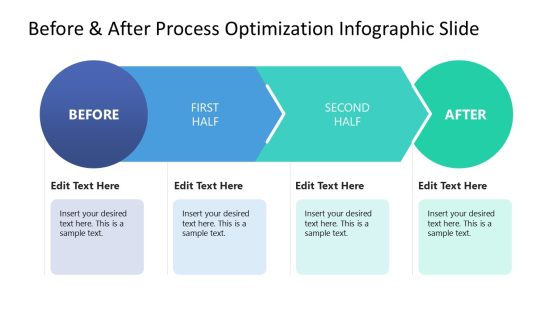
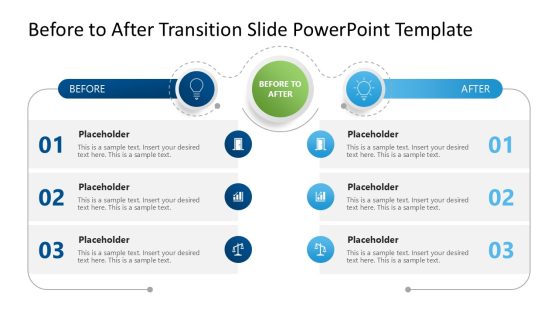
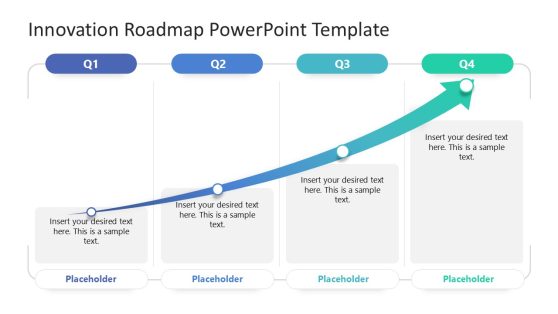
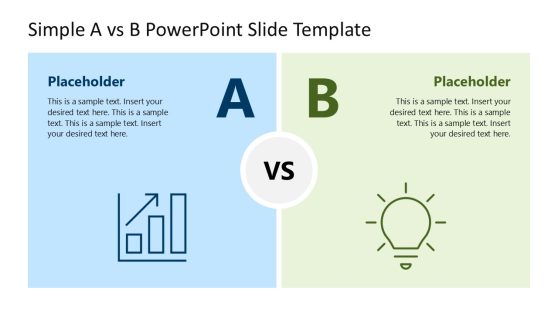
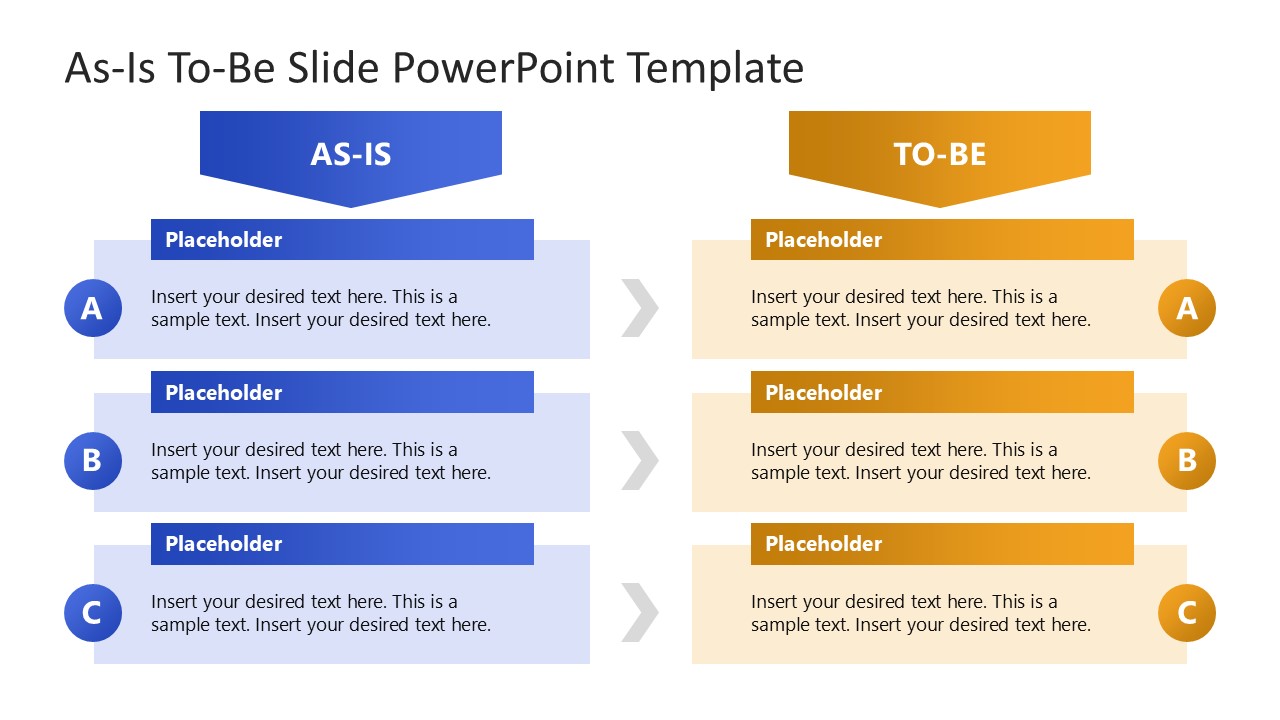
Compare two states of the business project easily with our As-Is To-Be Slide PowerPoint Template. The template is useful for showcasing the business’s current situation and future plans. We have provided a side-by-side comparison layout to showcase the contrast between the current state and future state of the business. The template can also be used to compare two states of a real estate property, an academic position, an experience level, or a construction project. This PPT layout with editable PowerPoint elements arranged in a compelling format can be used in many ways. During a mid-term project report, project managers can discuss the current progress and which milestones are expected to be completed in the next business term. Marketers can visualize the current brand position and future business image in the industry, as planned in the brand development strategy.
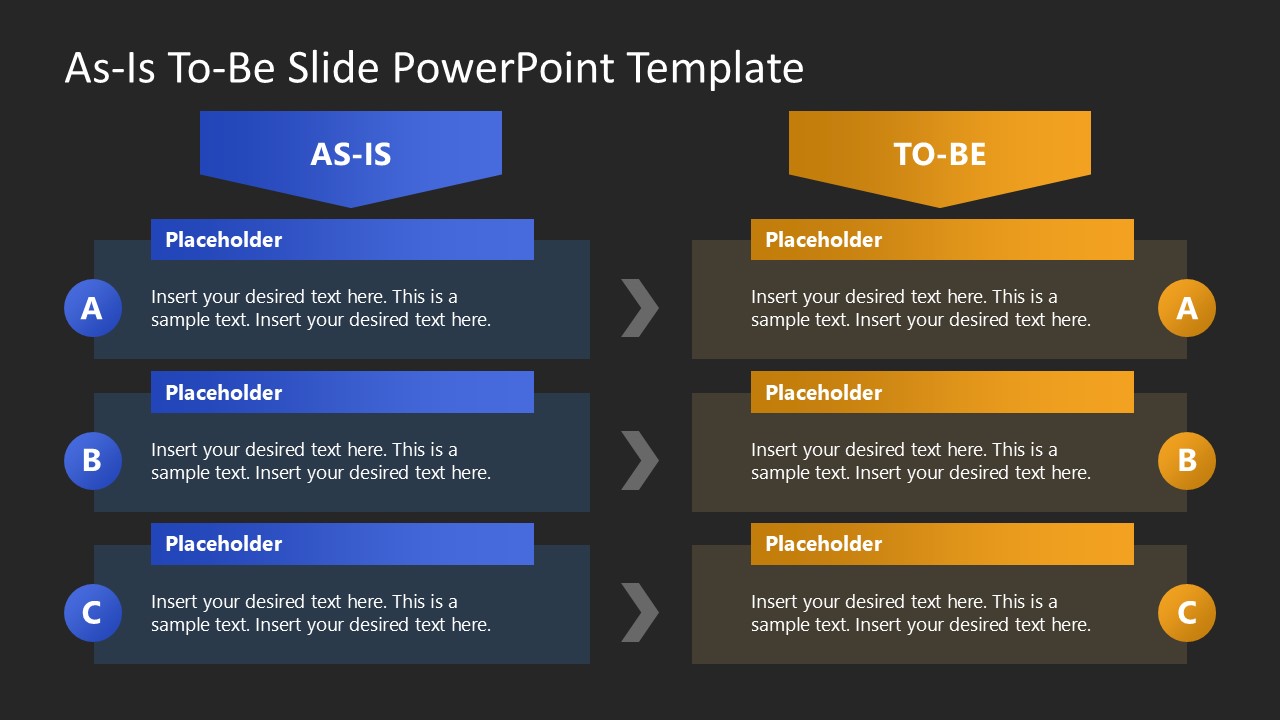
Professionals can demonstrate how AI automation will enhance manual systems into an automated, optimized system. They can also present the expected improvements to the current operational process resulting from a specific implementation or digitalization. The As-Is To-Be Slide PowerPoint Template is fully compatible with Google Slides. It contains two sections on the slide, each with three rows. The use of arrows depicts the flow of the transition through three labeled steps (A, B, C). The template uses a blue palette for As-Is and a warm orange palette for To-Be to visually separate the current conditions from the suggested or planned implementations. There are two slides in the template with the same design, but with white and dark backgrounds, respectively. Download this template and present detailed comparison slides easily!
You must have an active subscription to download this file.
- Category
- Diagrams
- Rating
-

 Loading...
 - Size
- 16x9
- Item ID
- 23439-01
- Colors
Subscribe today and get immediate
access to download our PowerPoint templates.