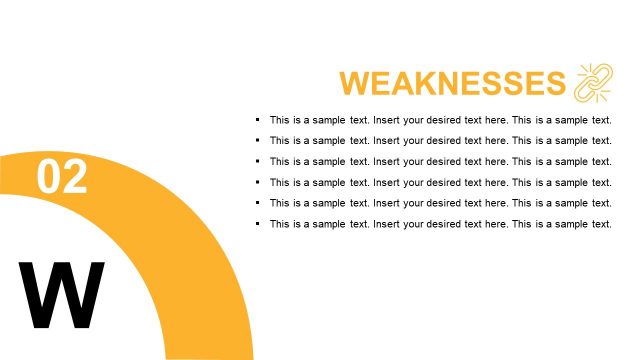
Slide 3 of 5 from Arrows SWOT Analysis PowerPoint Template
Weaknesses Slide – Arrows Template for SWOT Analysis
Weaknesses Analysis Diagram for SWOT Presentation
- Diagram
- Arrow Sequence
- Strategic Analysis Slide
- 16:9
- 100% Editable
The Weaknesses Analysis Diagram from the Arrows SWOT Analysis PowerPoint Template offers a clear visual for internal analysis and strategic planning. This slide template includes editable shapes and vector icons arranged in a left-pointing arrow design, ideal for highlighting business challenges during performance reviews. It integrates seamlessly into corporate presentations and pitch deck templates focused on SWOT frameworks, enhancing communication of areas needing improvement.
What’s on This Slide
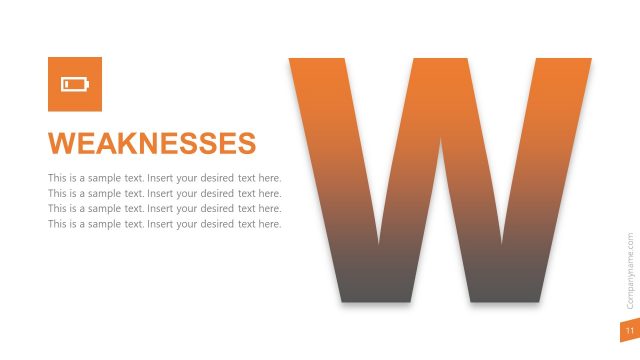
The layout features a large arrow pointing left, labeled 'Weaknesses' at the top. Below this, there is a prominent letter 'W' in a bold font. The arrow is green, with a ribbon-like end that includes an icon of a battery. Text placeholders are positioned to the right of the arrow, aligned vertically, allowing for multiple lines of text. The background is light with a circular shape in the lower left corner, creating a subtle contrast. The overall composition emphasizes the key concept of weaknesses in a SWOT analysis.
How to Use It
This layout serves as a focused analysis of weaknesses within a SWOT framework. It is suitable for presentations discussing internal challenges or areas for improvement in a business context. It fits well after presenting strengths and before discussing opportunities or threats. This slide can be used in strategic planning sessions, performance reviews, or market analysis discussions to highlight specific weaknesses that need addressing.
Text Placeholders & Capacity
Keep your copy within these limits so it fits without resizing. Body slots can accommodate roughly 8-10 words each.
| Placeholder | Count | Max characters (approx.) |
|---|---|---|
| Slide title | 1 | 30 |
| Item heading | 1 | 1 |
| Item body | 4 | 50 |
Slide Keywords
Download unlimited PowerPoint templates, charts and graphics for your presentations with our annual plan.
DOWNLOADReturn to Arrows SWOT Analysis PowerPoint Template.