Slide 2 of 3 from Analog Clock Infographic Design Template for PowerPoint
Template Slide for Analog Clock Infographic Design
Analog Clock Infographic Slide for Presentations
- Diagram
- Other
- Process Slide
- 16:9
- 100% Editable
What’s on This Slide
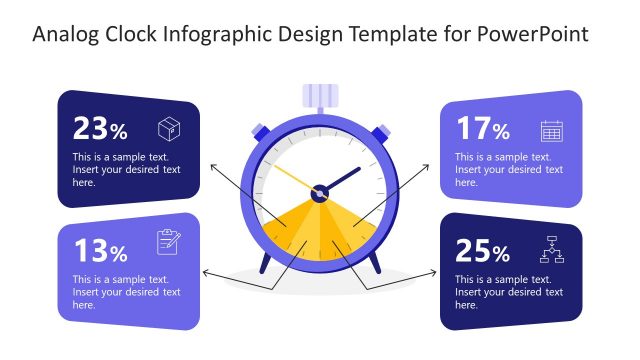
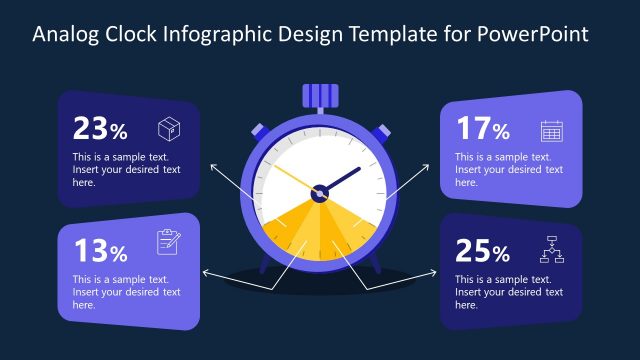
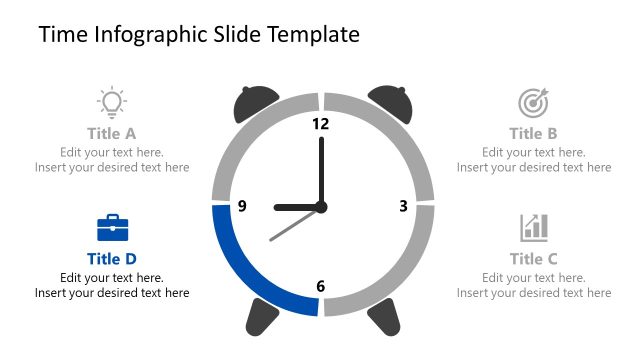
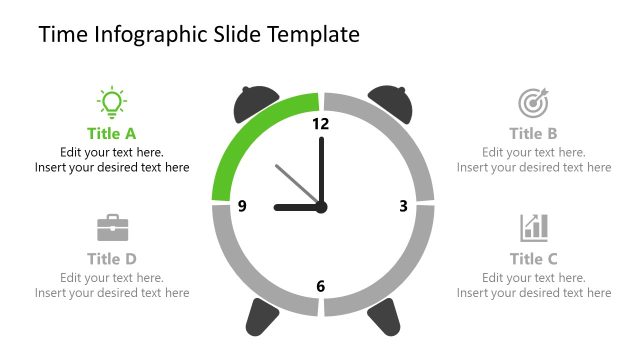
The layout features a central analog clock icon with a yellow section indicating a specific time. Four text boxes are positioned around the clock, each containing a percentage and a sample text placeholder. The boxes are located at the top left, bottom left, top right, and bottom right, with connecting arrows pointing from the clock to each box. The visual hierarchy emphasizes the clock as the focal point, while the percentages are bolded. Background is light with a clean design, enhancing readability.
How to Use It
This layout functions as a percentage breakdown or step representation, ideal for illustrating time-related metrics or processes. It fits well in presentations discussing project timelines, performance metrics, or task distributions. This slide can be used in business meetings, project updates, or educational contexts where visualizing data in a time-related format is necessary. It serves as a clear visual aid to convey quantitative information effectively.
Text Placeholders & Capacity
Keep your copy within these limits so it fits without resizing. Node body slots can hold about 10-12 words each.
| Placeholder | Count | Max characters (approx.) |
|---|---|---|
| Item heading | 4 | 15 |
| Item body | 4 | 50 |
Slide Keywords
Download unlimited PowerPoint templates, charts and graphics for your presentations with our annual plan.
DOWNLOADReturn to Analog Clock Infographic Design Template for PowerPoint.