Slide 1 of 2 from Acrobat Businessman Juggling with Icons for PowerPoint
Acrobat PowerPoint of Businessman Juggling
Businessman Juggling Icons for Presentations
- Media Layout
- Other
- Context Slide
- 16:9
- 100% Editable
What’s on This Slide
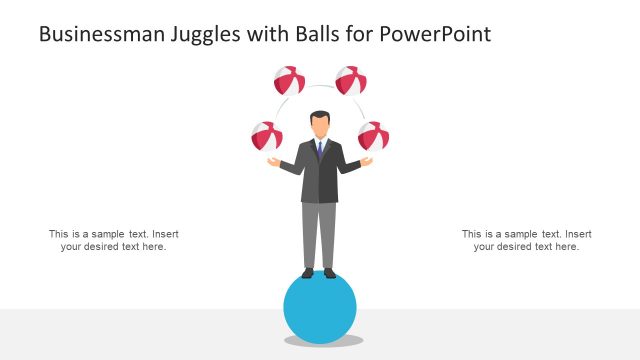
The layout features a central figure of a businessman with arms outstretched, positioned in the center of the slide. Surrounding him are six circular icons representing various business concepts, arranged in a semicircular pattern above his hands. Each icon is visually distinct, using a consistent blue color scheme. Text placeholders are located on both the left and right sides of the slide, providing space for additional information. The background is predominantly white, enhancing the visibility of the icons and text. The overall composition emphasizes the juggling theme.
How to Use It
This layout serves as a visual metaphor for multitasking or managing various responsibilities. It is suitable for presentations discussing business skills, roles, or service offerings. The slide fits well at the beginning of a presentation to introduce key themes or concepts. It can be used in contexts such as team responsibilities, product features, or service strengths, effectively illustrating the idea of juggling multiple tasks or roles.
Text Placeholders & Capacity
Keep your copy within these limits so it fits without resizing. Body slots can accommodate roughly 10-12 words each.
| Placeholder | Count | Max characters (approx.) |
|---|---|---|
| Slide title | 1 | 40 |
| Body paragraph | 2 | 60 |
Slide Keywords
Download unlimited PowerPoint templates, charts and graphics for your presentations with our annual plan.
DOWNLOADReturn to Acrobat Businessman Juggling with Icons for PowerPoint.