Slide 2 of 2 from ABC Time Management PowerPoint Template
ABC Time Management PPT Template
Three Column Time Management Overview Slide
- Diagram
- Comparison Split
- Process Slide
- 16:9
- 100% Editable
What’s on This Slide
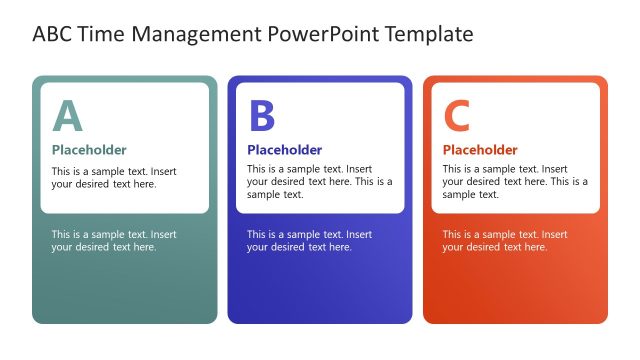
The layout features three columns aligned horizontally. Each column contains a folder icon at the top, labeled A, B, or C, followed by a text placeholder aligned centrally below the icon. Below the text placeholder, a circular percentage indicator is present, displaying values of 45%, 20%, and 72% respectively. The columns are visually separated by light backgrounds with distinct colors for each folder icon. The overall composition is balanced, with equal spacing between the columns and a clear visual hierarchy emphasizing the icons and percentage indicators.
How to Use It
This layout serves as a comparative overview, ideal for presenting time management tasks or projects across three categories. It fits well in a presentation sequence after introducing a time management problem or strategy. This structure is useful for illustrating progress or allocation of time across different tasks, making it applicable in project management or performance tracking contexts. It can also be used to summarize key activities in a time management framework.
Text Placeholders & Capacity
Keep your copy within these limits so it fits without resizing. Node body slots can hold about 10-12 words each.
| Placeholder | Count | Max characters (approx.) |
|---|---|---|
| Item heading | 3 | 1 |
| Item body | 3 | 60 |
| Kpi value | 3 | 3 |
Slide Keywords
Download unlimited PowerPoint templates, charts and graphics for your presentations with our annual plan.
DOWNLOADReturn to ABC Time Management PowerPoint Template.