Slide 5 of 5 from 90-Day Plan PowerPoint Template
3 Steps 30-60-90 Day Planning Presentation
30 60 90 Day Plan Slide
- Diagram
- Timeline Horizontal
- Process Slide
- 16:9
- 100% Editable
What’s on This Slide
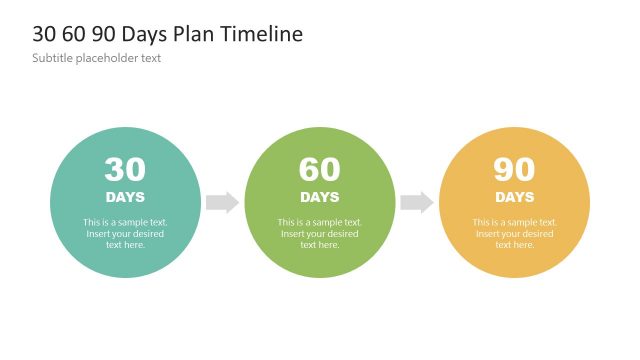
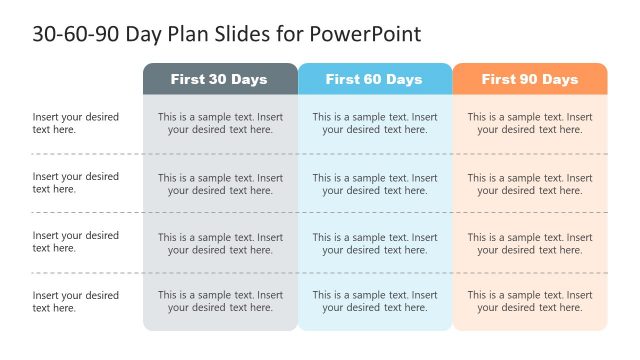
The layout features three horizontal sections, each labeled with a time frame: 30 Days, 60 Days, and 90 Days. Each section contains three vertical columns labeled Step 01, Step 02, and Step 03. Text placeholders are aligned centrally within each column, allowing for detailed input. The 30 Days section has a dark gray background, the 60 Days section is blue, and the 90 Days section is orange, creating a clear visual distinction. The overall composition is organized and structured, with a clear visual hierarchy emphasizing the time frames and steps.
How to Use It
This layout serves as a structured timeline for presenting a 90-day action plan. It is suitable for business presentations, project management, and strategic planning. The slide fits well at the end of a presentation, summarizing key objectives and steps over the specified time frames. It can be used to outline goals for new initiatives, employee onboarding, or project milestones, providing a clear roadmap for stakeholders to follow.
Text Placeholders & Capacity
Keep your copy within these limits so it fits without resizing. Node body slots can hold about 10 words each.
| Placeholder | Count | Max characters (approx.) |
|---|---|---|
| Slide title | 1 | 30 |
| Item heading | 9 | 20 |
| Item body | 9 | 50 |
Slide Keywords
Download unlimited PowerPoint templates, charts and graphics for your presentations with our annual plan.
DOWNLOADReturn to 90-Day Plan PowerPoint Template.