Slide 1 of 1 from 9-Component Idea Wheel Diagram for PowerPoint
9 Components Wheel Diagram for PowerPoint
9-Component Idea Wheel Diagram for Presentations
- Diagram
- Circular Cycle
- Process Slide
- 16:9
- 100% Editable
The 9-Component Idea Wheel Diagram from the 9-Component Idea Wheel Diagram for PowerPoint template offers a circular process layout ideal for project planning and brainstorming sessions. This slide template features editable shapes and vector icons arranged in nine distinct segments, enhancing clarity in business presentations or corporate slide decks. Its design supports visualizing interconnected ideas effectively within PowerPoint templates or Google Slides templates.
What’s on This Slide
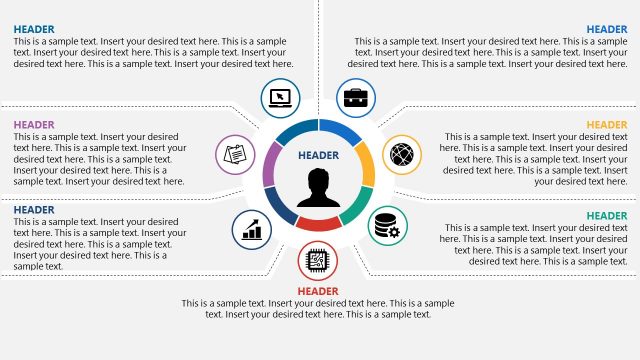
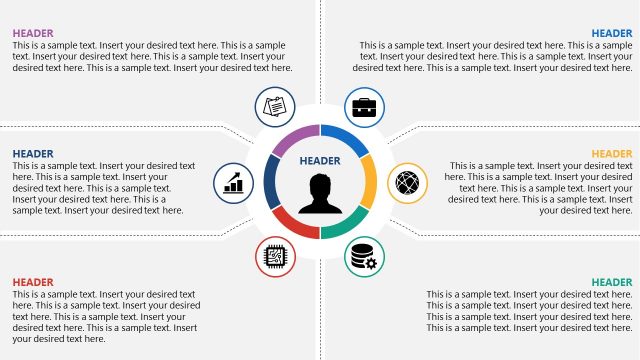
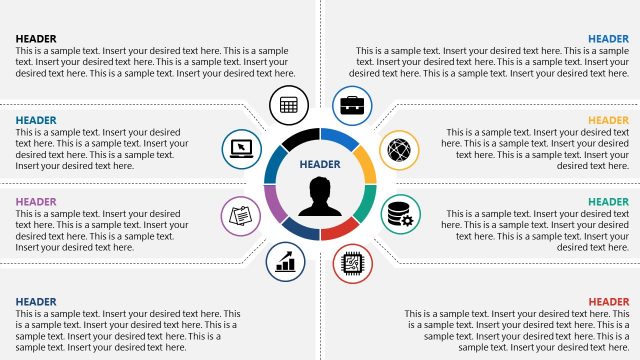
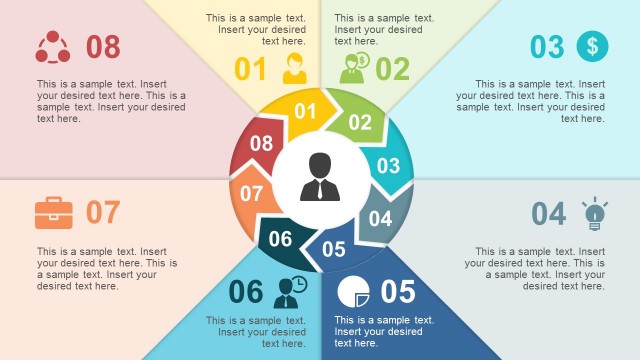
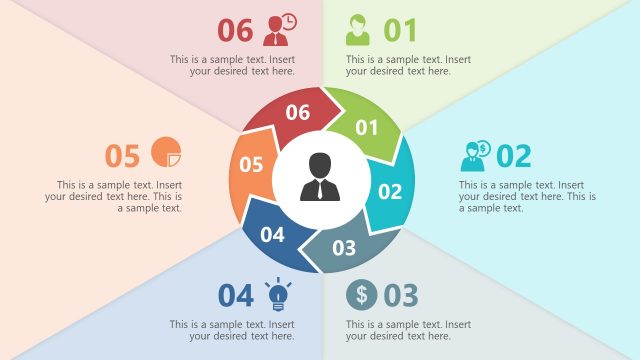
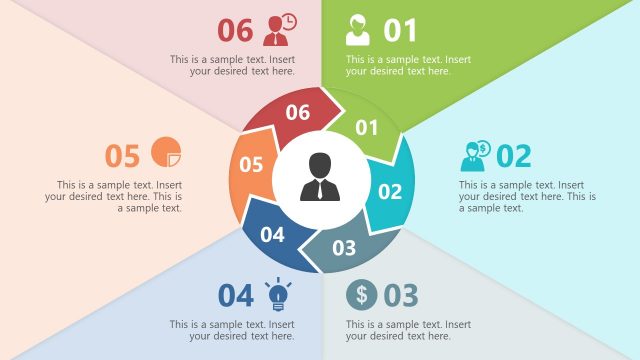
The slide features a circular diagram divided into nine segments, each labeled as a section. The center contains a placeholder for text, surrounded by icons representing various themes. Each segment has a distinct background color, creating a visual separation. The icons are positioned in the upper part of each segment, while the section titles and sample text placeholders are aligned at the bottom. The overall layout emphasizes clarity and organization, with a balanced distribution of elements around the central text area.
How to Use It
This layout serves as a circular process diagram, ideal for illustrating concepts with multiple components. It fits well in presentations that require a visual representation of interconnected ideas or steps. Common applications include project planning, brainstorming sessions, or lifecycle analysis. The circular format allows for easy navigation through the sections, making it suitable for both detailed explanations and high-level overviews.
Text Placeholders & Capacity
Keep your copy within these limits so it fits without resizing. Node body slots can hold roughly 10 words each.
| Placeholder | Count | Max characters (approx.) |
|---|---|---|
| Item heading | 9 | 30 |
| Item body | 9 | 50 |
| Callout | 1 | 20 |
Slide Keywords
Download unlimited PowerPoint templates, charts and graphics for your presentations with our annual plan.
DOWNLOAD