Slide 3 of 3 from 7 Arrows Circular Diagram PowerPoint Template
Useful Icons PowerPoint Slide
Useful Icons for Presentations
- Media Layout
- Other
- Context Slide
- 16:9
- 100% Editable
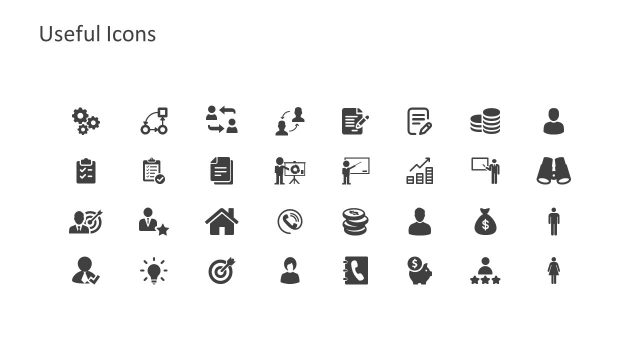
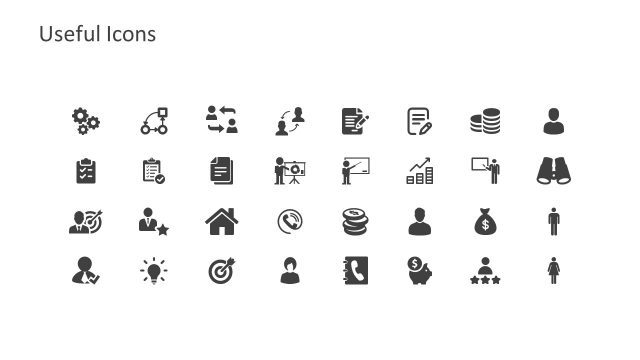
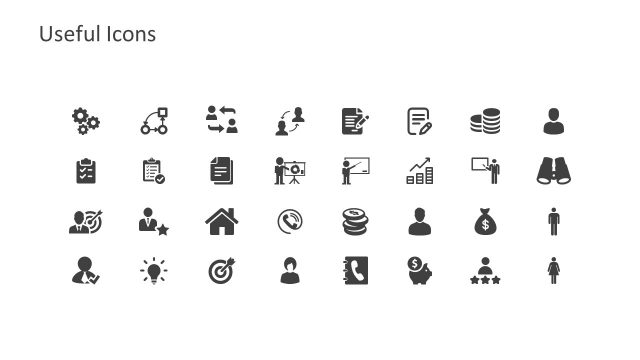
The Useful Icons Display slide from the 7 Arrows Circular Diagram PowerPoint Template offers a structured grid of 24 blue icons designed as an editable slide for enhancing business presentations and pitch decks. This slide template serves as a visual aid and icon reference guide, helping to summarize key themes and support discussions with clear, vector icons in a corporate presentation or slide deck.
What’s on This Slide
The layout features a grid of 24 icons arranged in four rows and six columns. Each icon is uniformly sized and visually distinct, showcasing various themes such as business, communication, and finance. The icons are colored in blue against a white background, enhancing visibility. A title placeholder is positioned at the top left, aligned left, while the icons are organized in a structured format below. There are no additional text elements or images present, allowing the icons to serve as the primary visual focus.
How to Use It
This layout is ideal for presenting a collection of icons that can be used throughout a presentation. It fits well in a sequence after introducing concepts or themes, providing visual aids for discussion. Real-world applications include summarizing key points, enhancing visual storytelling, or serving as a reference for icon usage in the presentation. It can be effectively used in business, marketing, or educational contexts to illustrate various topics.
Text Placeholders & Capacity
Keep your copy within these limits so it fits without resizing. Title slot is spacious, allowing for a clear statement.
| Placeholder | Count | Max characters (approx.) |
|---|---|---|
| Slide title | 1 | 20 |
Slide Keywords
Download unlimited PowerPoint templates, charts and graphics for your presentations with our annual plan.
DOWNLOAD