Slide 6 of 7 from 6-Step Hexagon Process Flow PowerPoint Template
6-Step Hexagon Process Flow Slide Template
6-Step Hexagon Process Flow Diagram
- Diagram
- Process Flow
- Process Slide
- 16:9
- 100% Editable
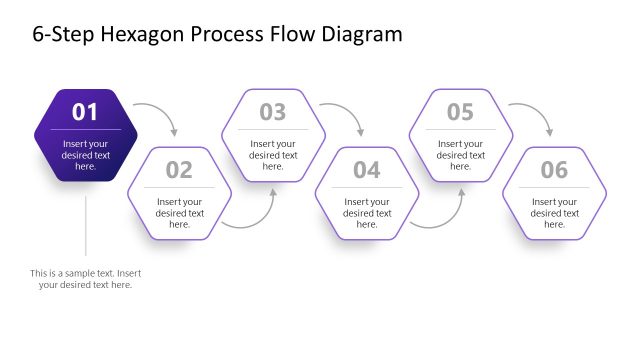
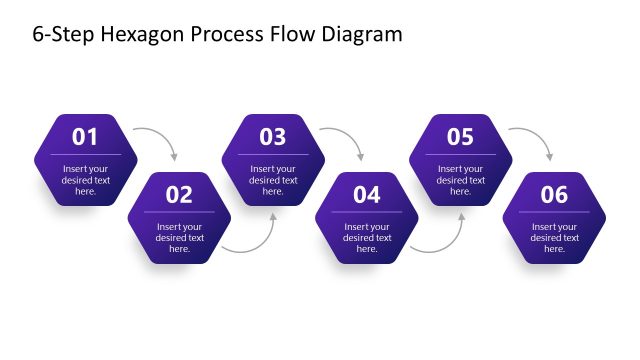
The 6-Step Hexagon Process Flow Diagram from the 6-Step Hexagon Process Flow PowerPoint Template offers a clear visual for presenting workflows or project stages. This slide layout uses editable shapes and vector icons arranged in a linear sequence, making it suitable for business presentations and step-by-step guides. Its design supports effective communication of processes within corporate presentations or pitch decks, enhancing audience understanding through a structured flow and emphasis on key steps.
What’s on This Slide
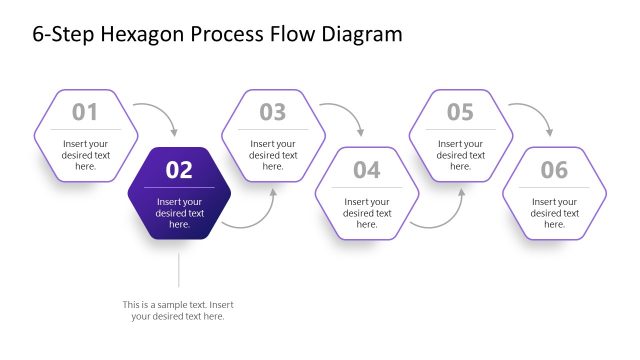
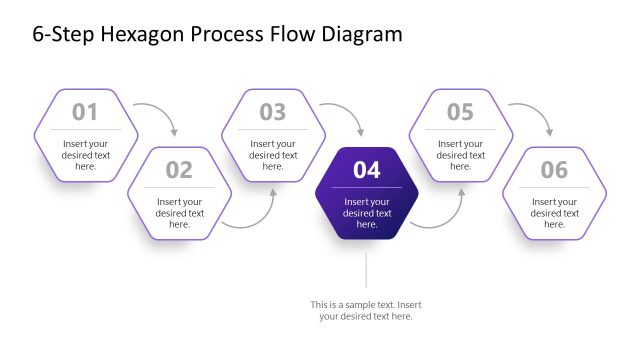
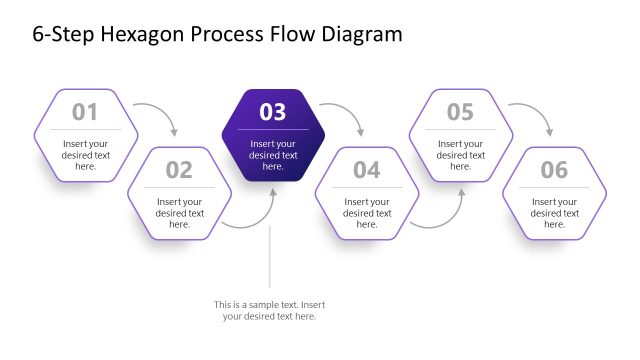
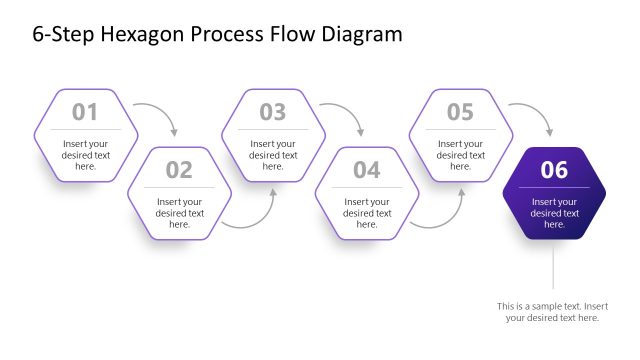
The layout features six hexagonal shapes arranged in a linear flow from left to right. Each hexagon contains a number and a text placeholder for descriptions. The first four hexagons are outlined in a light color, while the fifth hexagon is filled with a darker shade, indicating emphasis. Curved arrows connect the hexagons, guiding the viewer's eye through the sequence. A text placeholder is positioned below the last hexagon, aligned to the center. The background is white, enhancing clarity and focus on the diagram.
How to Use It
This layout serves as a process flow diagram, ideal for illustrating a sequence of steps or stages in a project or workflow. It fits well in presentations that require a clear visual representation of processes, such as project management, operational workflows, or procedural guidelines. This slide is particularly useful for business scenarios where step-by-step instructions or processes need to be communicated effectively, allowing for easy understanding and engagement from the audience.
Text Placeholders & Capacity
Keep your copy within these limits so it fits without resizing. Node labels can hold about 4-5 words each, while body text is tighter.
| Placeholder | Count | Max characters (approx.) |
|---|---|---|
| Slide title | 1 | 40 |
| Item heading | 6 | 20 |
| Item body | 6 | 50 |
| Body paragraph | 1 | 80 |
Slide Keywords
Download unlimited PowerPoint templates, charts and graphics for your presentations with our annual plan.
DOWNLOAD