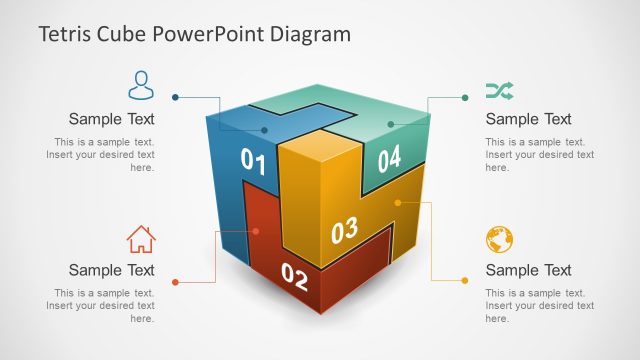
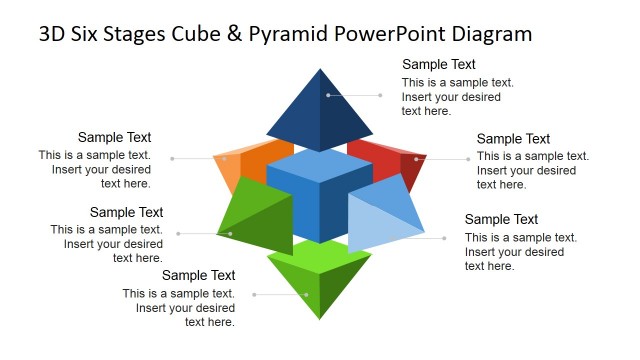
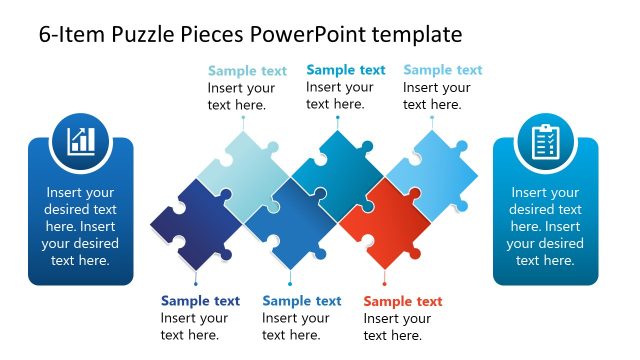
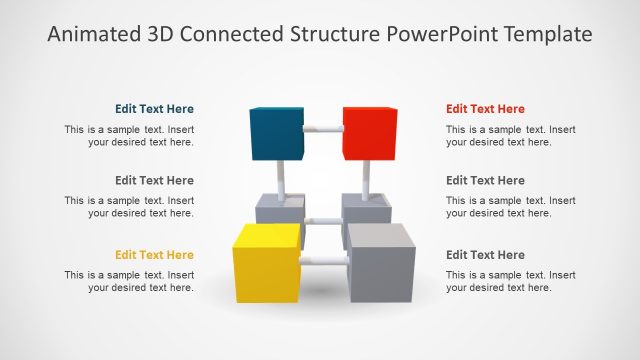
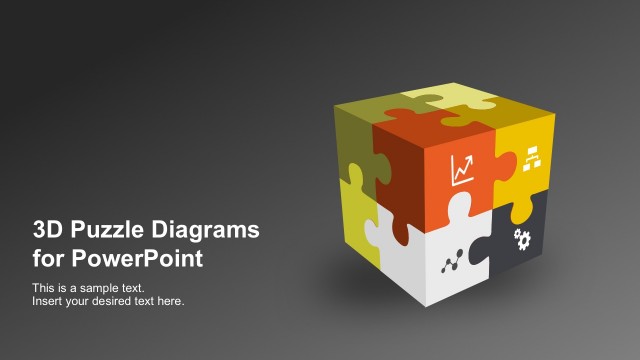
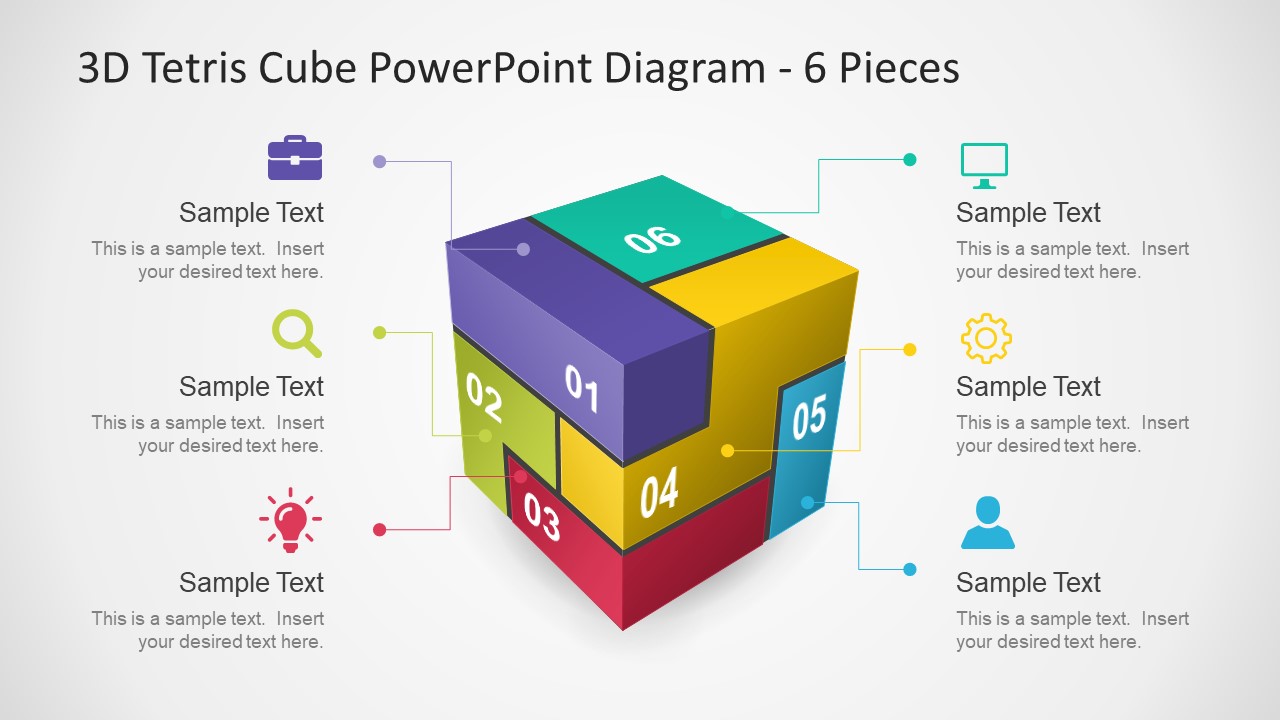
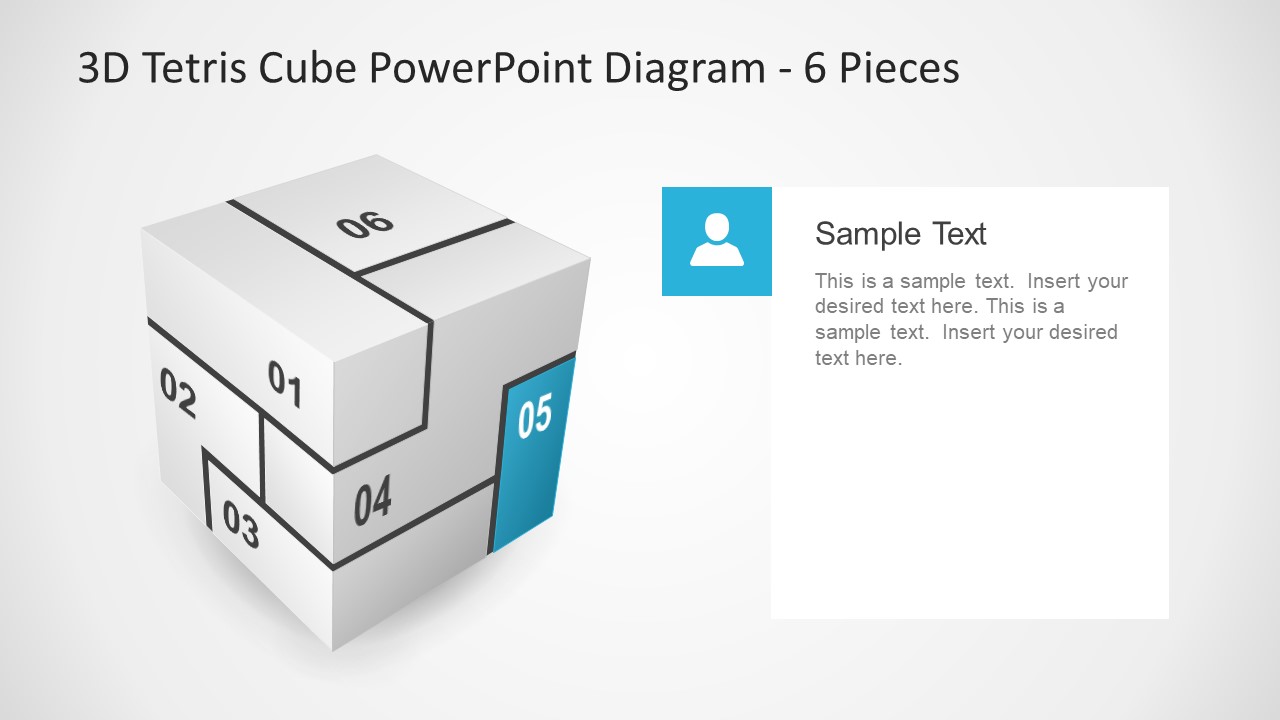
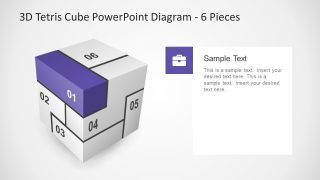
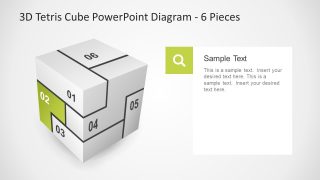
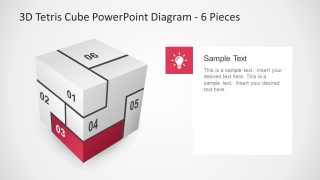
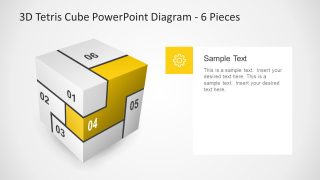
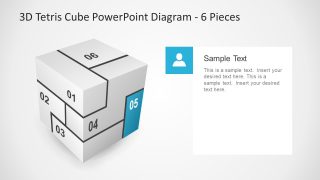
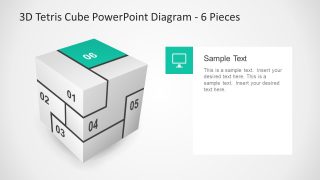
The outstanding slides of 6 Pieces 3D Tetris Cube PowerPoint Diagram with a creative display of six sections. The 3D cube diagram has an incredible set of cool colors and infographic to represent every segment. The connection of these segments as pieces of puzzle depict the interdependent processes. The extraordinary 3D template of Tetris highlights one section of with infographics and placeholders per slide. Therefore, the cool infographic icons help make sense of terminologies in this PowerPoint. The set of creative icons include, briefcase, magnifying glass, lightbulb, user, gear and computer screen. It is ideal PowerPoint for presenting 6 step diagram as cube. However, it can become quite confusing for the audience to view a concept on 6 sides of the cube. Therefore, a 3D diagram template enables them to six elements on only 3 faces of cubic slide.
The 6 Pieces 3D Tetris Cube PowerPoint Diagram is useful business template. For example, display an innovative product design and its features, discuss a development strategy or demonstrate complex model. The editable PowerPoint of 6 pieces Tetris 3D cube assist users in quickly and effortlessly modify the design as necessary. Such as, changing the regular white background or creating a gradient effect on 6 sections. Additionally, users can customize given infographics, their colors in shape fill, size by drag and drop, replace etc. This template helps successfully convey precise message to the target audience with less textual content. Since, the graphics have higher impact and stay longer in memory. Also, associating the image such as infographic icons here, to a term is helpful in memorizing the concepts.
The amazing 3D PowerPoint diagram of 6 pieces Tetris show each section as blocks in the game. It is a variation of 4 Piece 3D Tetris PowerPoint Diagram available in premium gallery of SlideModel. Therefore, the template is more attractive and interactive at the same time.
What’s inside this template
Example presentation scenarios
- A product manager can use the full cube overview and six segment focus slides to explain a product architecture or feature set to stakeholders.
- A consultant can present a client framework by assigning each numbered cube piece to a business capability, risk area, or workstream.
- A project manager can describe a six-stage delivery model using the highlighted cube blocks and text panels to keep each phase distinct.
- A trainer can teach a connected process by showing the overview first, then discussing each icon-supported cube segment as a lesson module.
Features
- 100% editable presentation template
- Compatible with Microsoft PowerPoint and Google Slides
- 16:9 aspect ratio slides
- Scalable vector shapes, icons and illustrations
- AI-Ready for Microsoft Copilot and Claude
- Instant access and download
Frequently asked questions
Q: How should a presenter explain the six cube pieces without making the diagram feel crowded?
A: Start with Slide 1 as the map of the whole model, then move through Slides 2 to 7 one piece at a time. Keep each text panel to one main idea, one short proof point, and one action implication. The repeated cube view helps the audience stay oriented while the highlighted block controls attention.
Q: Who is this diagram best suited for in a business presentation?
A: This template fits presenters who need to explain a framework made of six connected parts, such as a strategy model, product feature set, operating model, or implementation plan. It works best for managers, consultants, and trainers when the goal is to make relationships between parts visible before discussing each part in detail.
Q: Why use a Tetris-style cube metaphor for a six-part explanation?
A: The Tetris-style cube suggests that separate pieces form one stable structure only when they fit together. That metaphor is useful for interdependent ideas, such as departments, capabilities, stages, or product modules. The highlighted focus slides reduce cognitive load by isolating one piece while preserving the full model as context.



6 Pieces 3D Tetris Cube PowerPoint Diagram
7-slide presentation template with a 6-piece 3D cube diagram and segment callouts.
The 6 Pieces 3D Tetris Cube PowerPoint Diagram is a 7-slide diagram template for explaining six connected parts of a model, plan, or process. It includes a full 3D cube overview, six numbered segment focus slides, icon callouts, and text placeholders for PowerPoint and Google Slides.
- Category
- Diagrams
- Rating


 Loading...
- Aspect ratio
- 16:9, 4:3
- Item ID
- 7641-01
- Colors
 Microsoft PowerPoint
  Microsoft Copilot
  Claude for PowerPoint
 Other formats supported
Subscribe today and get immediate
access to download our PowerPoint templates.