Slide 6 of 7 from 6-Option Side by Side Infographic PowerPoint Template
6-Option Side by Side Infographic Template for Presentation
6-Option Infographic PowerPoint Slide
- Diagram
- Comparison Split
- Process Slide
- 16:9
- 100% Editable
The 6-Option Infographic Layout from the 6-Option Side by Side Infographic PowerPoint Template offers a structured way to present multiple choices or steps in a business presentation. This slide template uses editable shapes and vector icons arranged in a clear, balanced design, making it suitable for project proposals, strategic planning, or feature comparisons. Its side-by-side infographic style enhances clarity and flow, supporting effective communication in corporate presentations and pitch deck templates.
What’s on This Slide
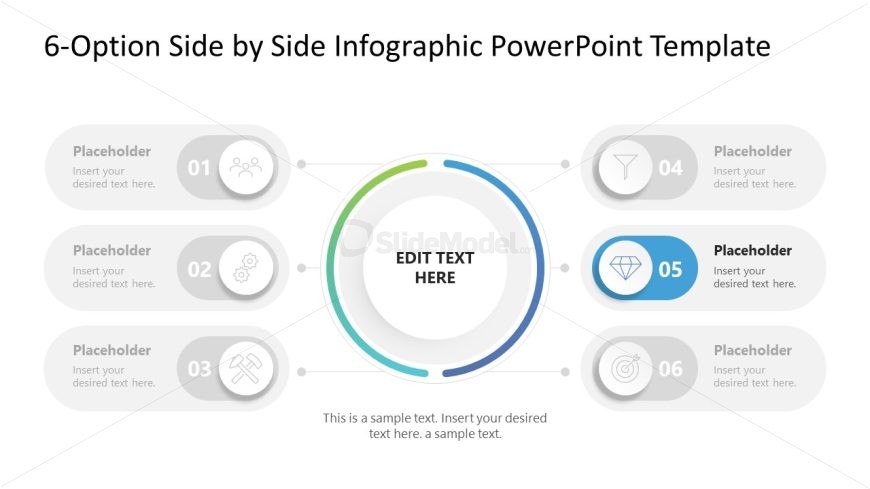
The layout features six circular nodes arranged in two rows. Each node contains a placeholder for text and an icon, with the first node at the top left and the last node at the bottom right. A central circular area labeled 'EDIT TEXT HERE' is surrounded by a colored ring, indicating a focal point. The nodes are connected by lines, creating a flow from left to right. The background is light, enhancing the visibility of the elements. The overall composition is balanced, with a clear visual hierarchy emphasizing the central text area.
How to Use It
This layout serves as a multi-step infographic, ideal for presenting options or processes in a side-by-side format. It fits well in a presentation sequence after introducing a problem or topic, leading into detailed explanations of each option. Suitable scenarios include project proposals, strategic planning, or product feature comparisons, where clarity and organization are essential for audience understanding. The layout can effectively communicate complex information in a simplified manner, making it easier for stakeholders to grasp key points.
Text Placeholders & Capacity
Keep your copy within these limits so it fits without resizing. Node body slots can hold approximately 100 characters each.
| Placeholder | Count | Max characters (approx.) |
|---|---|---|
| Item heading | 6 | 30 |
| Item body | 6 | 100 |
| Chart title | 1 | 30 |
| Body paragraph | 1 | 150 |
Slide Keywords
Download unlimited PowerPoint templates, charts and graphics for your presentations with our annual plan.
DOWNLOADReturn to 6-Option Side by Side Infographic PowerPoint Template.