Slide 2 of 7 from 6-Item Hexagonal Design Thinking Diagram PowerPoint Template
Point 1 Presentation Slide – 6-Item Hexagonal Thinking Diagram
Hexagonal Design Thinking Diagram Slide
- Diagram
- Matrix Grid
- Concept Explanation Slide
- 16:9
- 100% Editable
What’s on This Slide
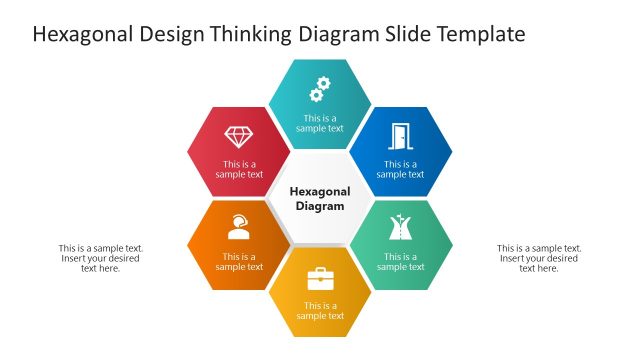
The layout features a central hexagon labeled 'Hexagonal Diagram' surrounded by six smaller hexagons. Each smaller hexagon contains an icon and a text placeholder aligned centrally. The central hexagon is colored differently, creating a visual hierarchy. The icons represent various concepts, while the text placeholders are positioned below each icon. The overall composition is symmetrical, with hexagons evenly spaced around the central shape. The background is white, enhancing clarity and focus on the hexagonal elements. There are additional text placeholders on the left and right sides for supplementary information.
How to Use It
This layout serves as a visual representation of interconnected ideas or processes, suitable for illustrating design thinking stages or key concepts. It fits well after an introductory slide, providing a clear framework for discussion. In business contexts, it can be used to present product development stages, brainstorming outcomes, or project phases. The hexagonal structure allows for easy categorization and comparison of ideas, making it effective for workshops or strategy sessions.
Text Placeholders & Capacity
Keep your copy within these limits so it fits without resizing. Node labels are tight, roughly 4 words each.
| Placeholder | Count | Max characters (approx.) |
|---|---|---|
| Item heading | 6 | 20 |
| Item body | 6 | 30 |
| Slide title | 1 | 40 |
| Body paragraph | 2 | 50 |
Slide Keywords
Download unlimited PowerPoint templates, charts and graphics for your presentations with our annual plan.
DOWNLOADReturn to 6-Item Hexagonal Design Thinking Diagram PowerPoint Template.