Slide 4 of 7 from 6 Item Circular Diagram with Arrows for PowerPoint
PowerPoint 6 Items Circular Diagram Arrow 3
6 Item Circular Diagram for PowerPoint
- Diagram
- Circular Cycle
- Process Slide
- 16:9
- 100% Editable
What’s on This Slide
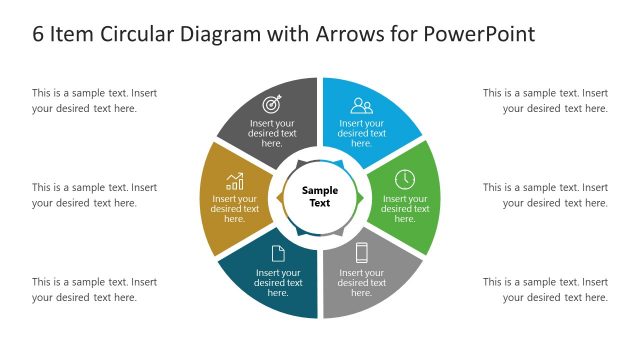
The slide features a circular diagram divided into six segments, each containing a placeholder for text. The segments are arranged in a circular layout with arrows indicating flow between them. In the center, there is a larger placeholder labeled 'Sample Text.' Each segment is visually distinct, with icons representing different concepts. Text placeholders are aligned within each segment, providing space for descriptions. The overall composition emphasizes a clear visual hierarchy, guiding the viewer's eye around the circle. A light background enhances readability.
How to Use It
This layout serves as a process diagram, ideal for illustrating steps or stages in a circular format. It fits well in presentations discussing workflows, project phases, or cyclical processes. The circular design allows for easy understanding of interconnected elements. This structure is particularly useful in business contexts, such as project management, product development, or strategic planning, where visualizing steps in a process is essential. It can be used to summarize key points or to present a sequence of actions in a cohesive manner.
Text Placeholders & Capacity
Keep your copy within these limits so it fits without resizing. Node body slots can hold about 30 characters each, allowing for concise descriptions.
| Placeholder | Count | Max characters (approx.) |
|---|---|---|
| Item body | 6 | 30 |
| Item body | 1 | 30 |
| Slide title | 1 | 50 |
Slide Keywords
Download unlimited PowerPoint templates, charts and graphics for your presentations with our annual plan.
DOWNLOADReturn to 6 Item Circular Diagram with Arrows for PowerPoint.