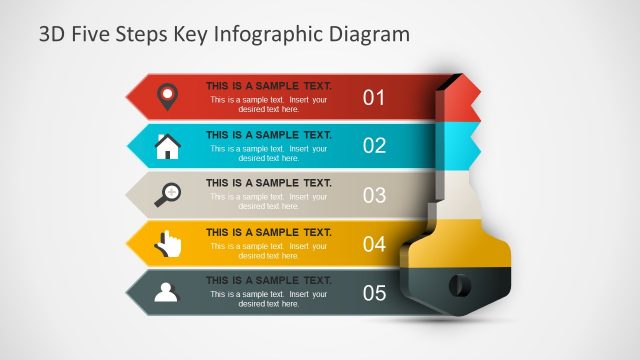
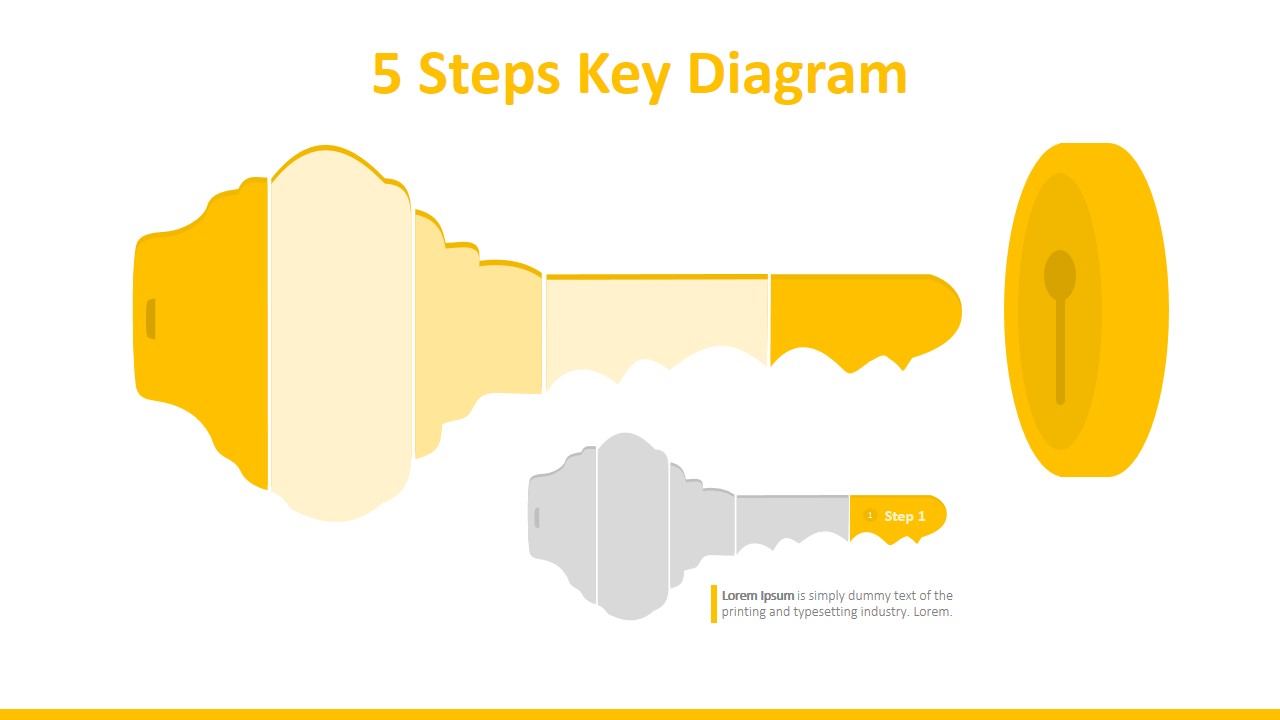
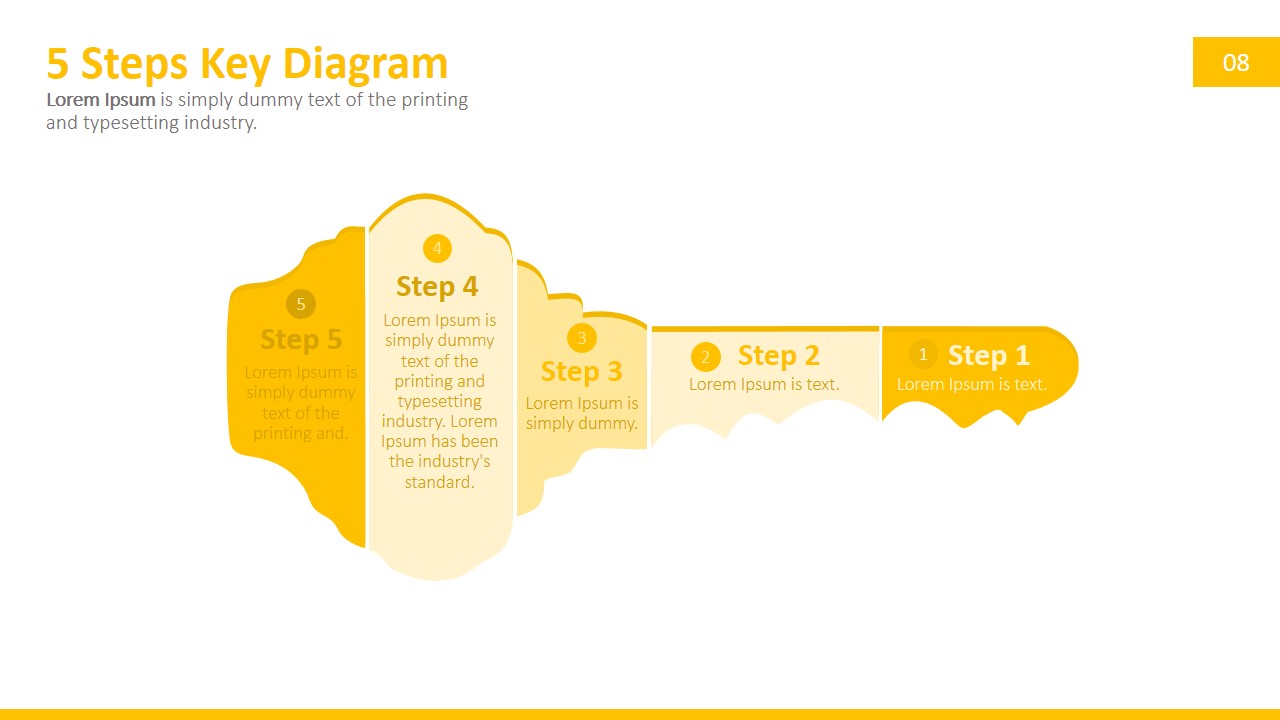
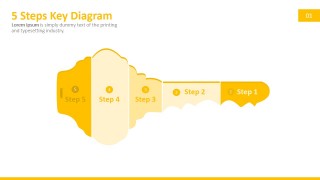
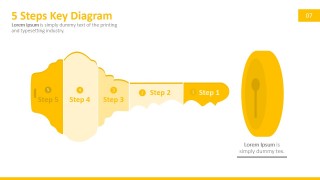
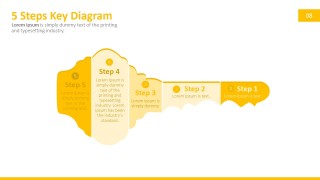
The 5 Steps Key PowerPoint Diagram is a professional design created to describe five steps related to a key and lock metaphor. The Key PowerPoint Shape is a popular metaphor. Users apply the shape to describe KPIs (Key Performance Indicators), steps that are Key to unlocking a situation, a simple five-step security process or to present key points or important information to an audience. The metaphor is applicable to different scenarios, and the template is flexible enough to adapt to the presenter’s context.
Negotiation is a key task within executives. Every business deal requires extensive negotiation. During the negotiation and due diligence process, the executives involved summarize the agreement until they reach a set of five key elements to unlock the deal. The presenter can describe the Five Key elements of negotiation with this PowerPoint template, just replacing the text placeholders with the appropriate content.
Each of the elements of the Key Clipart is created as PowerPoint Shapes. The user can customize the shapes, colors, effects, and size just by altering the presentation theme. No design skills are required to populate the slide design with new content.
Impress your audience with Professional PowerPoint Templates that appeal to global audiences.
What’s inside this template
Example presentation scenarios
- An executive can use the full five-step key overview to summarize the five conditions required to approve a deal or strategic initiative.
- A consultant can use the individual step highlight slides to walk a client through each success factor without losing the larger five-part structure.
- A security manager can use the key-and-lock slide to explain a five-step access, compliance, or risk-control process to stakeholders.
- A sales leader can use the key segments to frame five key buying criteria and connect each one to the outcome the prospect wants to unlock.
Features
- 100% editable presentation template
- Compatible with Microsoft PowerPoint and Google Slides
- 16:9 aspect ratio slides
- Scalable vector shapes, icons and illustrations
- AI-Ready for Microsoft Copilot and Claude
- Instant access and download
Frequently asked questions
Q: How should I present the five key steps so the metaphor supports the message?
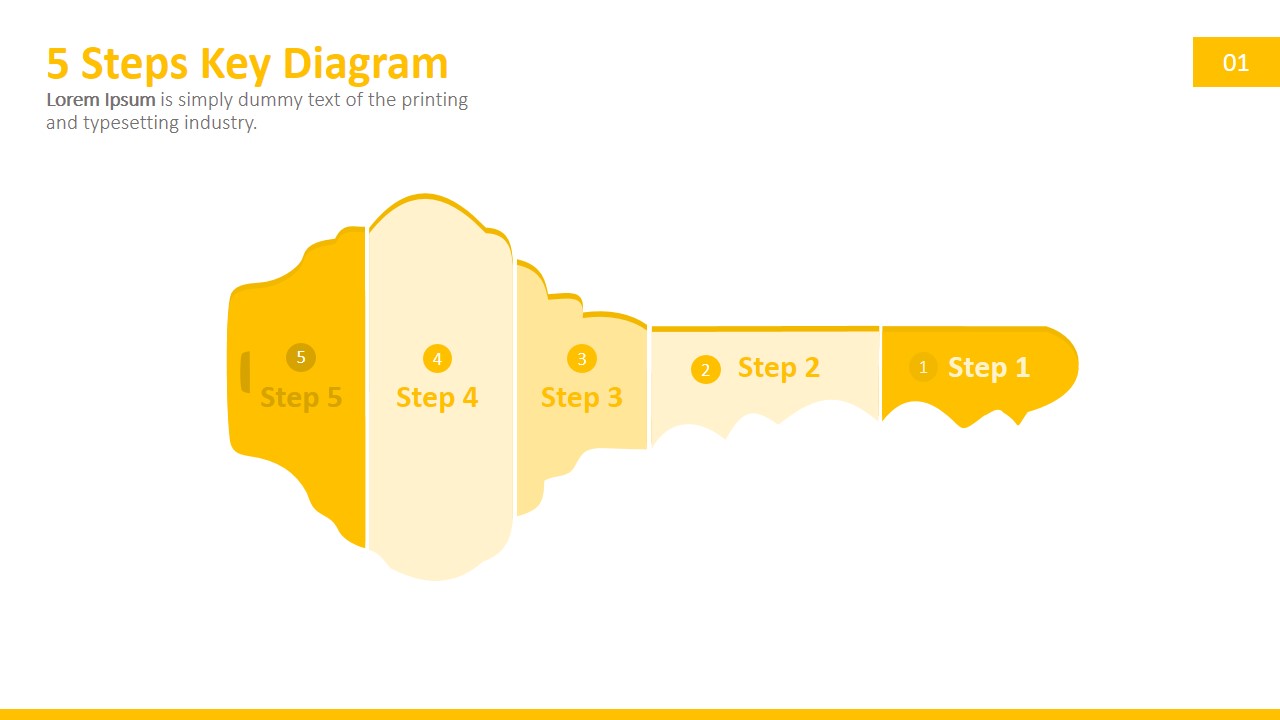
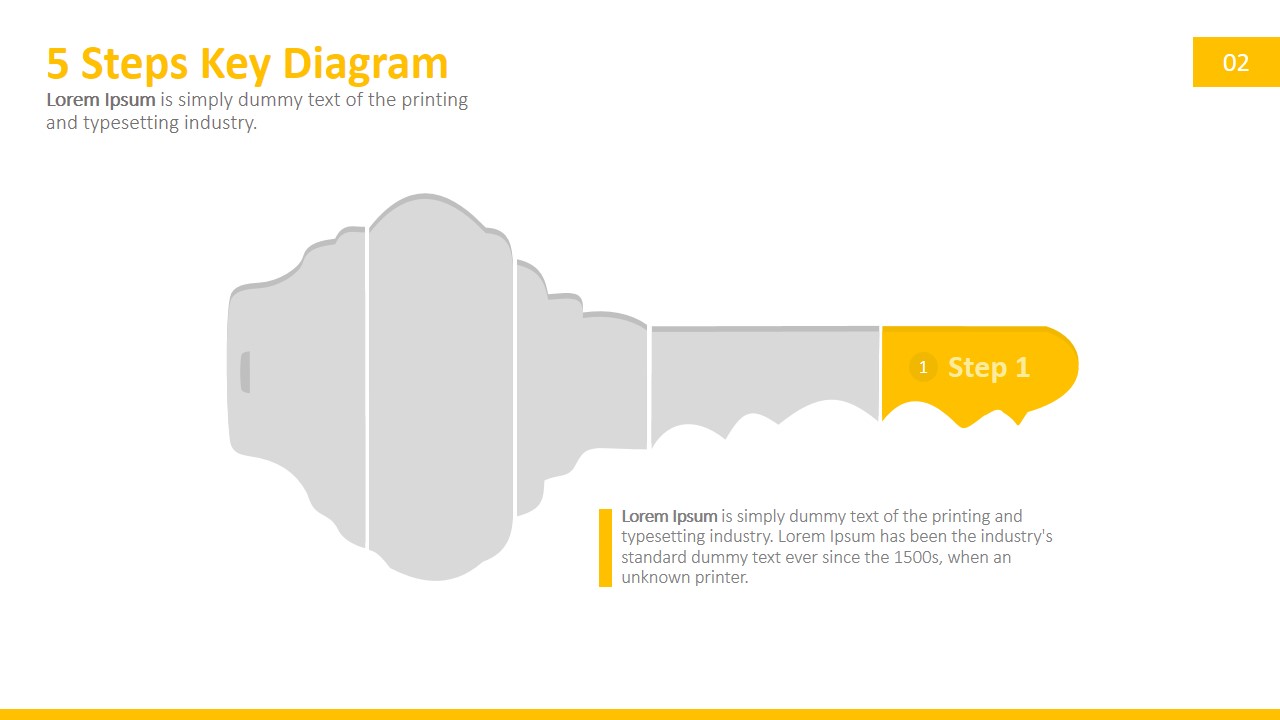
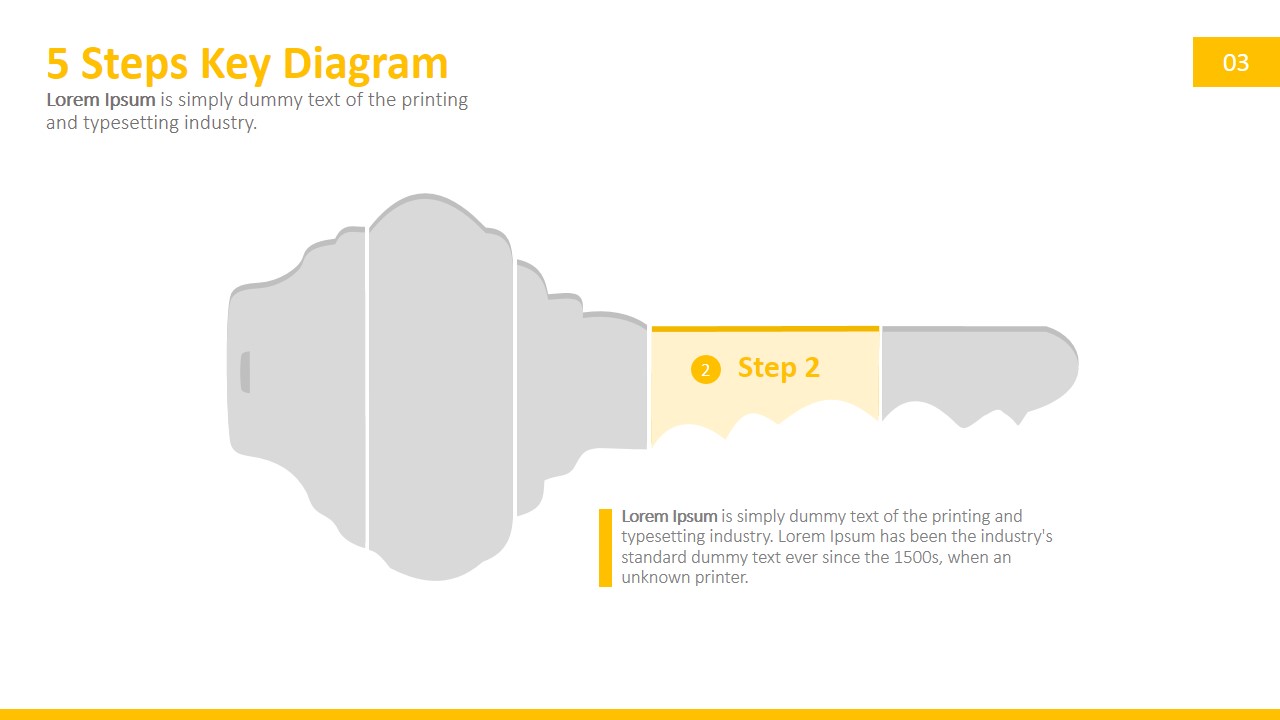
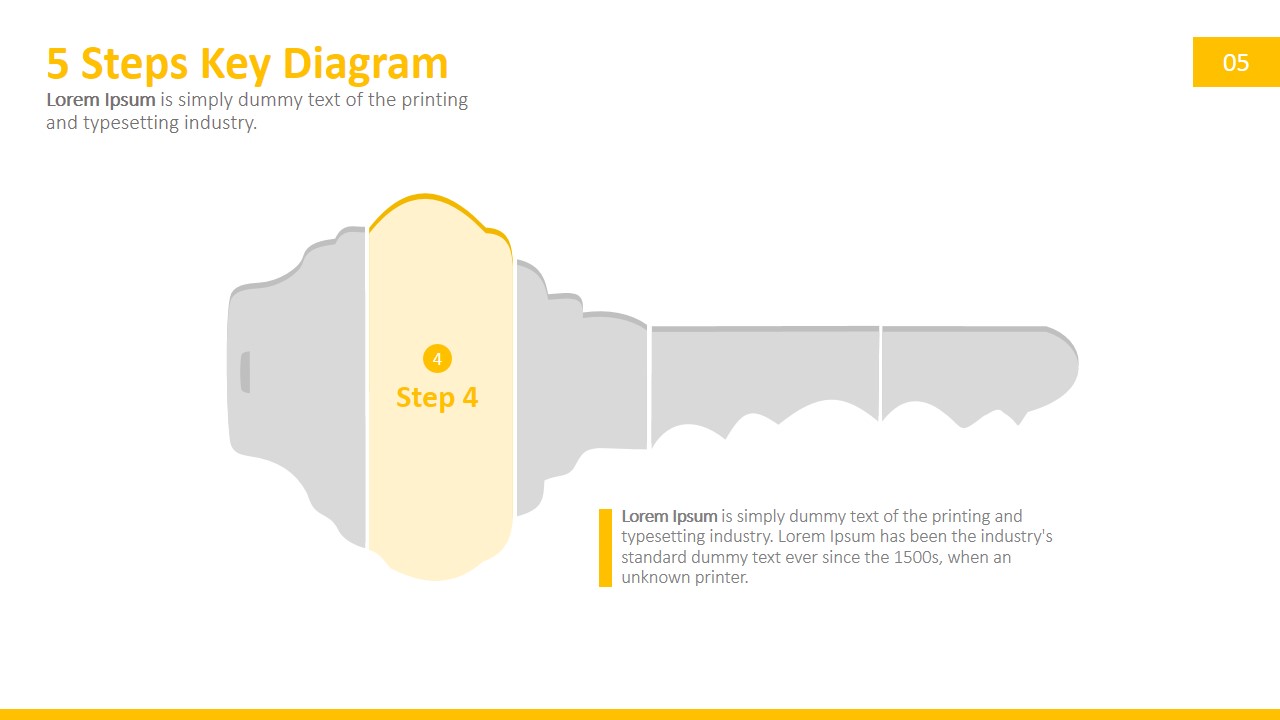
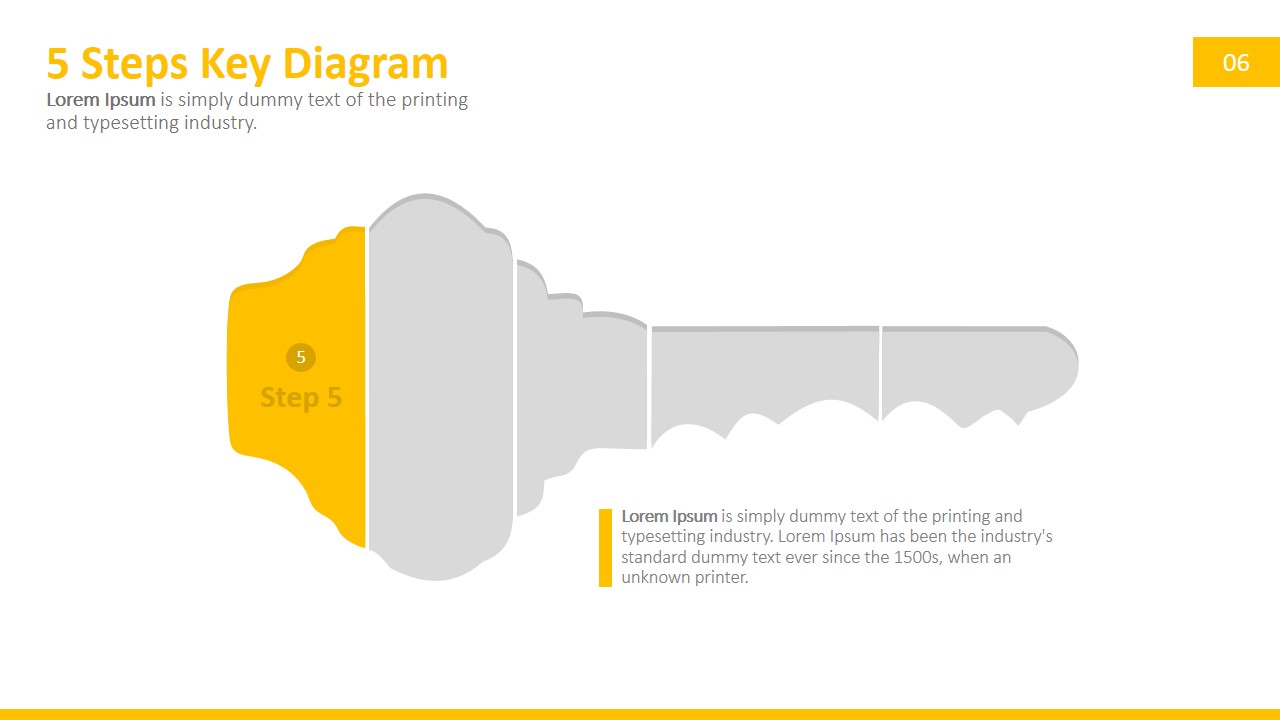
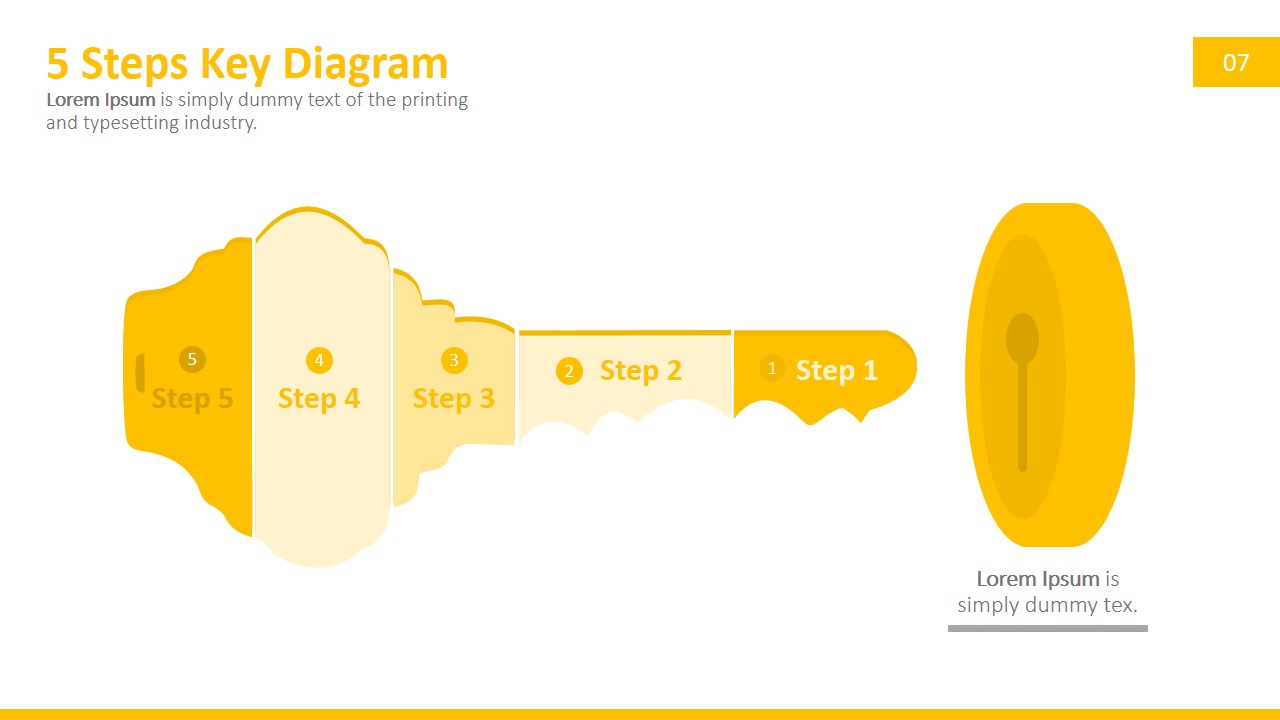
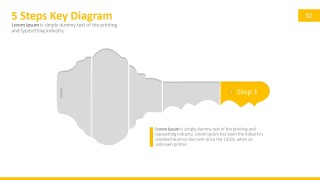
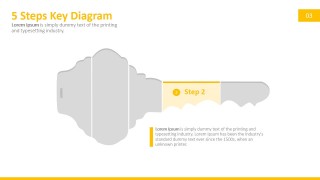
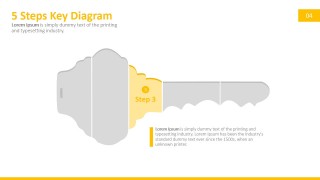
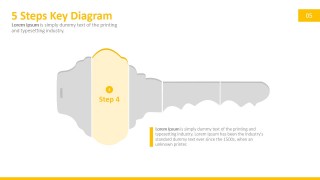
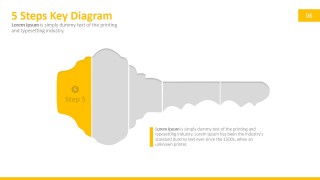
A: Start with the full key overview so the audience sees all five parts at once. Then move through the single-step highlight slides, using the gray sections as context and the yellow segment as the current focus. Close with the key-and-lock layout to connect the five items to the outcome they unlock.
Q: For which business messages is this key diagram the best fit?
A: This template works best when the presenter has exactly five critical factors to explain, such as negotiation terms, implementation steps, approval criteria, or security checkpoints. It is especially useful for executives, consultants, and managers who need a memorable visual structure rather than a long bullet list.
Q: Why does the key-and-lock visual improve audience understanding?
A: The key metaphor makes the five parts feel interdependent: each segment contributes to unlocking the final result. The single-step slides also reduce cognitive load because the active segment is yellow and the inactive segments turn gray, guiding attention without removing the broader five-step context.

5 Steps Key PowerPoint Diagram
9-slide presentation template for five-step key diagrams, process steps, and key point messaging
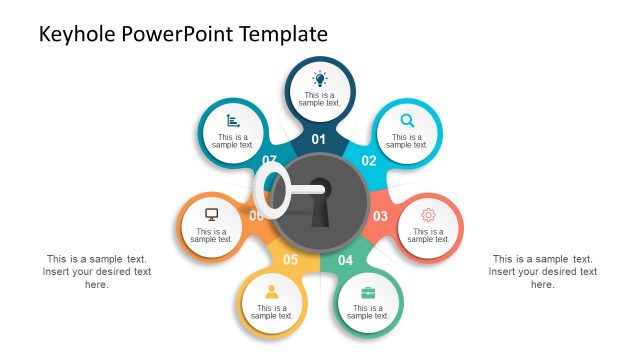
The 5 Steps Key PowerPoint Diagram is a 9-slide presentation template built around a key-and-lock metaphor. It includes a full five-step key overview, individual step highlight diagrams, and key-with-lock layouts for explaining key points, negotiation factors, security steps, or process criteria in Microsoft PowerPoint and Google Slides.
- Category
- Diagrams
- Rating


 Loading...
- Aspect ratio
- 16:9, 4:3
- Item ID
- 0009-01
- Colors
 Microsoft PowerPoint
  Microsoft Copilot
  Claude for PowerPoint
 Other formats supported
Subscribe today and get immediate
access to download our PowerPoint templates.