Slide 6 of 6 from 5 Step Concept Design for PowerPoint
PPT Concept Design 5 Segment
5 Step Stairs Concept for PowerPoint
- Diagram
- Arrow Sequence
- Process Slide
- 16:9
- 100% Editable
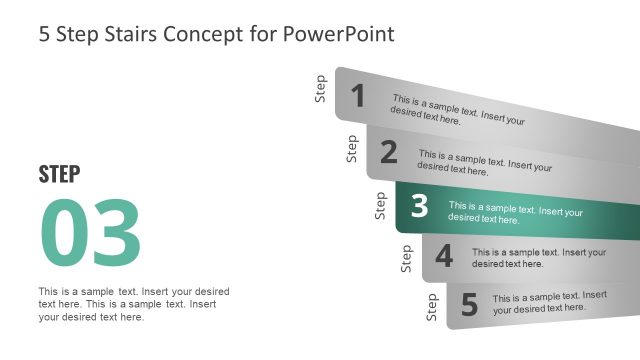
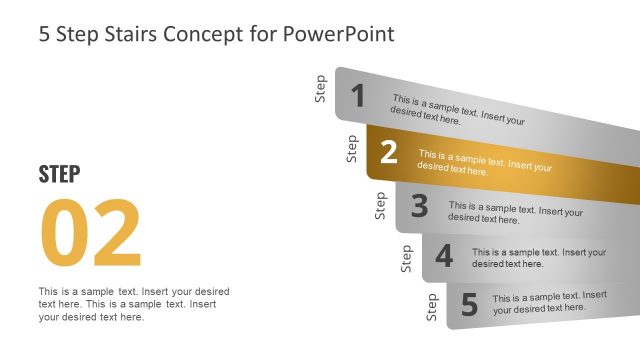
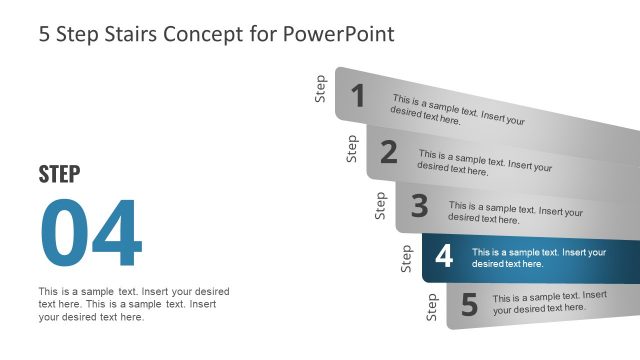
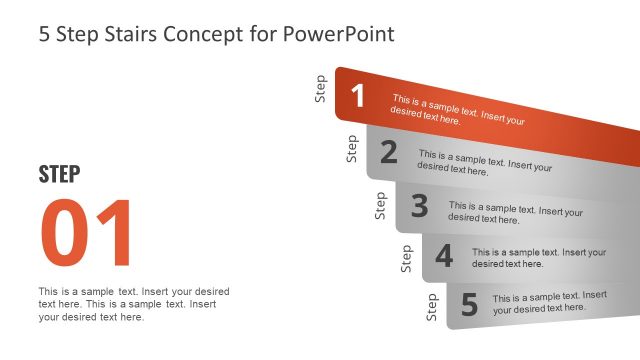
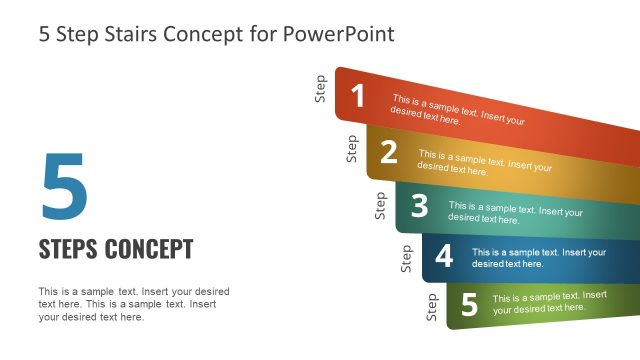
The 5 Step Stairs Concept slide from the 5 Step Concept Design for PowerPoint template visually represents sequential processes with a staircase diagram. This slide layout is well-suited for illustrating project phases, methodologies, or strategic planning steps in business presentations. Its clear hierarchy and editable shapes make it a practical choice for creating professional slide decks that require structured progression visuals.
What’s on This Slide
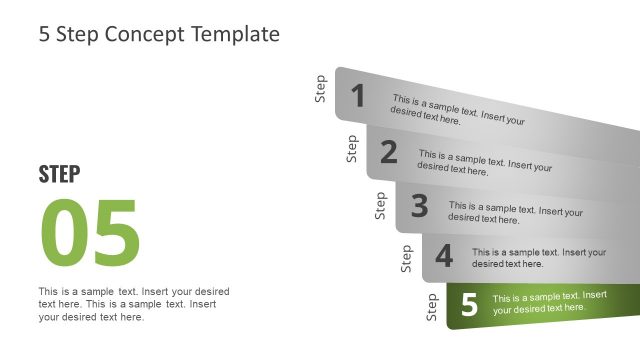
The layout features a staircase-like arrangement of five steps, positioned diagonally from the top left to the bottom right. Each step is labeled with a number and the word 'Step,' with the fifth step prominently displayed in green at the bottom. Text placeholders are aligned to the right of each step, allowing for descriptions or details. The overall composition emphasizes a clear visual hierarchy, guiding the viewer's eye from the top step to the bottom. The background is light, enhancing the visibility of the steps and text.
How to Use It
This layout serves as a sequential process illustration, effectively representing five distinct steps in a concept or workflow. It fits well in presentations that outline methodologies, project phases, or strategic plans. This structure is ideal for business scenarios such as project management, product development, or training sessions where clarity in progression is essential. It can be used individually to highlight specific steps in a larger process.
Text Placeholders & Capacity
Keep your copy within these limits so it fits without resizing. Node body slots can hold approximately 150 characters each.
| Placeholder | Count | Max characters (approx.) |
|---|---|---|
| Item heading | 5 | 20 |
| Item body | 5 | 150 |
| Slide title | 1 | 50 |
Slide Keywords
Download unlimited PowerPoint templates, charts and graphics for your presentations with our annual plan.
DOWNLOADReturn to 5 Step Concept Design for PowerPoint.