Slide 2 of 6 from 5-Item Radial Infographic PowerPoint Template
Editable 5-Item Radial Infographic Slide Template
5-Item Radial Diagram for Presentations
- Diagram
- Radial Hub
- Process Slide
- 16:9
- 100% Editable
What’s on This Slide
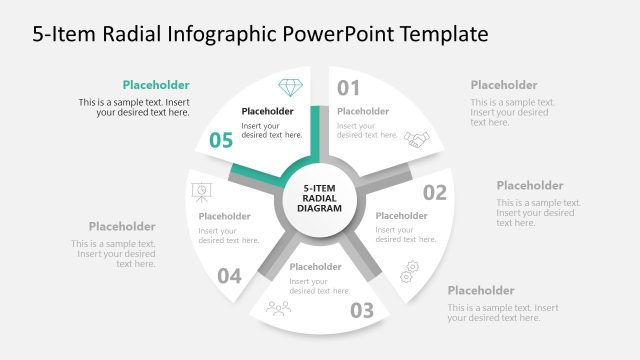
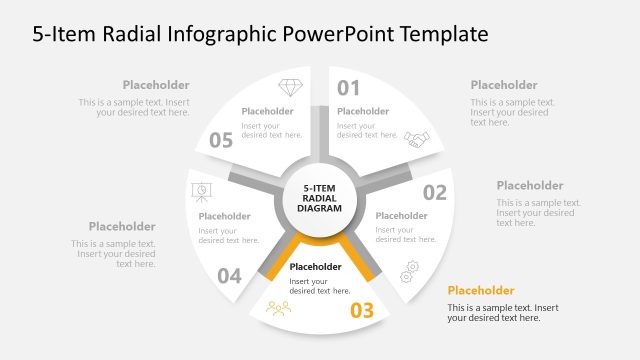
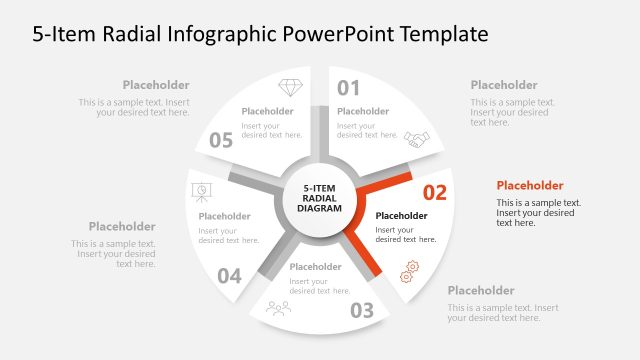
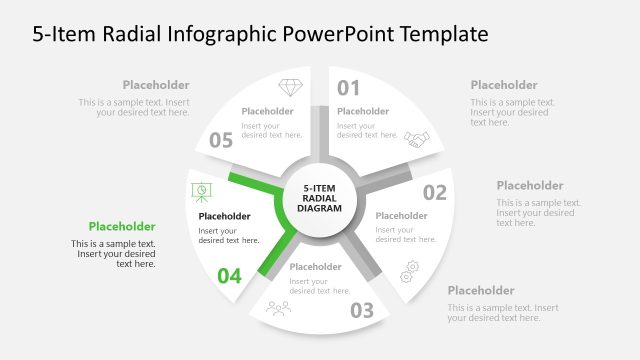
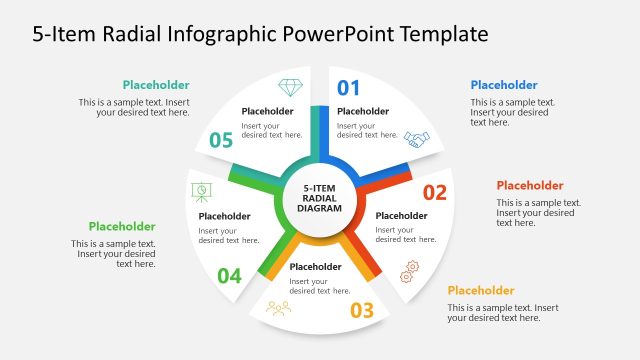
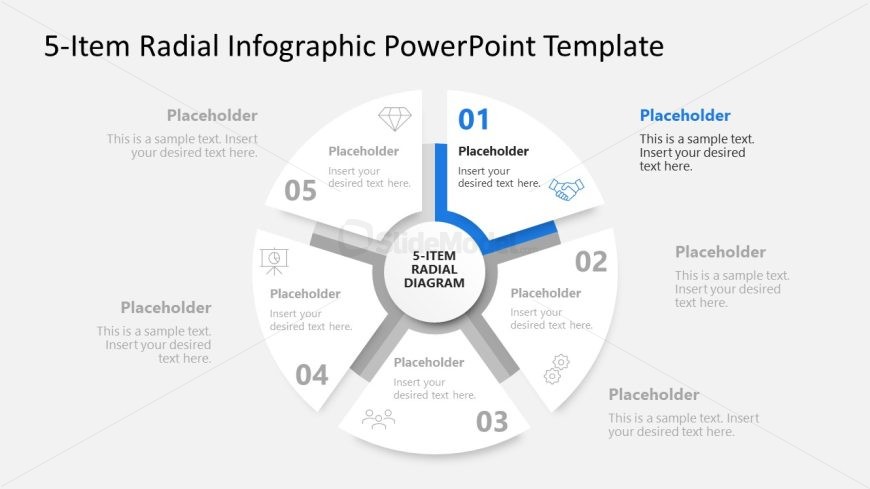
The layout features a central circular node labeled '5-Item Radial Diagram' surrounded by five equally spaced segments. Each segment contains a number from 01 to 05, with corresponding text placeholders for content. The segments are arranged in a radial pattern, with the first segment highlighted in blue. The central node is larger and visually distinct, providing a clear focal point. Text placeholders are aligned within each segment, allowing for structured content input. The background is light, enhancing readability and focus on the diagram.
How to Use It
This layout serves as a radial infographic to present five distinct items or steps in a process. It is suitable for illustrating concepts that require a circular flow or relationship among elements. This diagram fits well in presentations discussing processes, strategies, or frameworks, allowing for clear visual communication. It can be used in business meetings, educational settings, or marketing presentations to convey information succinctly and engagingly.
Text Placeholders & Capacity
Keep your copy within these limits so it fits without resizing. Node body slots can hold about 50 characters each.
| Placeholder | Count | Max characters (approx.) |
|---|---|---|
| Item heading | 5 | 2 |
| Item body | 5 | 50 |
| Chart title | 1 | 30 |
Slide Keywords
Download unlimited PowerPoint templates, charts and graphics for your presentations with our annual plan.
DOWNLOAD