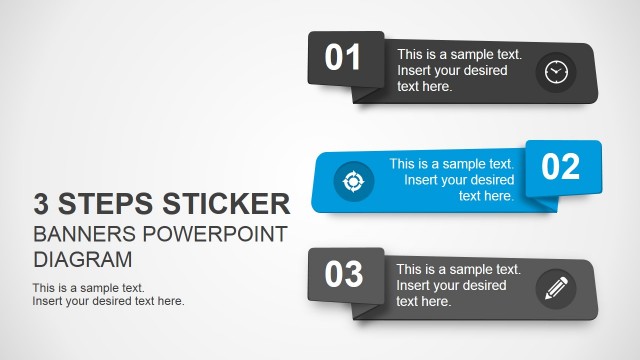
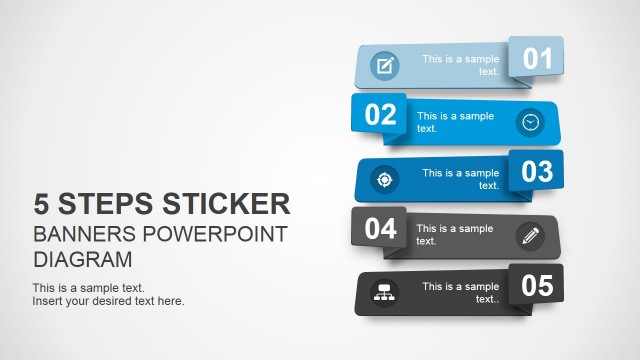
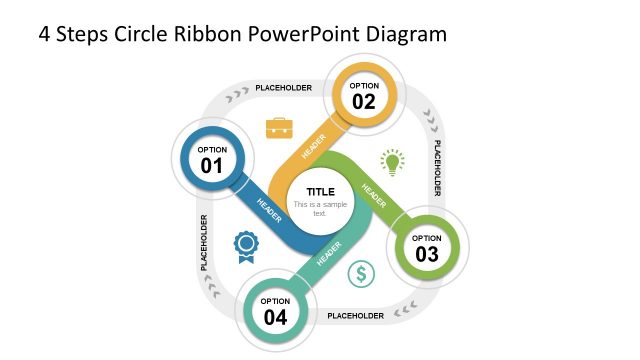
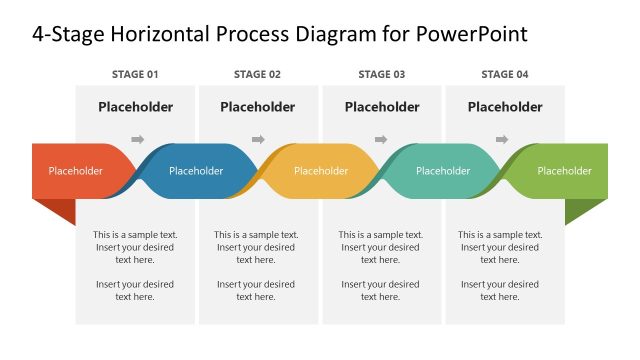
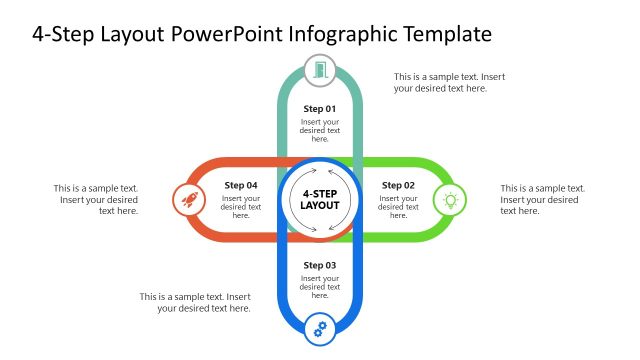
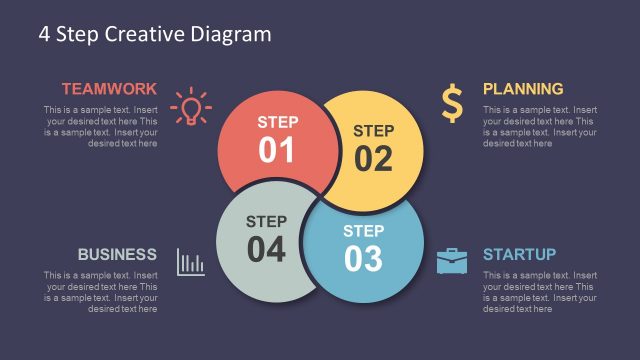
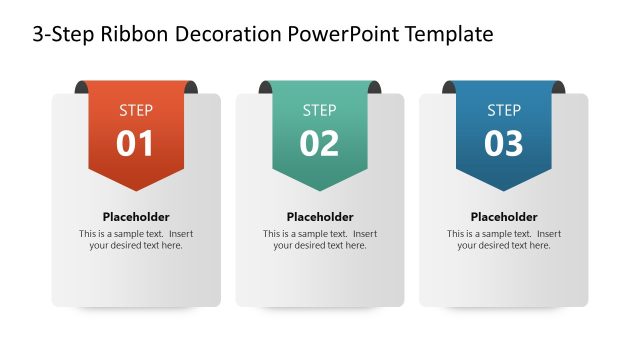
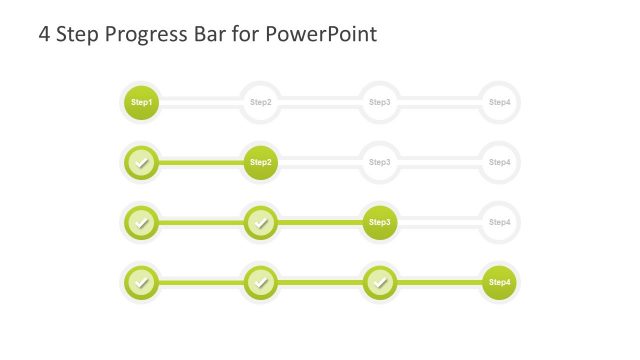
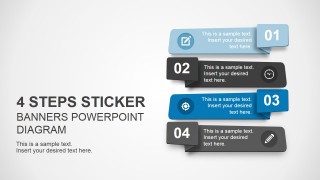
4 Step Sticker Banners for PowerPoint is a creative slide layout for presentations in Microsoft PowerPoint. This presentation template contains four stickers with editable content that you can use to present your content and agenda in PowerPoint.
Every process that defines a number of steps generally follows a sequence. For any kind of 4 stages project , the sticker ppt template is suitable choice. The layout of this template is simple, with a title heading at the top of the slide with 4 ribbons drawn below in different styles. The Clipart for presentation used in this template are of ribbons arranged in different styles and colors, designed with modern material techniques.
The template has an additional feature; reflecting the process stages with different ribbons and the signs highlighting the nature of the steps. In the manufacturing industry, once the product is decided and a business deal is closed, the immediate step is to get all the required background data and arrange them to form a process flow. This leads to building a timeline.
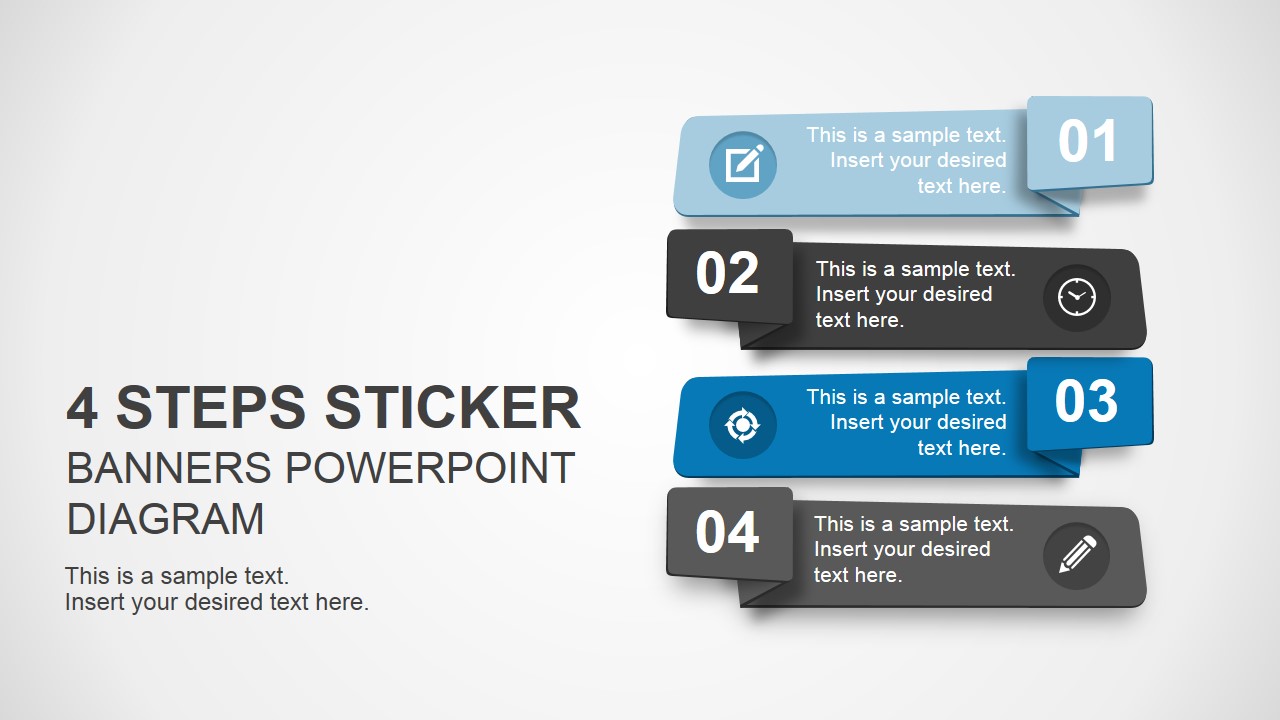
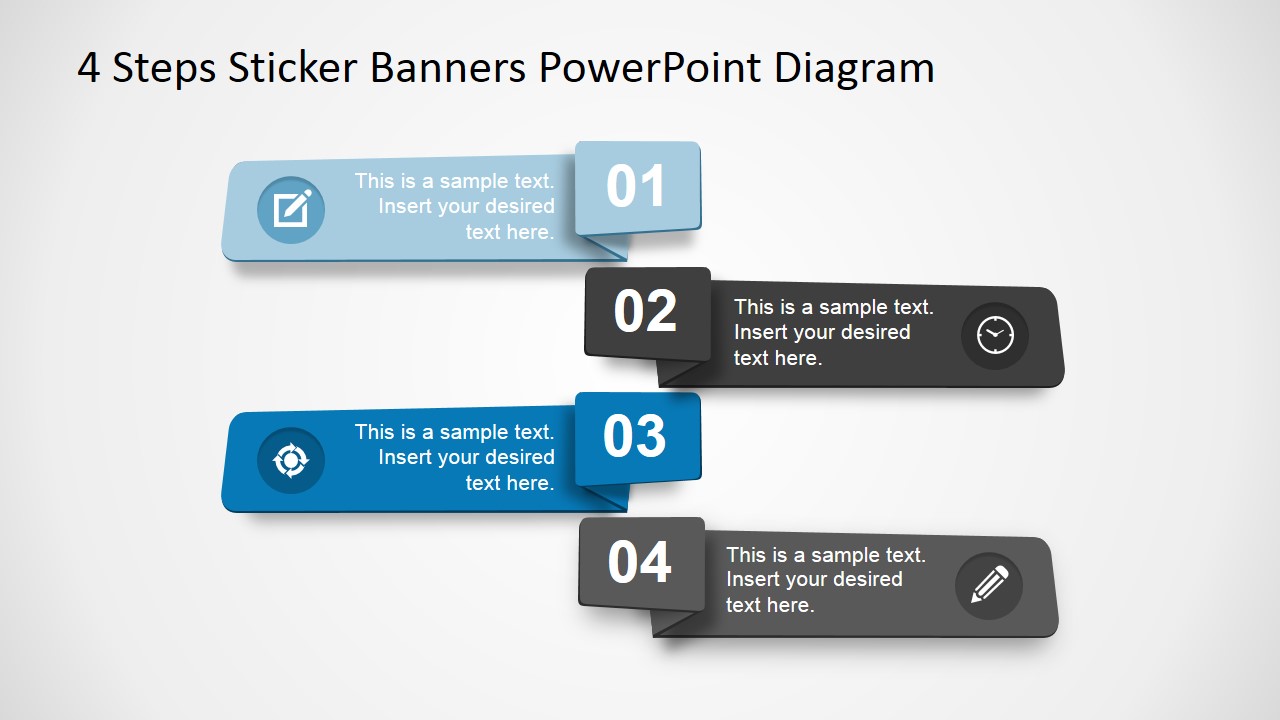
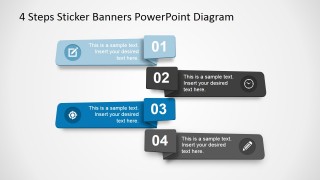
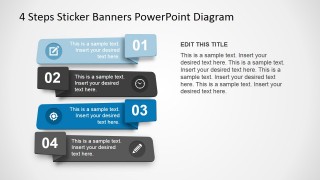
Ribbon labeled as one (1) in the template shows the start of a sequence, by the clipart used with it. The pencil and notepad Icons reflects the paperwork and arrangement of the necessary resources for the project. Ribbon two (2) has a clock Icon associated with it, reflecting a timeline. The timeline of a project covers all the requirements associated from the raw product to the finished product. Next ribbon has a cycle clipart attached to it. This cycle shows the testing and monitoring of the product at various stages. The product is first manufactured and then inspected for quality. This step is carried out in every business and the results reflect the image of organization. Last ribbon has a pencil icon that shows the results of the process. This modern PowerPoint template can be downloaded and edited as per the requirements to impart a great impression on the audience.
What’s inside this template
Example presentation scenarios
- A project manager can use the four stacked sticker banners to introduce an implementation plan, assigning one concise action and icon to each numbered phase.
- A consultant can use the staggered numbered ribbon diagram to summarize a client workshop agenda, keeping each discussion block visible in order.
- An operations leader can use the banner-and-text explanation layout to present a process overview, then add supporting context in the right-side paragraph area.
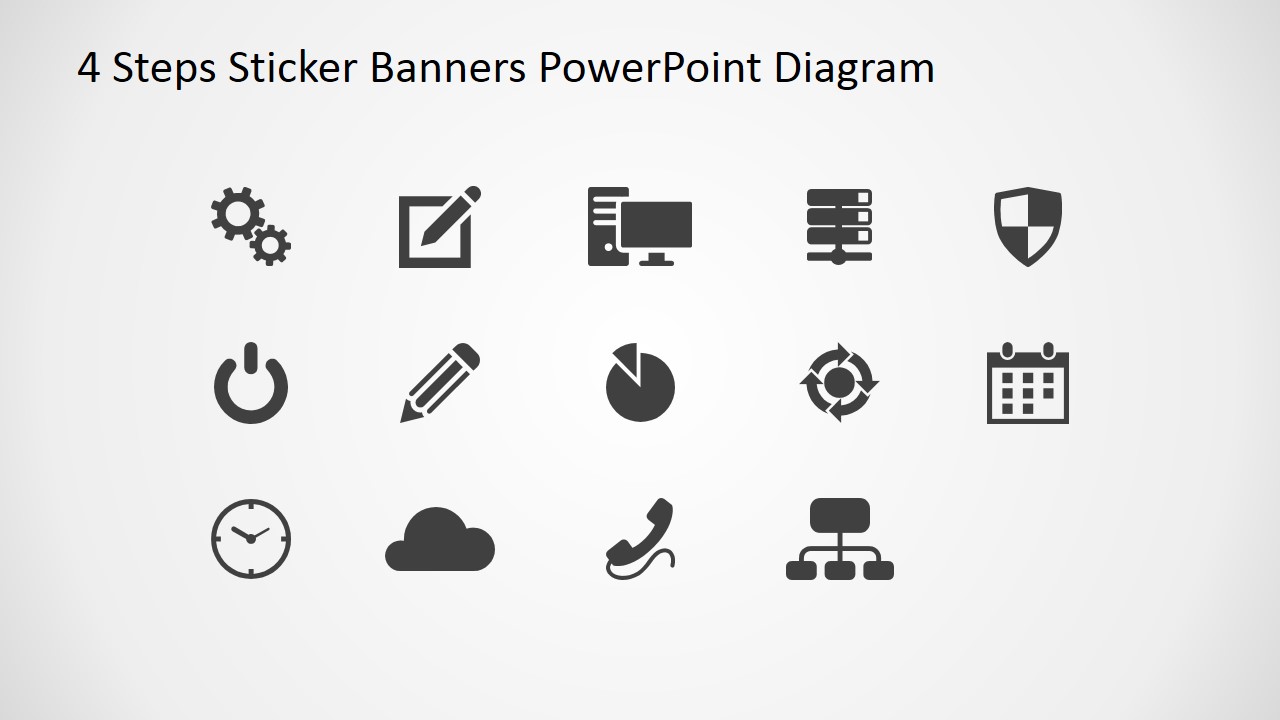
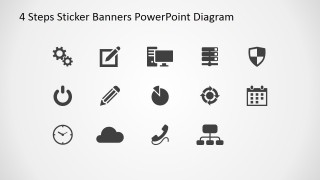
- A trainer can use the vector icon sheet to select symbols for course steps, such as planning, timing, review, and completion.
Features
- 100% editable presentation template
- Compatible with Microsoft PowerPoint and Google Slides
- 16:9 aspect ratio slides
- Scalable vector shapes, icons and illustrations
- AI-Ready for Microsoft Copilot and Claude
- Instant access and download
Frequently asked questions
Q: How should a presenter structure content across the four sticker banners?
A: Treat each banner as one action, not a paragraph. Start with a verb-led step label, add one short support phrase, and choose an icon that reinforces the action. The numbered tabs already provide sequence, so the presenter should use the spoken narration to explain dependencies, handoffs, or decision points.
Q: Who benefits most from this four-step banner format?
A: This format fits presenters who need to make a short process easy to scan, such as project managers, trainers, consultants, and operations teams. It is strongest when the message has exactly four comparable stages, like plan, schedule, test, and report, rather than a long workflow with many branches.
Q: Why use sticker banners instead of a standard bullet list?
A: The sticker banner metaphor makes each step feel like a labeled task card, which helps the audience separate the sequence into manageable chunks. Number blocks show order, icons add quick meaning, and the shadowed ribbon shapes create visual grouping without requiring a complex process diagram.
You may also like:

4 Step Sticker Banners for PowerPoint
4-slide presentation template with sticker banners, numbered steps, and editable vector icons
4 Step Sticker Banners for PowerPoint is a 4-slide diagram template for explaining four-part processes, agendas, or staged tasks. It includes stacked sticker banners, staggered numbered ribbons, a banner-and-text explanation layout, and a vector icon sheet for presenters using Microsoft PowerPoint or Google Slides.
- Category
- Shapes
- Rating


 Loading...
- Aspect ratio
- 16:9
- Item ID
- 6905-01
- Colors
 Microsoft PowerPoint
  Microsoft Copilot
  Claude for PowerPoint
 Other formats supported
Subscribe today and get immediate
access to download our PowerPoint templates.